K117sm8e8
8-94
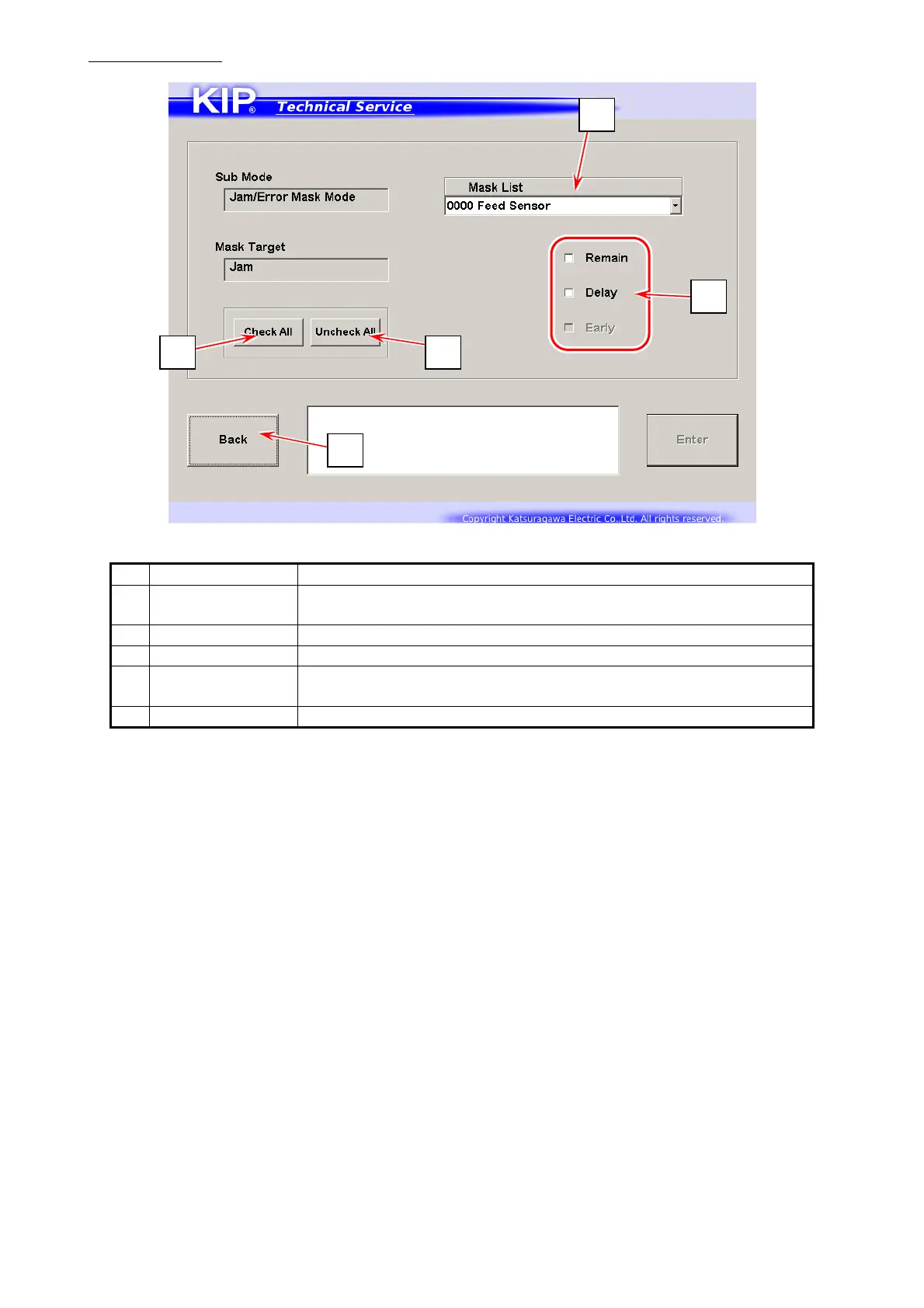
Jam Mask screen
Name Function
1 Mask List Displays Mask items in drop-down menu
Choose one item that you want to mask.
2 Check All Starts jam masking against all the items
3 Uncheck All Cancels jam masking against checked items
4 media situation
to be masked
Specifies which situation to be masked.
* “Early” is not available on the KIP 700m
5 Back Returns to Service Mode Home
5
2
1
3
4



 To Next Page