K117sm2e3
2-28
9. To close “BackupData” sub window, click the X button at the upper right corner.
10. Clean Glass DCMNT with a soft cloth.
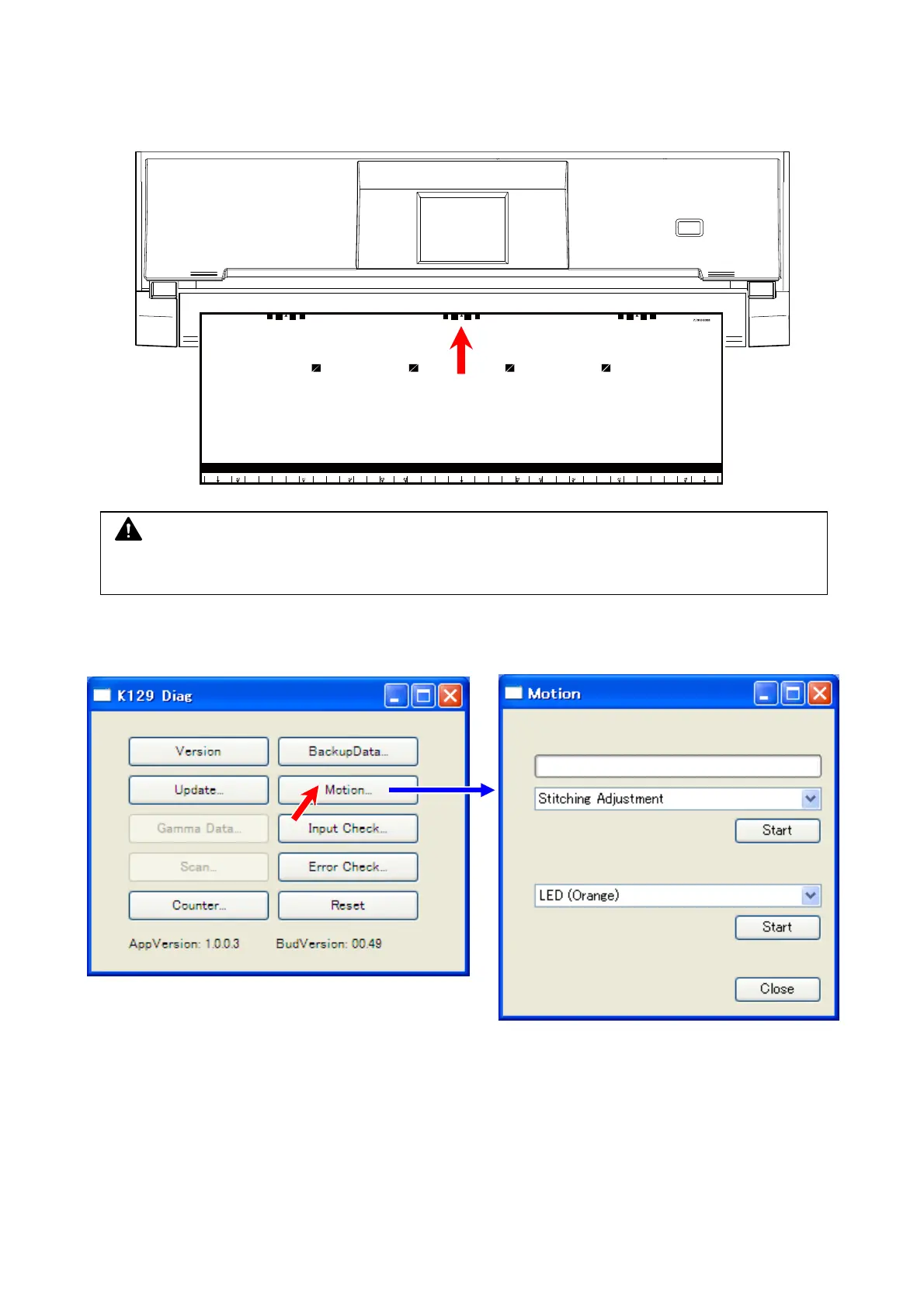
11. Set the Shading Sheet to the scanner noting the arrow direction.
12. Click [Motion] to recall “Motion” sub window.
NOTE
No skew insertion. Doing so may cause an incorrect calibration.



 To Next Page