K117sm8e9
8-112
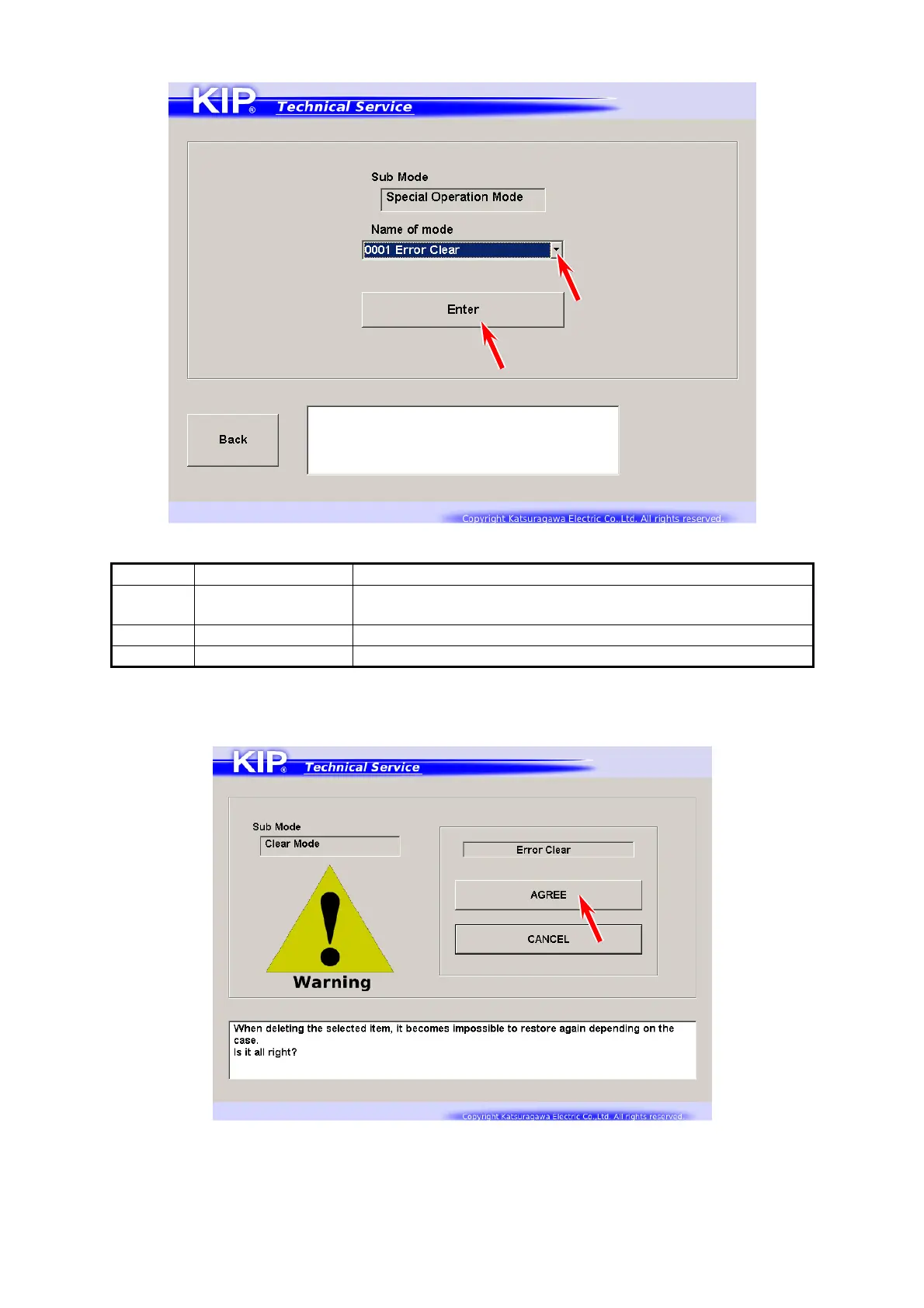
2. Specify one item that you want to use from Name of mode menu. Press [Enter].
Item No. Clear Item Contents
0001 Error Clear Clears E-0000 / 0001 / 0002 / 0003 / 0004
from the memory
0002 Jam History Clears Jam records J-**** in Jam History list
0003 Error History Clears Error records E-**** in Error History list
3. Confirmation screen appears.
Press [Agree] to clear the concerning record(s).
4. Once you press [Agree], it will turn deactivated. Press [RETURN].



 To Next Page