K117sm8e9
8-115
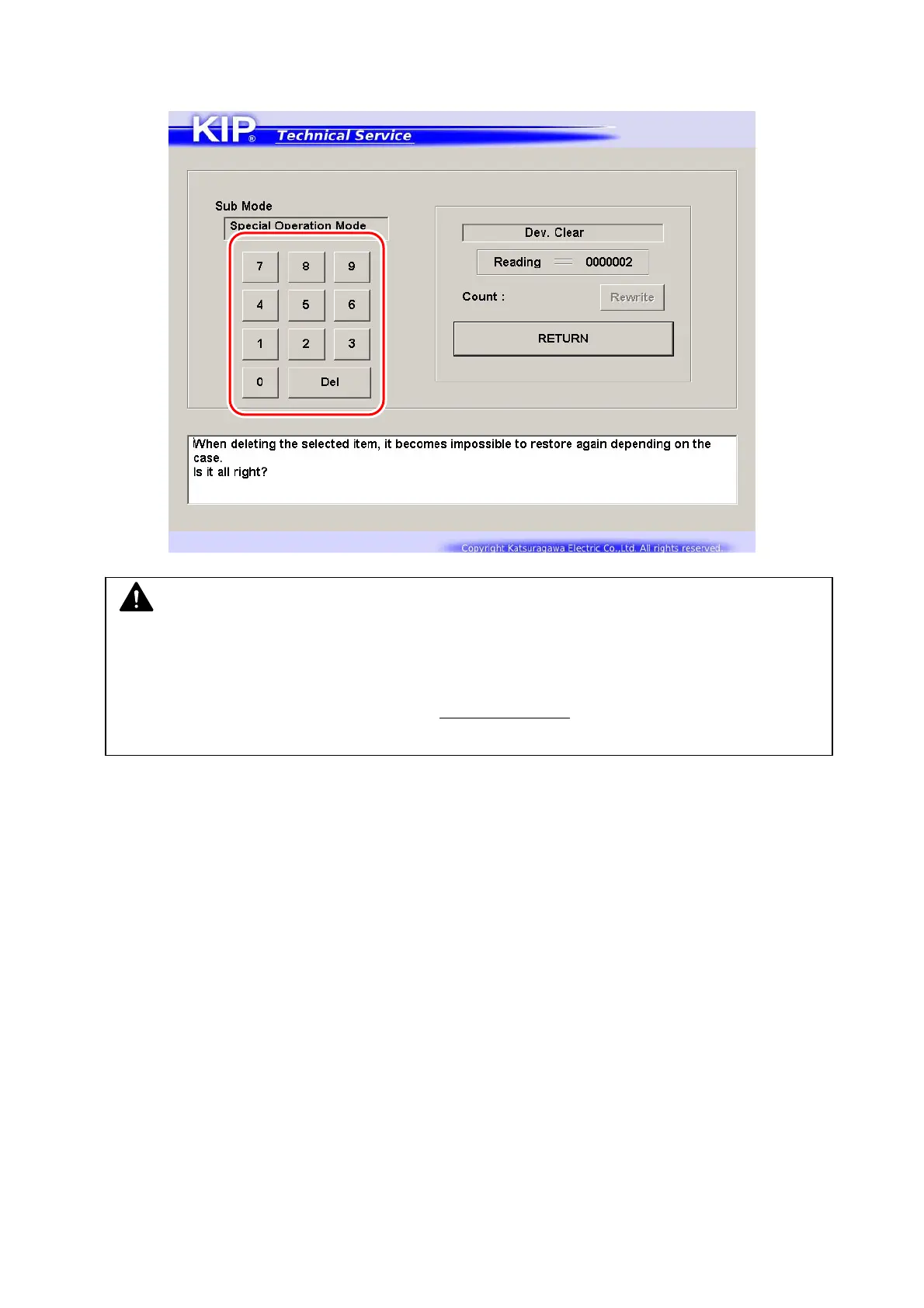
4. Input screen appears.
Input
“1” with the on-screen Keypad.
5. The value is displayed in “Count” area.
Once you input a value, [Rewrite] will be activated.
Press [Rewrite] to apply the new value to the printer.
The value in “Reading” area will be changed to the new value.
NOTE
The required value for the KIP 700m to reset Bias Adjustment by Density Compensation
Process is
“0000001”.
“0000000” to “0000003” correspond to the Adjustment Level
in Density Compensation
Process.



 To Next Page