K117sm8eB
8-140
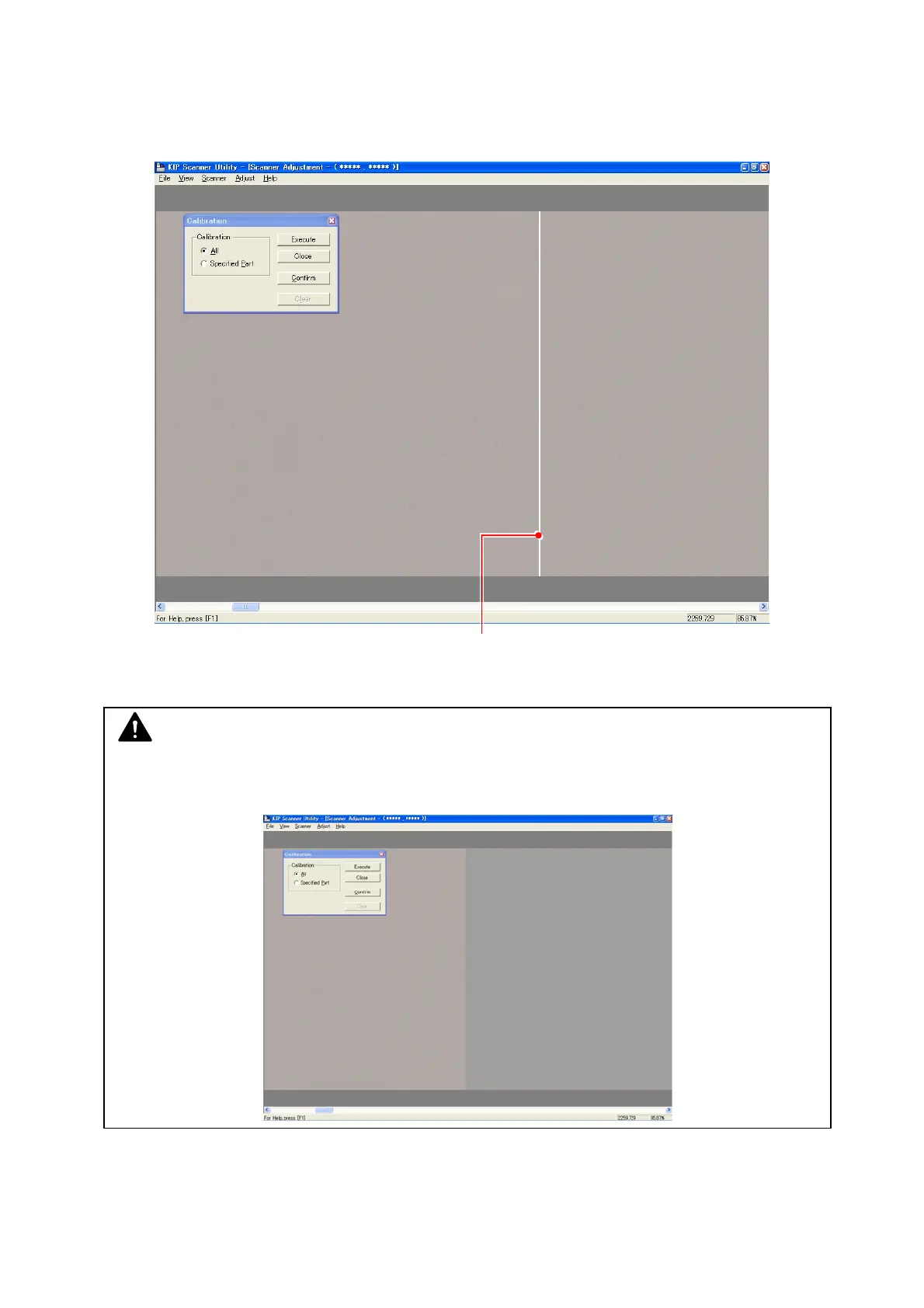
9. Scroll the image right and left to find a strong black/white line that runs vertically in one pixel
wide. If there is no such line in the whole image, click [Close] to finish Shading.
The following picture is an example of the line (due to “defective pixel”).
A defective pixel needs individual pixel calibration in the later steps.
Defective pixel
NOTE
Sometimes the density may be different between left and right as the following image.
This is not a problem but it is just the border of image blocks.



 To Next Page