K117sm2e3
2-35
21. The manual correction is reflected to “StitchAdjust” window directly.
Reconfirm the manual correction result on the 4 targets.
If there is still misalignment, go back to step 19 and 20 to remove it.
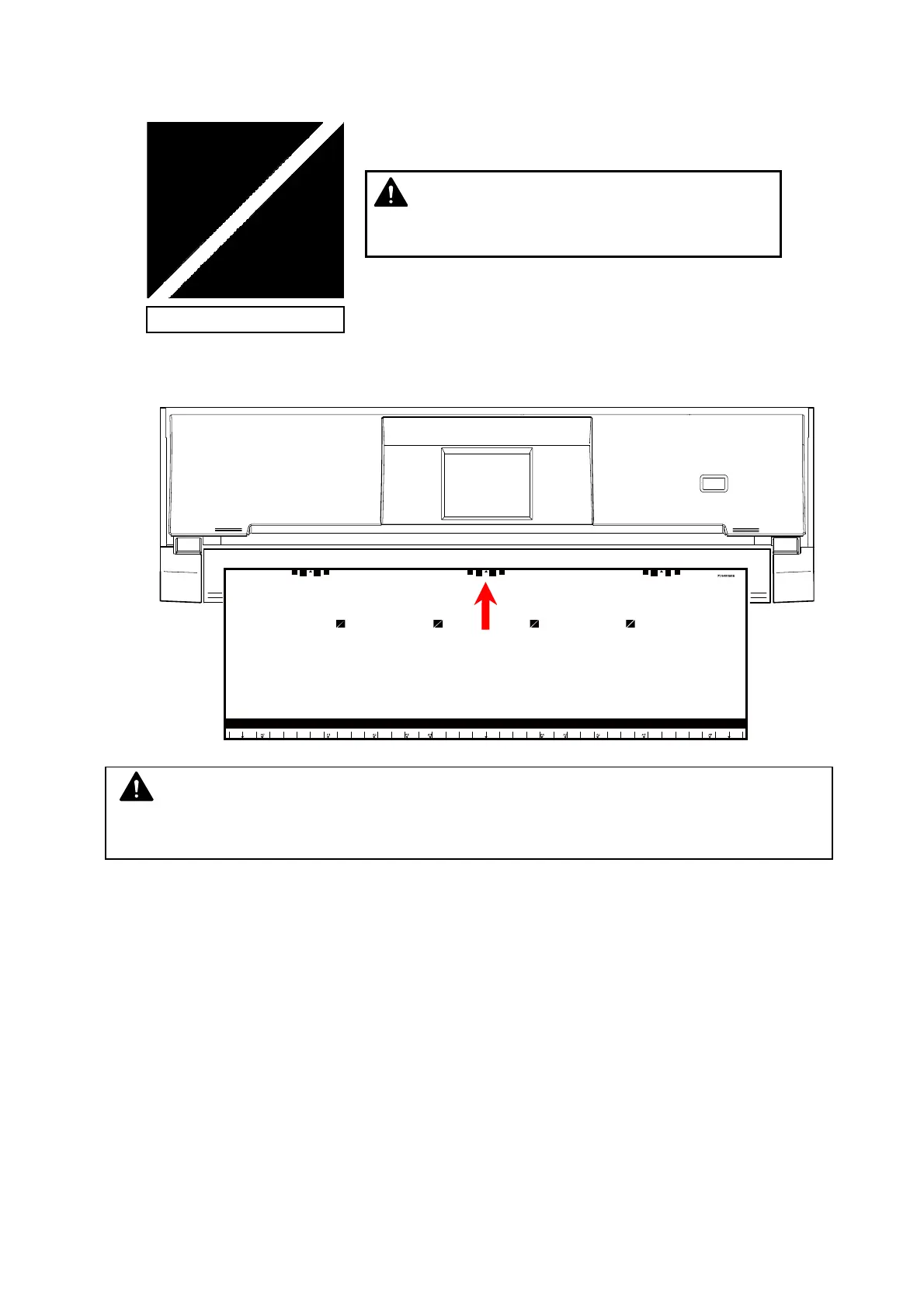
22. Set the Shading Sheet to the scanner noting the arrow direction.
Be sure to reconfirm the manual correction result.
NOTE
no misalignment
NOTE
No skew insertion. Doing so may cause an incorrect calibration.



 To Next Page