K117sm8eE
8-203
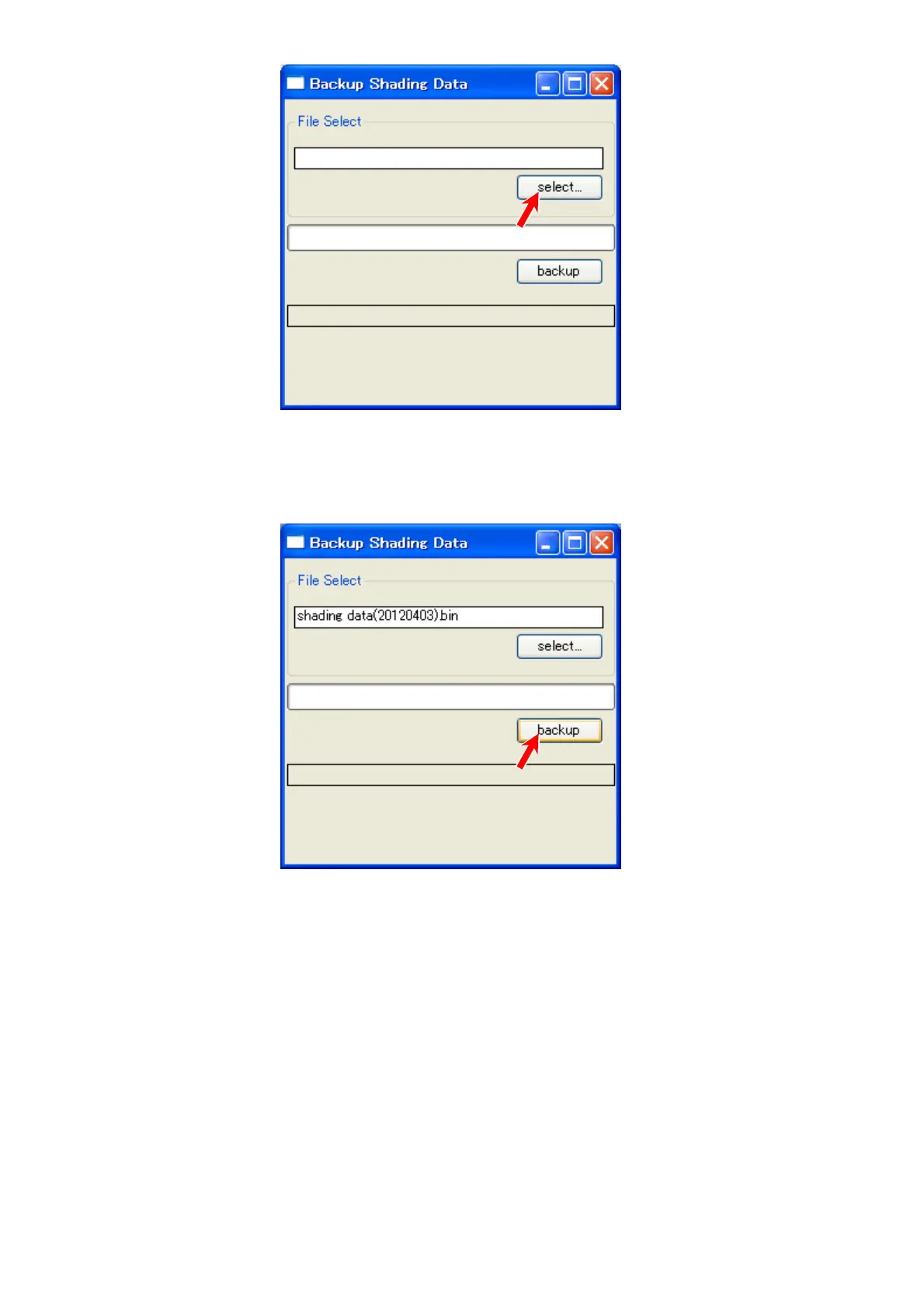
3. Click [select].
4. Specify a location to save the shading data file. (*.bin)
You can supply its file name.
5. The given file name appears in the upper field. Click [backup].
6. When “done” is displayed, saving the file is completed
Click the X button at the top right corner to close “Backup Shading Data” sub window.



 To Next Page