K117sm8eE
8-212
6. When Shading is finished, the system asks you whether you need confirmation.
Click No to finish Shading.
Reference
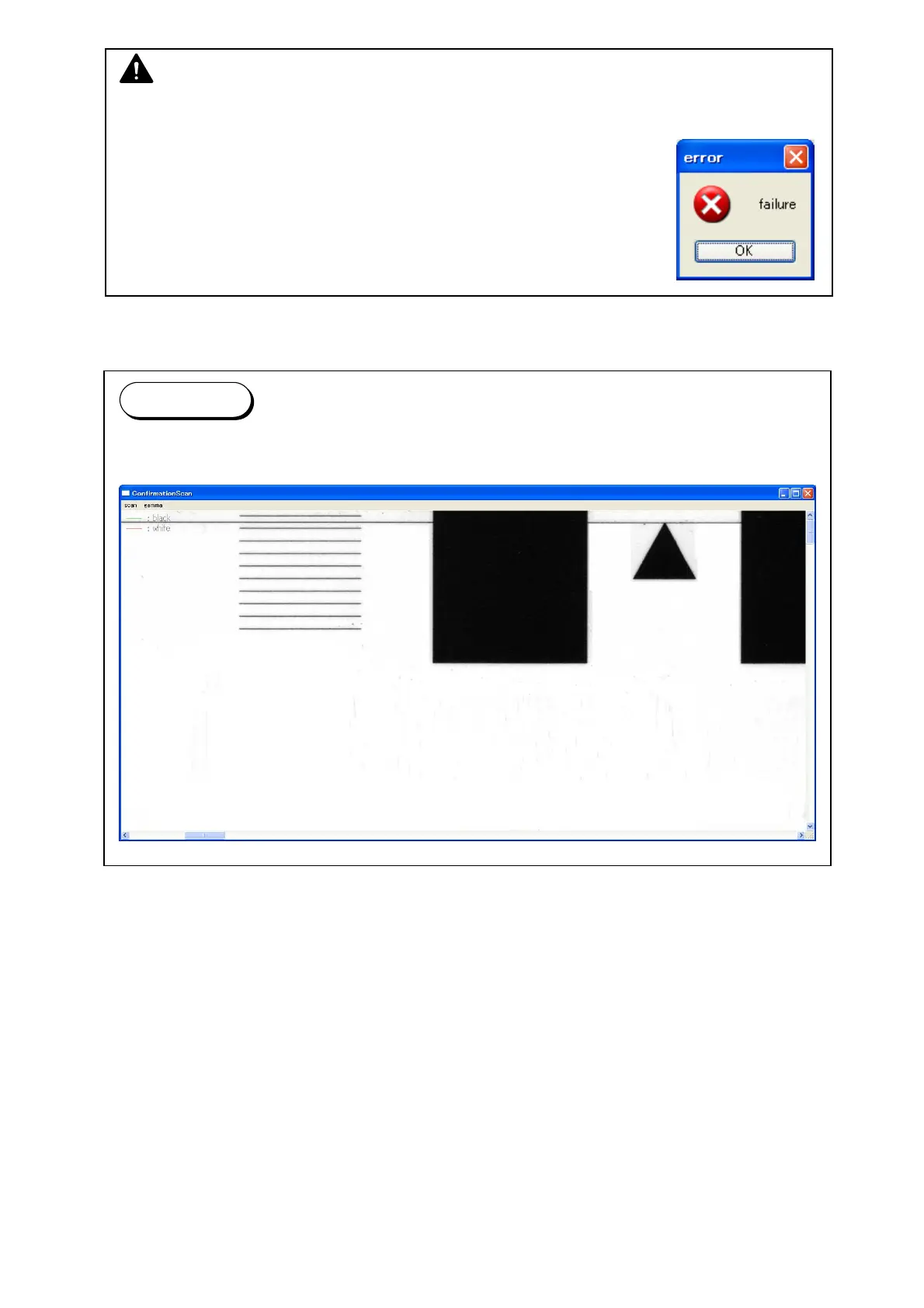
If you need confirmation, again set the Shading Sheet to the scanner, and then click [Yes].
Another window has the scanned image of Shading Sheet.
NOTE
(1) It takes about 6 minutes to complete.
(2) If an error message occurs;
1. Correctly set the Shading Sheet to the scanner.
2. Check for dirt on the Glass DCMNT and the Shading Sheet.



 To Next Page