K117sm8eE
8-242
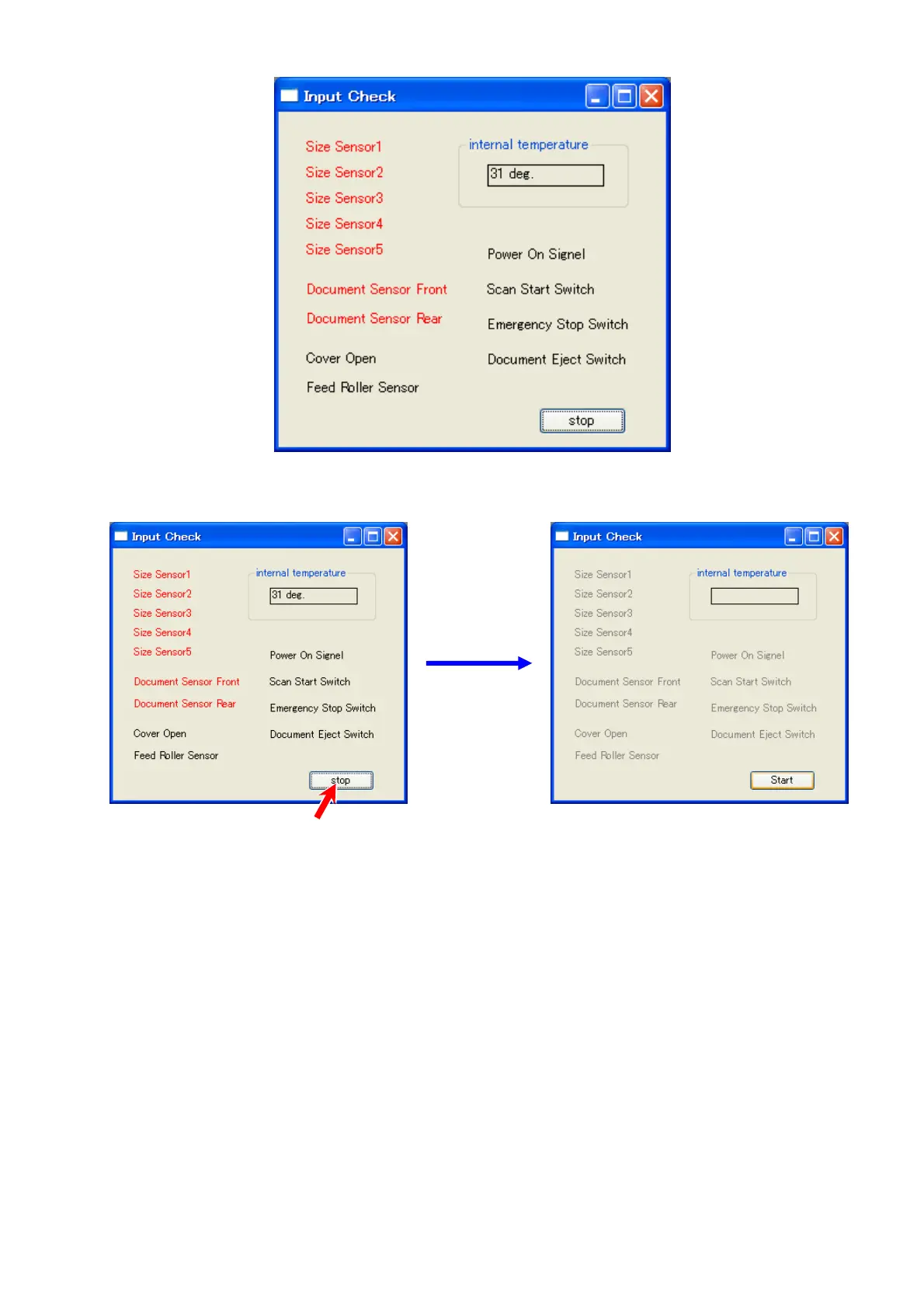
3. Now the names are active. When the status changes on a given component, the name will
change the color.
For example, open the Upper Unit, “Cover Open” turns red.
4. To close “Input Check” sub window, click [Stop].
5. Click the X button at the top right corner.



 To Next Page