K117sm8eE
8-269
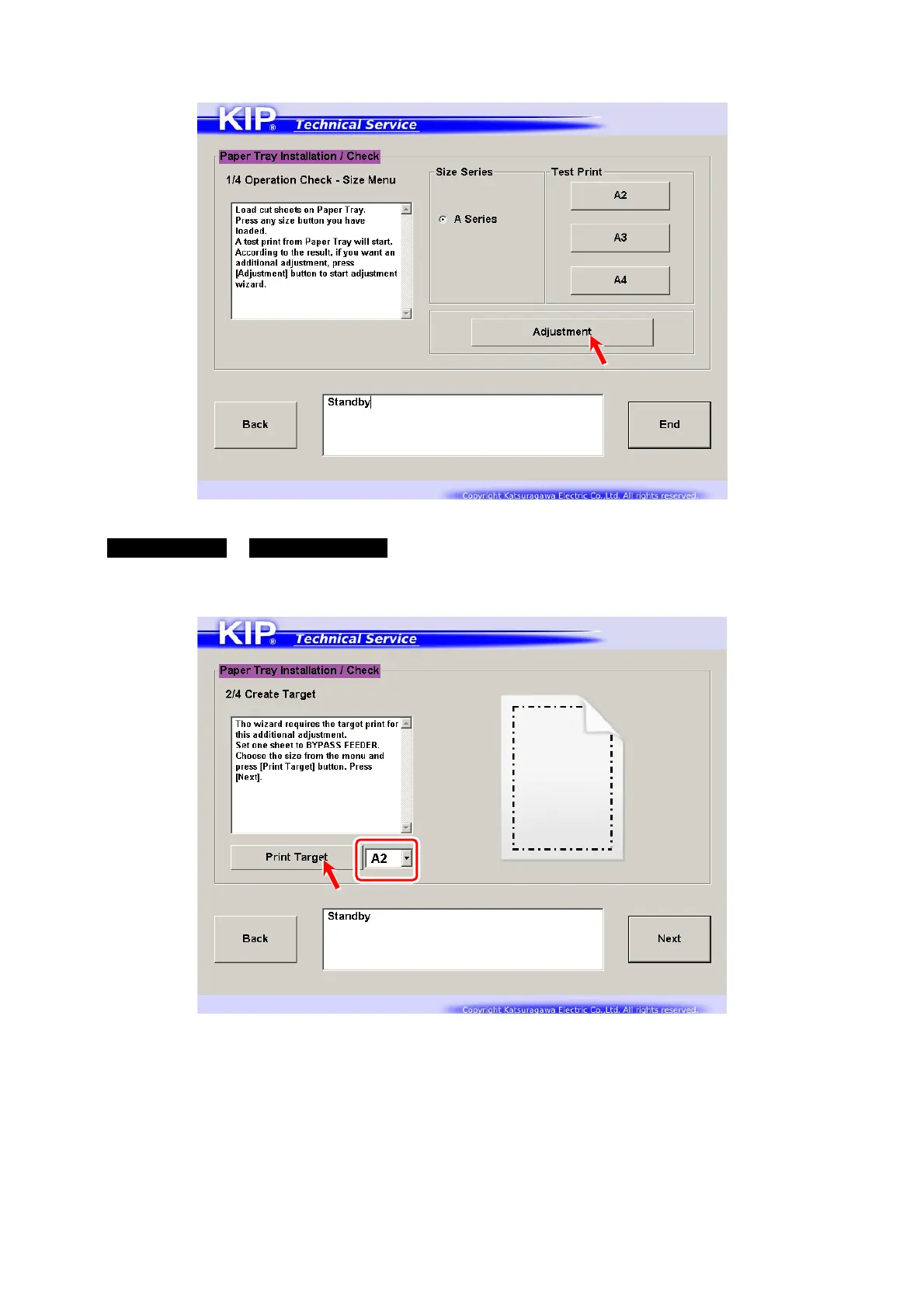
3. If the print result requires additional adjustment, press [Adjustment] for LE registration, Side / TE
margin, Length Sync (1:1).
4. First select a print size that the customer will use, and set the sheet in the concerning size to
Manual Feeder in Portrait direction. Press [Print Target].
This will create a “target” (OK sample) to compare with the actual performance by Paper Tray.



 To Next Page