K117sm9e2
9-23
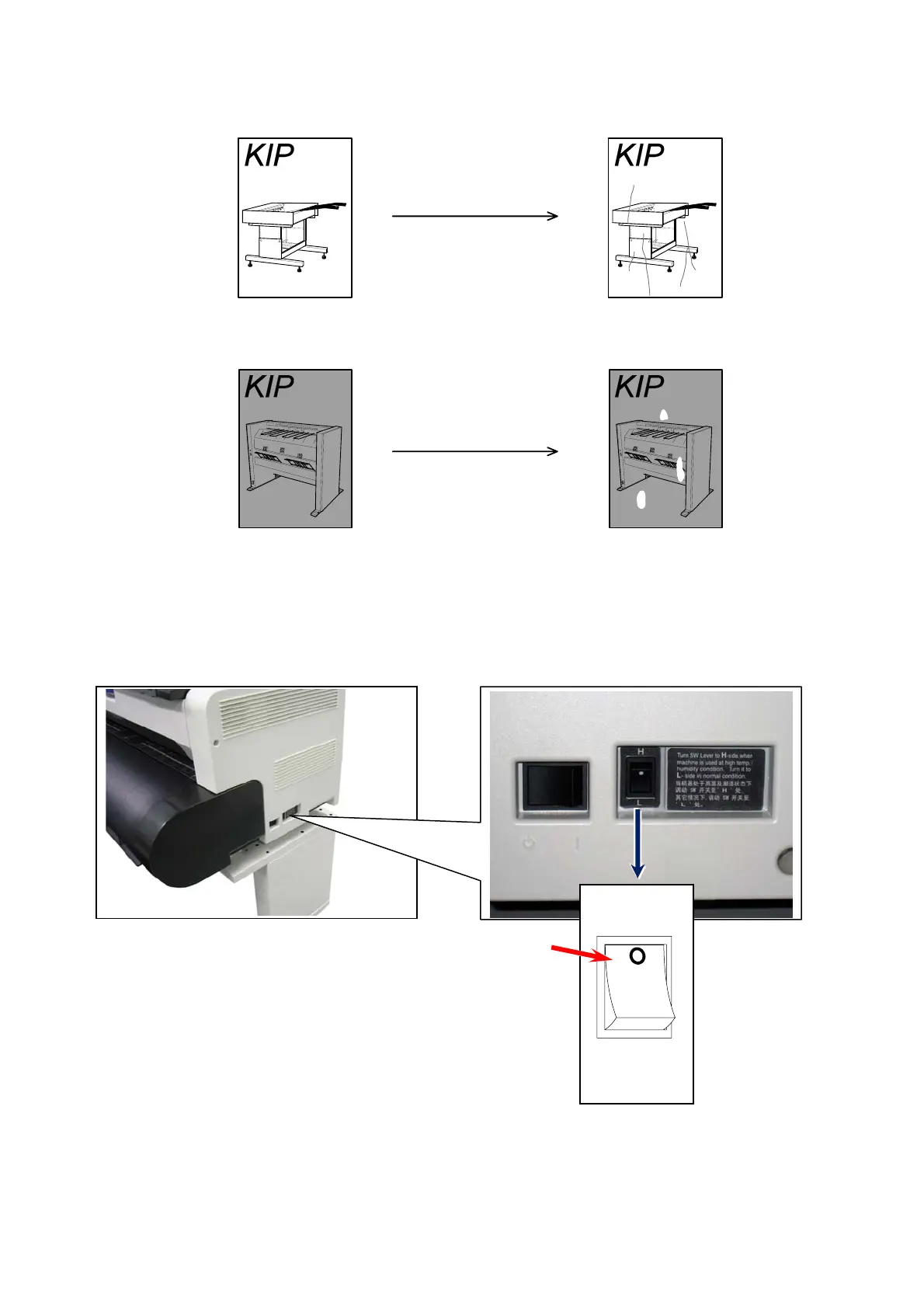
If the roll paper is extremely humidified, it may cause several kinds of defective print.
Defective prints you will experience most will be “crease of paper” and “loss of image”.
Turn on the Dehumidify Heater if the room air has too much humidity (65% or higher) to prevent
the above kinds of print defect.
You may be able to fix the above kinds of problem.
To turn on the Dehumidify Heater, press the H side of the Dehumidify Heater Switch on the rear.
(Press its L side to turn off.)
Press the dot side (H) to turn on.
H
L
Normal Print
Normal Print
If the media is humidified;
If the media is humidified;
Crease of paper
Loss of image



 To Next Page