K117sm9e3
9-47
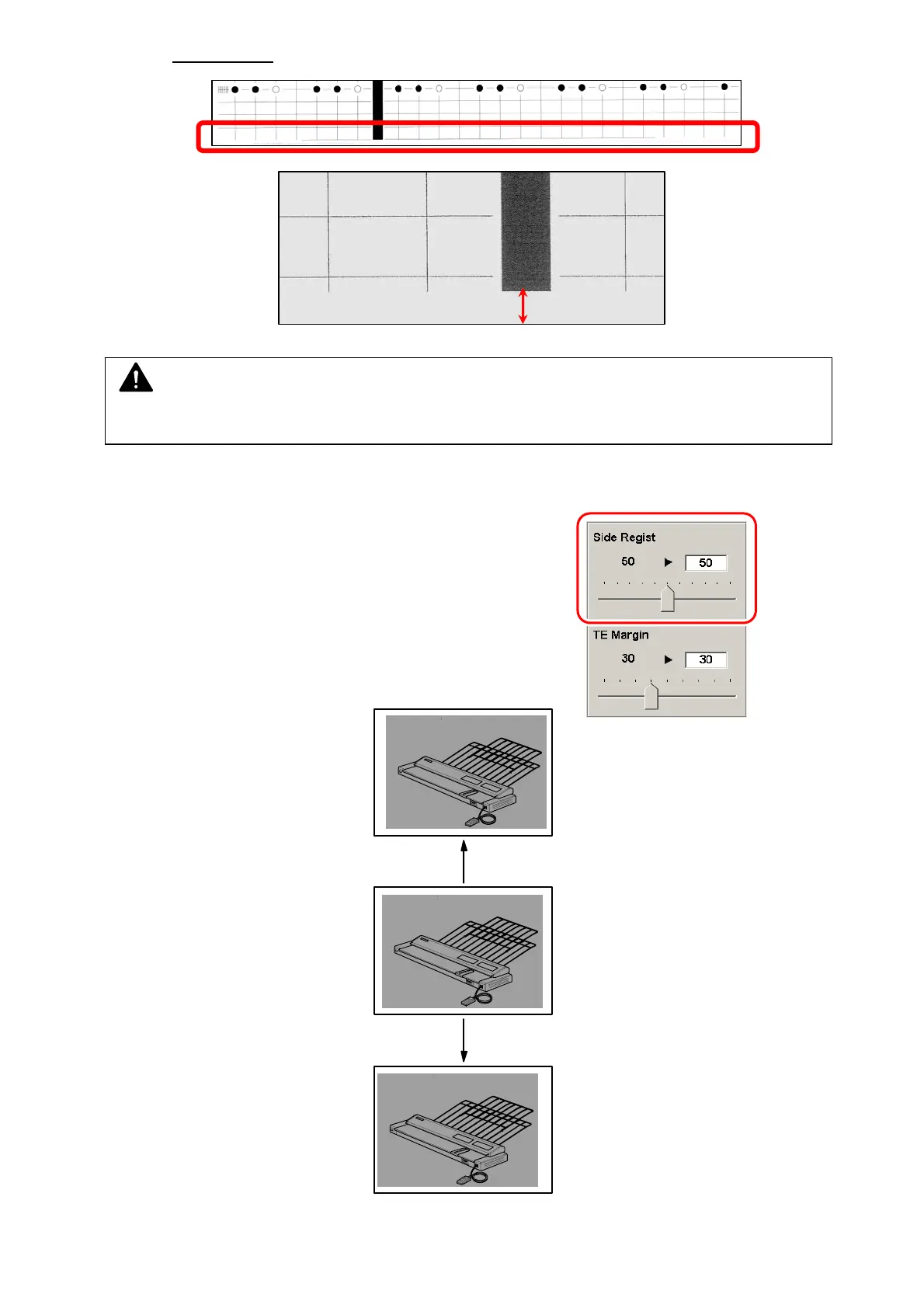
(should be 5mm +/-2mm
)
18. To check the setting change result, set the sheets in the concerning size to Paper Tray in
Portrait direction, and press [Test Print] on the left.
19. Shift the slider for side registration adjustment (Paper Tray).
Increasing the value by 1 shifts the image to the right in
about 0.1mm
Value increased
Value decreased
NOTE
Increasing the value too much may result in a print jam in the exit area or a dirt image.



 To Next Page