EasyManua.ls Logo

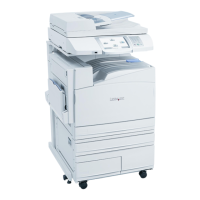
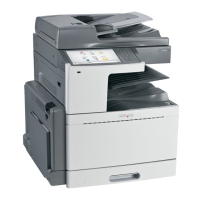
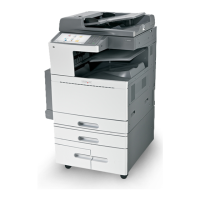
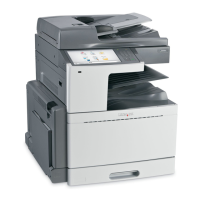
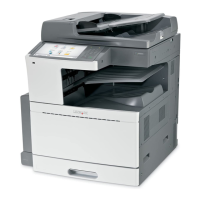
Lexmark X95 series - User Manual

Lexmark X95 series
1164 pages
Print Icon
To Next Page IconTo Next Page
Loading...
Lexmark
™
X95x series
7558-xxx
• Table of contents
• Start diagnostics
• Safety and notices
• Trademarks
• Index
Lexmark and Lexmark with diamond design are
trademarks of Lexmark International, Inc., registered
in the United States and/or other countries.
Revision: January 24, 2012

Table of Contents

Questions and Answers

  • M
    Miss Mary SanchezSep 12, 2025
    What to do if Lexmark X95 shows no fuse?
    • D
      Deanna Eaton DDSSep 13, 2025
      If your Lexmark All in One Printer indicates 'no fuse', replace the fuser assembly. If the issue continues, replace the upper printer engine PCBA.

Lexmark X95 series Specifications

General IconGeneral
Printing Resolution (mono)1200 x 1200 dpi
Scanning Resolution600 x 600 dpi
Fax Transmission Speed33.6 Kbps
Copy Resolution600 x 600 dpi
Scan TypeFlatbed, ADF
FunctionsCopy, Print, Scan, Fax
ConnectivityEthernet
Supported Operating SystemsWindows, Mac OS

Related product manuals