/
TOTAL COUNT 1/5
0
m3
TOTAL COUNT(C)
0
m3(nor)
MODE| |PAGE|PAGE
MENU| | UP|DOWN
TEMP.1(Pt)OVER
/ E=01
TOTAL COUNT 1/5
/ CD
TOTAL COUNT 1/5
/ DEF
TOTAL COUNT 1/5
/
TOTAL COUNT 1/5
TEMP.1(Pt) OVER
/ E=01
TOTAL COUNT 1/5
/
―――――<SE T MODE>――――――
/
TOTAL COUNT 1/5
Error count
/
TOTAL COUNT 1/5
0
m3
TOTAL COUNT(C)
0
m3(nor)
MODE| |PAGE|PAGE
MENU| | UP|DOWN
TEMP.1(Pt)OVER
/ E=01
TOTAL COUNT 1/5
/ CD
TOTAL COUNT 1/5
/ DEF
TOTAL COUNT 1/5
/
TOTAL COUNT 1/5
TEMP.1(Pt) OVER
/ E=01
TOTAL COUNT 1/5
/
―――――<SE T MODE>――――――
/
TOTAL COUNT 1/5
E-880TM-3-E
11
2 . DISPLAY SCREEN
2.1 Error Message Field
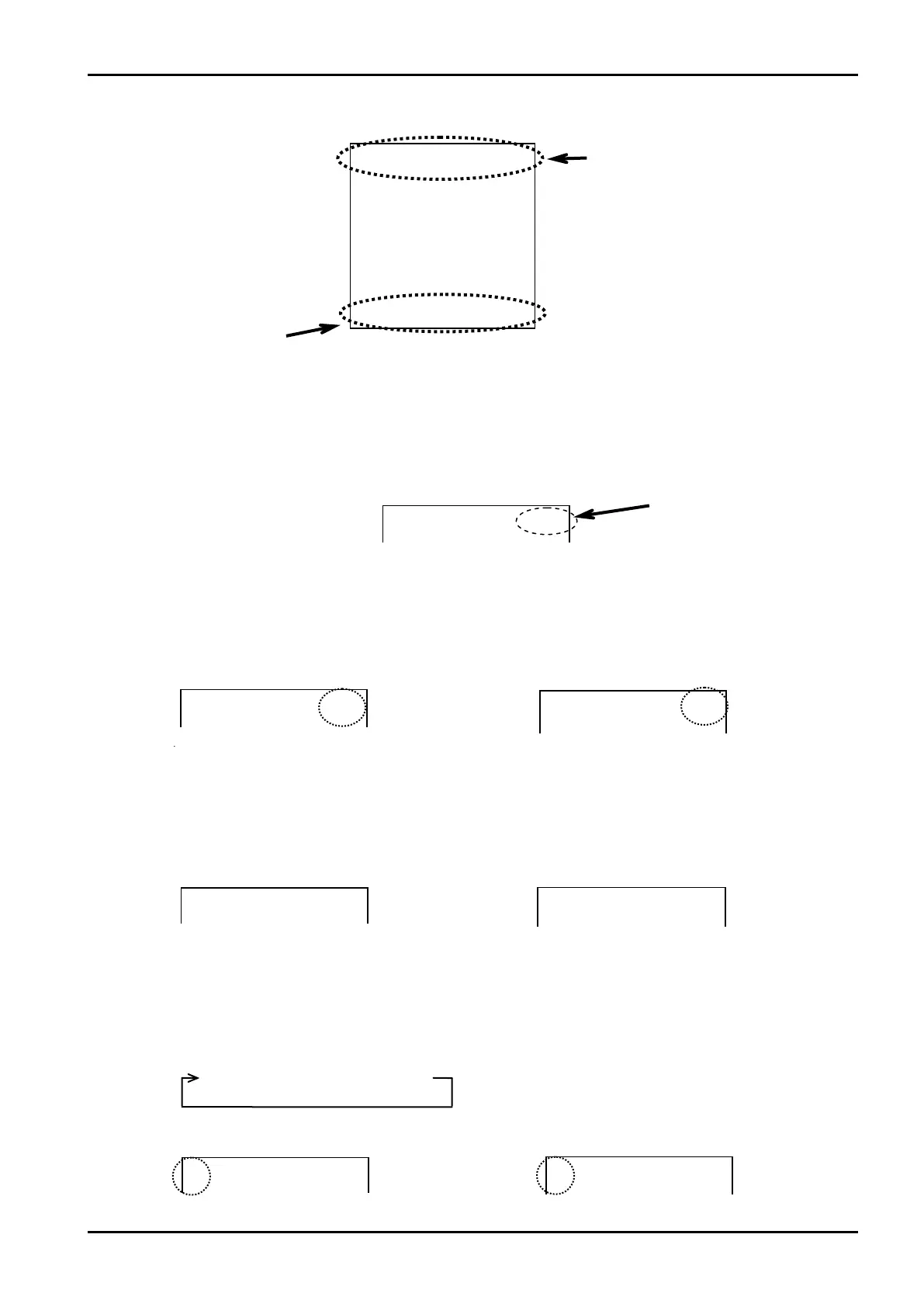
The top line of the screen shows an error message appears. Error messages appear in the RUN mode
and in the SET mode.
2.1.1 Error Count
The count of errors that have occurred is indicated.
・ Temperature input (Pt) over
・Message: An error has occurred.
(Temp. input (Pt 100Ω) over)
・Hidden: Free of any errors.
(Nothing is shown on the screen.)
2.2.1 Corrected Calculation Run
While calculation is in progress, a short line segment keeps on revolving at left to indicate that calculation
is being done. Included in the calculation run range are the RUN mode, mode select menu, SET mode,
and two 1C card support screens.
・IC card installed in place
・Calculation being implemented (RUN mode)
・Parameters set to default settings.
・Calculation being interrupted (SET mode)
2.2 Status Message Field
The line second from top of the screen shows a status message of a card or parameters. If errors occur,
the number of errors found appears.
Error message field
Status message field
Function key label field








 To Next Page