/
−−−−−<SET MODE>−−−−−−
TEMP. INPUT
BASE SCALE
−5.00000E+1
−3.00000
E+1
−−−−−−−<INPUT>−−−−−−−
|CAN−| |
EXIT| CEL|CLER|ENTR
/
−−−−−<SET MODE>−−−−−−
TEMP. INPUT
BASE SCALE
−3.00000E+1
−3.00000
E+1
−−−−−−−<INPUT>−−−−−−−
|CAN−| |
EXIT| CEL|CLER|ENTR
/
−−−−−<SET MODE>−−−−−−
TEMP. INPUT1
・UNIT
゜C
・BASE SCALE
−5.00000E+1
・FULL SCALE
+3.50000E+2
・UNDER ALARM POINT
−5.00000E+1
↓−−−−<SUB MENU>−−−−−
MAIN| | |
MENU| | |ENTR
E-880TM-3-E
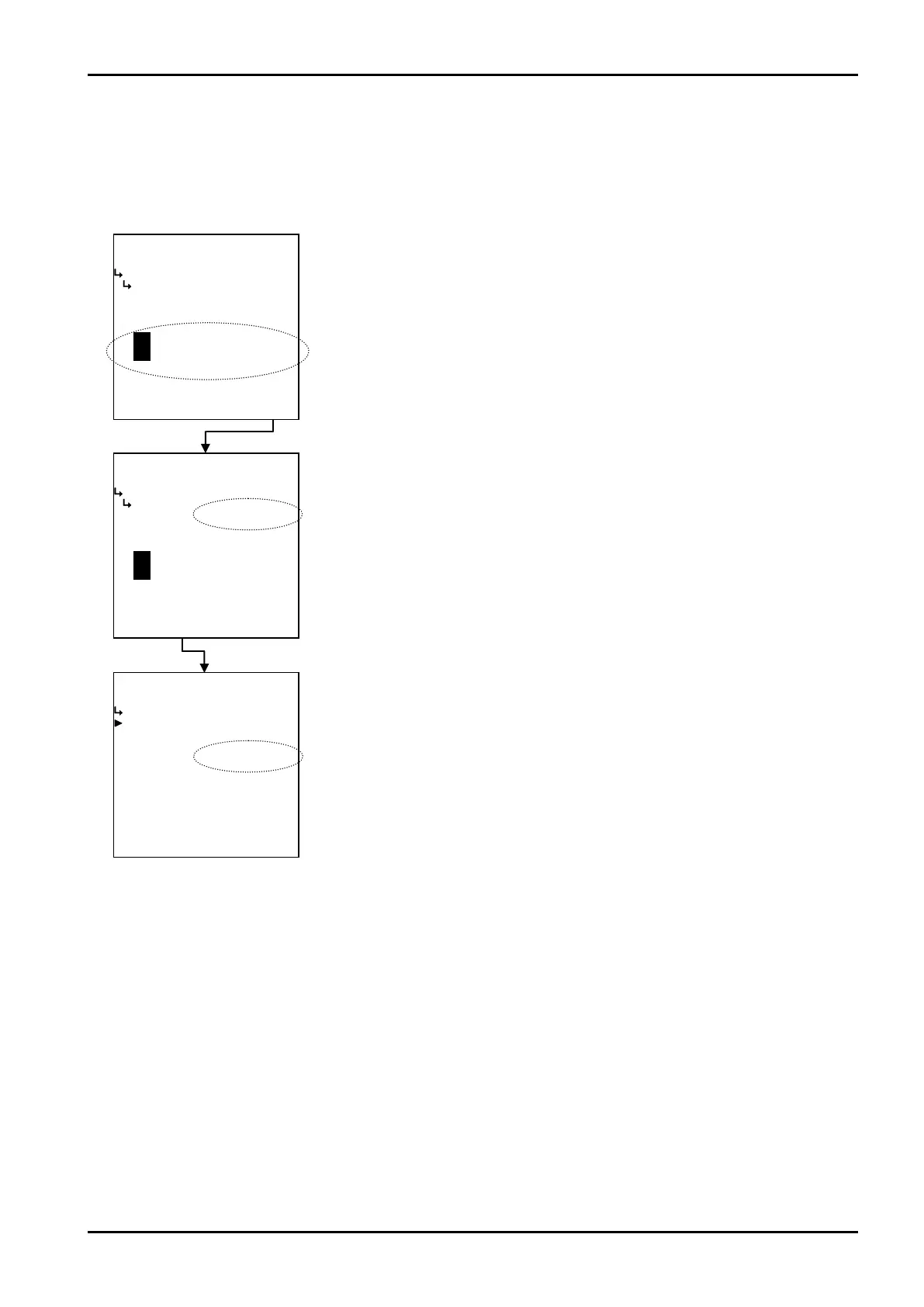
② When “CANCEL” is depressed
Pressing the function key “CANCEL” causes the screen to go back the submenu screen, aborting the
value that has just been modified - even if the on-screen reading set by pressing the function key
“ENTR” has been changed to the one modified in the numerical value edit field.
←Numerical value setup screen
←Numerical value setup screen
←Temperature input submenu item selection








 To Next Page