/
−−−−−<SET MODE>−−−−−−
UNIT
g/l
1:Kg/m3
2:g/ml
3:g/l
4:Kg/ml
5:Kg/l
6:g/cm3
−−−−−−<SELECT>−−−−−−−
|CAN−| |
EXIT| CEL| |ENTR
/
−−−−−<SET MODE>−−−−−−
・UNIT
g/l
・UNDER ALARM POINT
+0.00000 E+0
・OVER ALARM POINT
+1.00000 E+0
−−−−−<SUB MENU>−−−−−
MAIN| | |
MENU| | |ENTR
E-880TM-3-E
13
6.4.25 Density (ρ) setup (DENSITY (ρ)), EL4501
High and low limits of the density to be set in the parameter setup mode (KEY card) (high limit at the over
alarm point while low limit at the under alarm point) are set up here. With these parameters, you can limit
density settings in the parameter setup mode.
※ These settings are used only in Models EL4501 and EL4511.
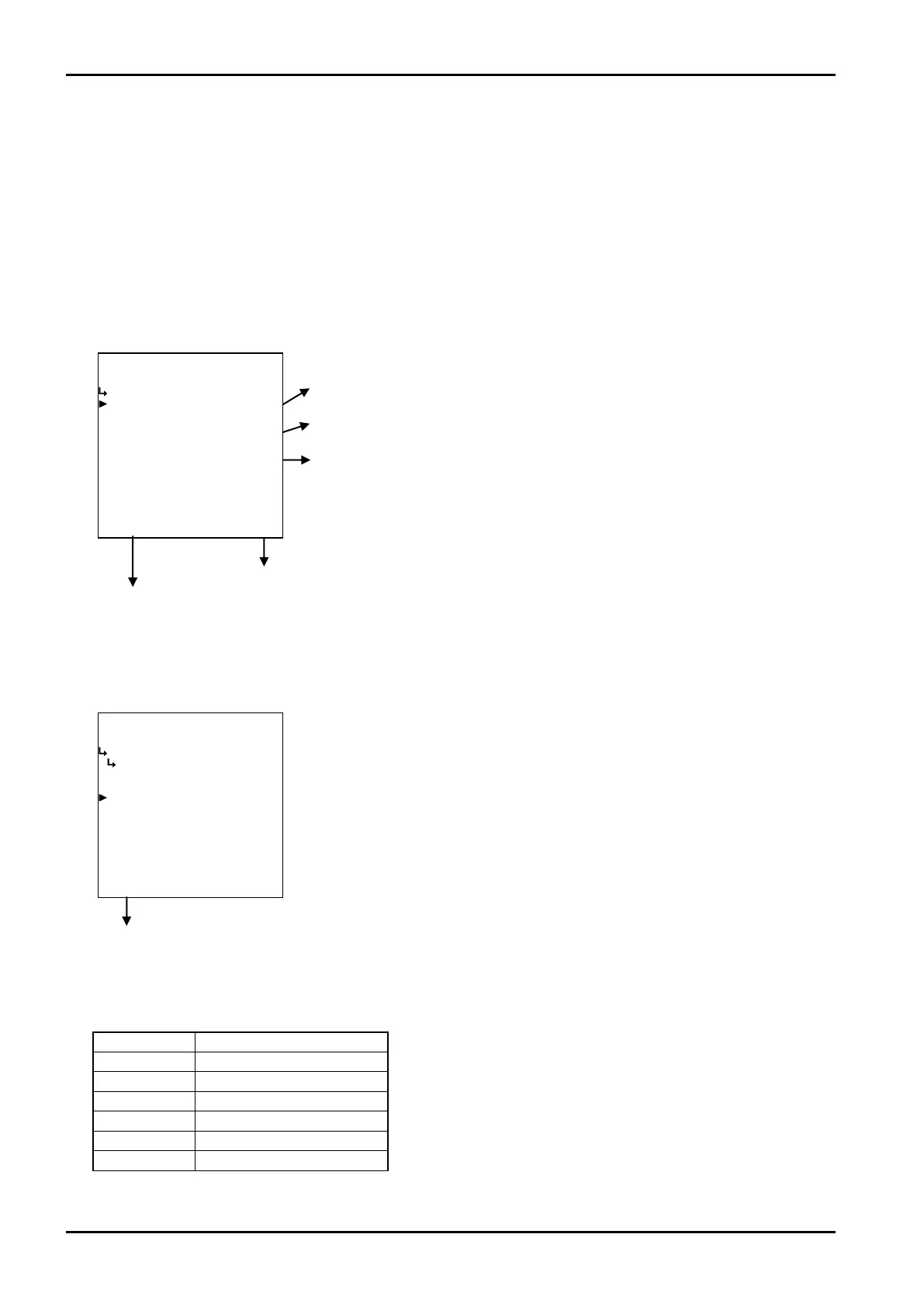
(1)Density (ρ) parameter submenu screen
At the submenu, move the cursor to the desired setup item with the up and down arrow keys.
At the touch of function key “ENTR”, the screen switches to the desired item setup screen.
① Density (ρ) - unit setup (UNIT) p. 132
② Density (ρ) - under alarm point (UNDER ALARM POINT) p. 133
③ Density (ρ) - over alarm point (OVER ALARM POINT) p. 133
To the setup screen pointed by the cursor
SET mode main menu screen ⇒ 6.2 SET mode main menu screen p. 36
① Density (ρ) - unit setup (UNIT)
Density unit is selected here.
Density parameter
submenu screen p. 130
Unit Number of decimal places
g/cm
3
4
kg/m
3
1
kg/l
4
g/ml
4
g/l 1
kg/ml
6
Number of decimal places for each unit
←Unit option select
For details of option setup, see “(2) Option select setup screen (SELECT)” on
page 46. The unit you can choose from are “kg/m
3
”,“g/ml”,“g/l”, “kg/ml”, “kg/l”,
and or “g/cm
3
”.
※ The unit to be set here is the measuring unit set at the density setup and
displayed in the RUN mode, that of the density to be set at the density
parameter setup (menu, screen) in the SET mode, and the density unit to
be set in the PARA SET mode. Modifying this unit will also change the
density unit to be set in the PARA SET mode (① Density unit setup (UNIT)
on page 180) to read in the same unit.
※ Depending on the unit chosen here, the numerical format (number of
decimal places) shown in the RUN mode varies. When you modify it,
carefully take into account the count capacity and the number of decimal
places to be shown.








 To Next Page