EasyManua.ls Logo

Oval EL4101 - On-Screen Fields

Oval EL4101
206 pages
Print Icon
To Next Page IconTo Next Page
To Previous Page IconTo Previous Page
Loading...

RUNmode SETmode SYSmode
Modeselectmenuscreen
Calib.cardinsertedinplace
Param.cardinsertedinplace
KEYcard
insertedinplace
PRMcard
EXTDmode Parametersetmode
On Models EL4501 and EL4511
   E-880TM-3-E
1
 4.3 On-Screen Fields
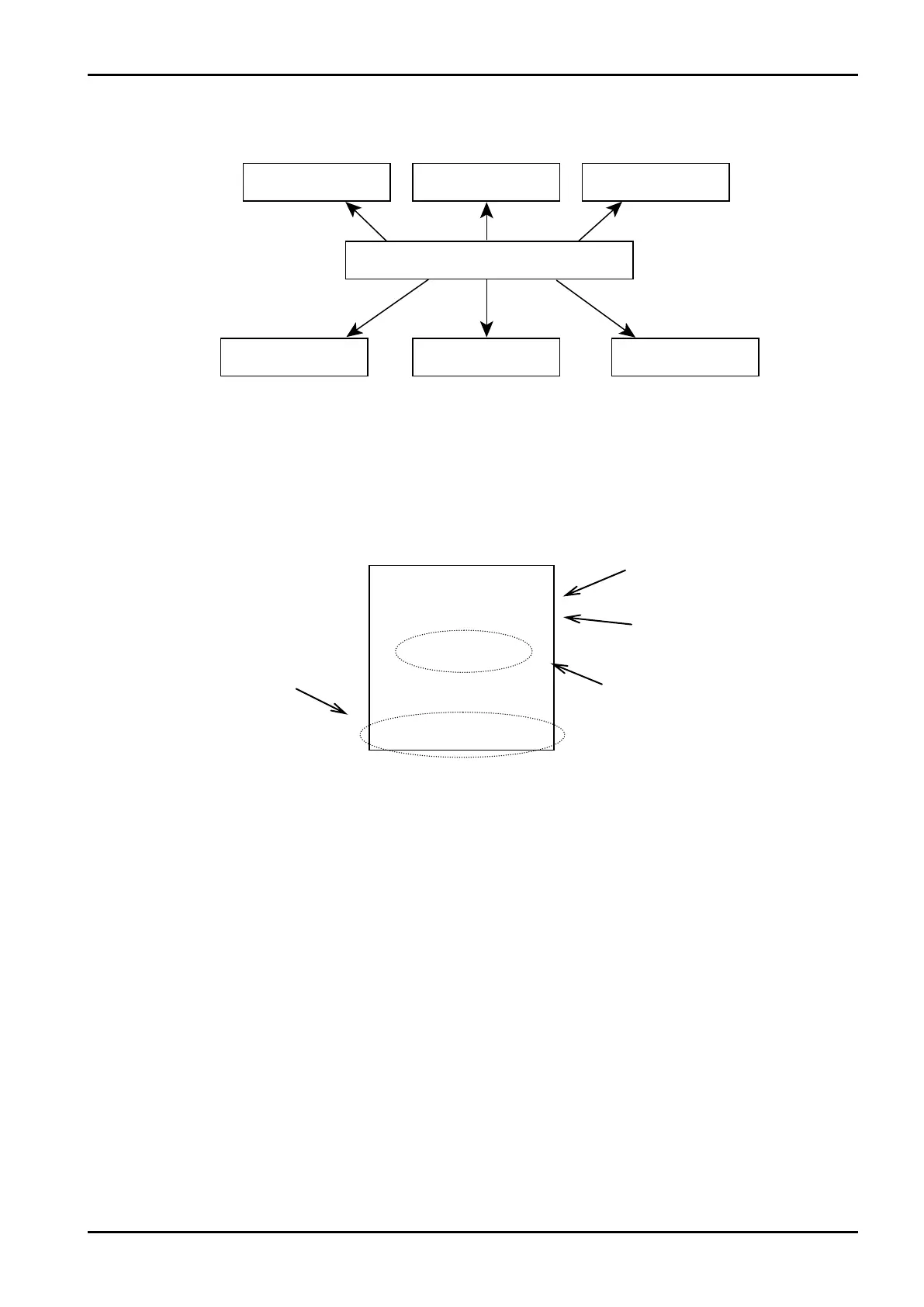
Shown below is the mode select menu screen.

Function labels
Date (YY-MM-DD)
Time
Model: If the model is set, its model
n u m b e r a n d t h e t y p e of
correction are shown here.

Table of Contents

Other manuals for Oval EL4101

Related product manuals