/
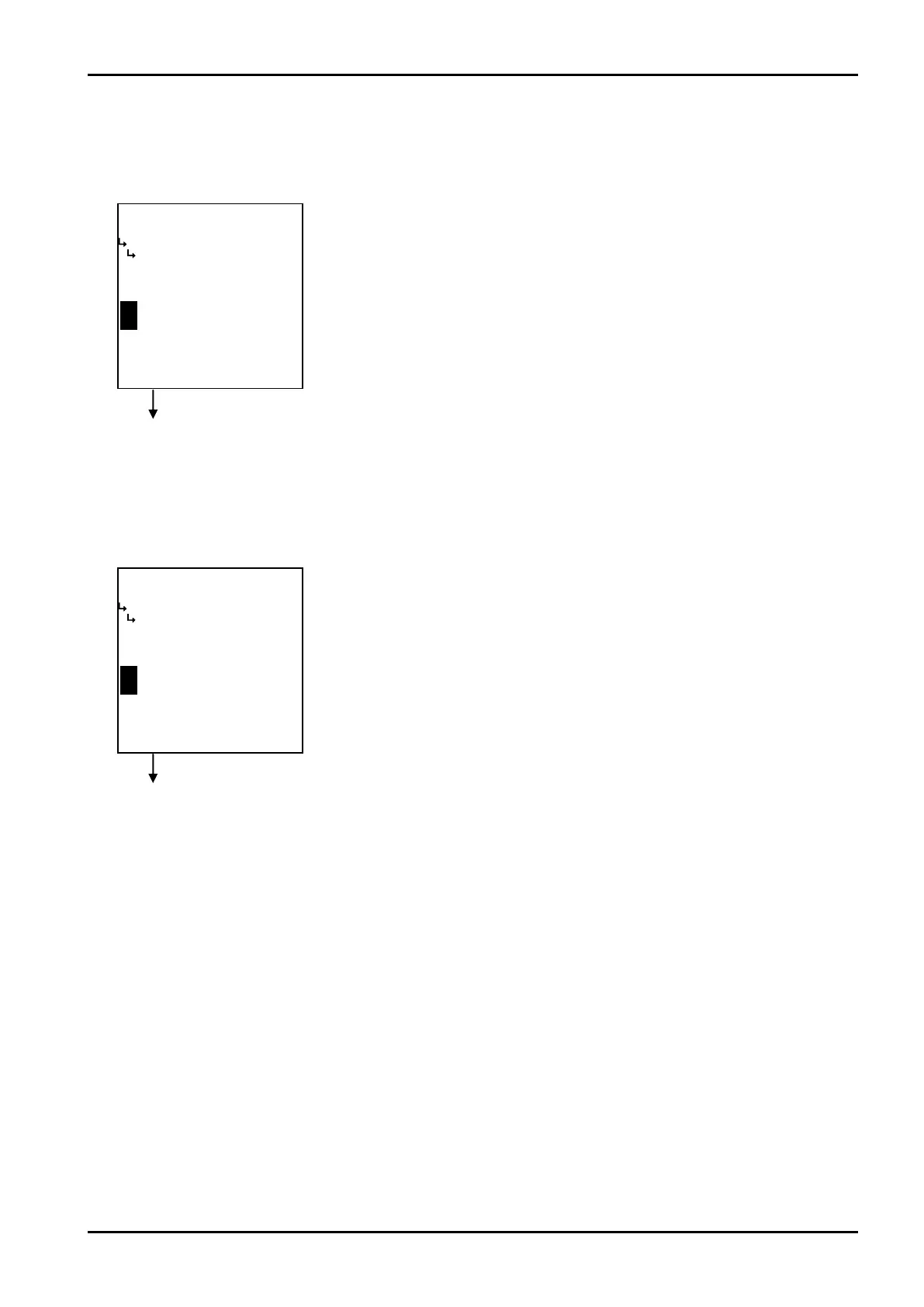
−−−−−<SET MODE>−−−−−−
METER ERROR
FREQUENCY1
+0.00000 E+0
+0.00000
E+0
−−−−−−<INPUTT>−−−−−−−
|CAN−| |
EXIT| CEL|CLER|ENTR
/
−−−−−<SET MODE>−−−−−−
METER ERROR
ERROR1
+0.00000 E+0
+0.00000
E+0
−−−−−−<INPUT>−−−−−−−−
|CAN−| |
EXIT| CEL|CLER|ENTR
E-880TM-3-E
8
③ Meter error correction - frequencies 1 thru 9 setup (FREQUENCY 1 thru 9)
When the correction type is set to a line graph “POINT TO POINT”, frequencies are set up here.
※ The measurement unit to be set here is “Hz”. Make sure of the unit before you set up.
Meter error correction submenu screen p. 85
④ Meter error correction - meter error 1 thru 9 setup (ERROR 1 thru 9)
With the correction type “POINT TO POINT” is chosen, meter errors 1 to 9 are set up here.
※ The measurement to be set here is “%”. Make sure of the unit before you set up.
Meter error correction submenu screen p. 85
←Numerical value input setup
For details of numerical value input setup, see “(1) Numerical value setup screen
(INPUT)” on page 43.
※ In the SET mode, this item is not shown if the meter error correction -
type setup (① Meter error type setup (TYPE) on page 86) is set to
“CONSTANT”.
←Numerical value input setup
For details of numerical value input setup, see “(1) Numerical value setup screen
(INPUT)” on page 43.
※ In the SET mode, this item is not shown if the meter error correction -
type setup (① Meter error type setup (TYPE) on page 86) is set to
“CONSTANT”.








 To Next Page