/
−−−−−<SET MODE>−−−−−−
DENSITY PARAMETER
OVER ALARM POINT
+1.15000 E+3
+1.15000
E+3
−−−−−−−<INPUT>−−−−−−−
|CAN−| |
EXIT| CEL|CLER|ENTR
/
−−−−−<SET MODE>−−−−−−
DENSITY PARAMETER
UNDER ALARM POINT
+8.50000 E+2
+8.50000
E+2
−−−−−−−<INPUT>−−−−−−−
|CAN−| |
EXIT| CEL|CLER|ENTR
/
−−−−−<SET MODE>−−−−−−
DENSITY PARAMETER
UNDER FALLBACK
+8.50000 E+2
+8.00000
E+2
−−−−−−−<INPUT>−−−−−−−
|CAN−| |
EXIT| CEL|CLER|ENTR
E-880TM-3-E
11
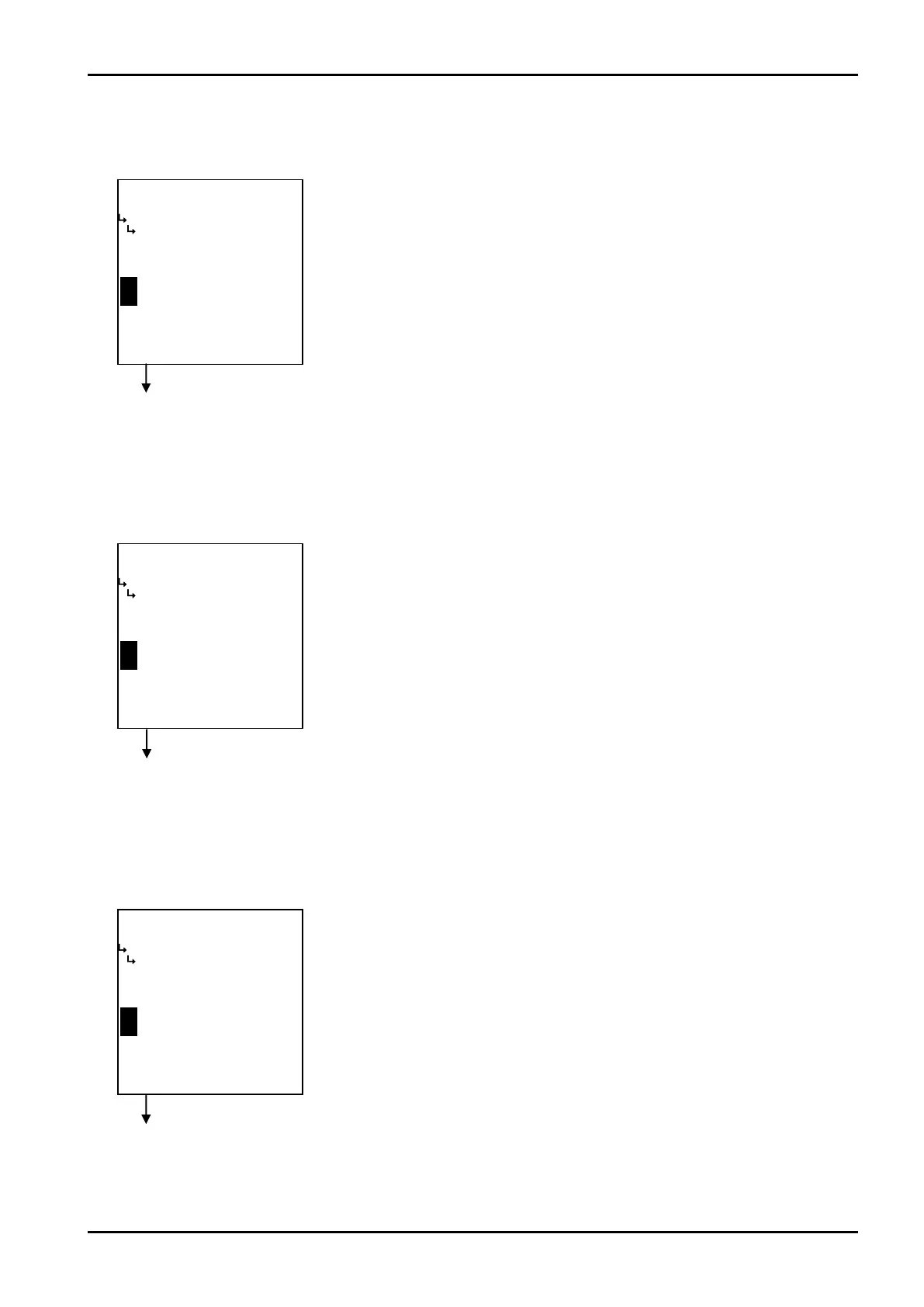
③ Density calculation - under alarm point setup (UNDER ALARM POINT)
The under alarm point with respect to the corrected density is set up here.
Density calculation setup submenu screen p. 112
④ Density calculation - over alarm point setup (OVER ALARM POINT)
The over alarm point with respect to the corrected density is set up here.
Density calculation setup submenu screen p. 112
⑤ Density calculation - under fallback level setup (UNDER FALLBACK)
The under fallback level with respect to the corrected density is set up here.
Density calculation setup submenu screen p. 112
←Numerical value input setup
For details of numerical value input setup, see “(1) Numerical value setup screen
(INPUT)” on page 43.
※ In SYS mode density input (① Density input type setup (TYPE) on page
156), if NONE is chosen for the input type, this menu will not be shown.
※ For the unit to be set here, the unit set at the density unit setup in density
calculation (① Density calculation unit setup (UNIT) on page 114) is used.
Make sure of the unit before you set up.
←Numerical value input setup
For details of numerical value input setup, see “(1) Numerical value setup screen
(INPUT)” on page 43.
※ In SYS mode density input (① Density input type setup (TYPE) on page
156), if NONE is chosen for the input type, this menu will not be shown.
※ For the unit to be set here, the unit set at the density unit setup in density
calculation (① Density calculation unit setup (UNIT) on page 114) is used.
Make sure of the unit before you set up.
←Numerical value input setup
For details of numerical value input setup, see “(1) Numerical value setup screen
(INPUT)” on page 43.
※ In SYS mode density input (① Density input type setup (TYPE) on page
156), if NONE is chosen for the input type, this menu will not be shown.
※ For the unit to be set here, the unit set at the density unit setup in density
calculation (① Density calculation unit setup (UNIT) on page 114) is used.
Make sure of the unit before you set up.








 To Next Page