/
−−−−−<SET MODE>−−−−−−
METER ERROR
・TYPE
POINT TO POINT
・FREQUENCY1
+0.00000 E+0
・ERROR1
+0.00000 E+0
・FREQUENCY2
+0.00000 E+0
↓−−−−<SUB MENU>−−−−−
MAIN| | |
MENU| | |ENTR
:Metererror
:Approximatemetererrorinlines
:Metererrorcorrectioninlines
F1thruF9Frequency(Hz)setthru
E1thruE9Metererrorcorrection(%)
Setthru
keystrokes
}
+E
−E
E1
E2
E3
E9
E9
(Flowrate)
F
Hz
(%)
0
F9
F1 F2 F3
E2
E1
E3
MetererrorE
E-880TM-3-E
8
6.4.11 Meter Factor Correction Setup (METER ERROR)
As the parameters associated with the meter error correction factors, the frequencies 1 through 9,
constants (the correction type set to “CONSTANT”), and meter errors 1 through 9 (the correction type set
to a line graph “POINT TO POINT”) are set here.
① Correction type set to a line graph (POINT TO POINT)
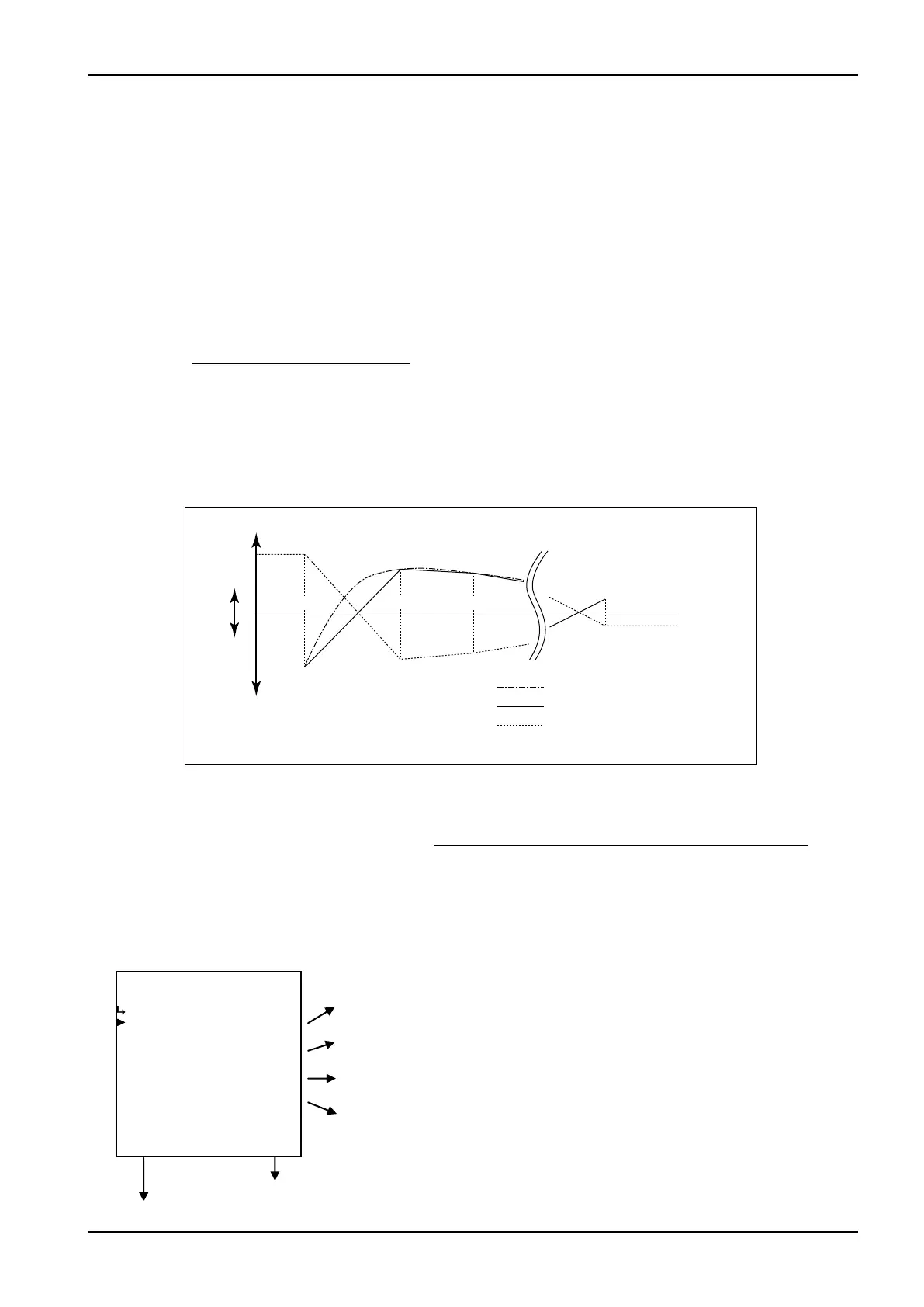
To correct the meter error curve of a given flowmeter, meter error corrections relative to input pulse
frequencies are set. First, assume a line graph approximating the given meter error curve as shown
below. From frequencies F1 through F9 at which line segments are partitioned and meter errors E1'
through E9' at corresponding frequencies, target setpoints are determined.
Since these setpoints represent the meter error corrections desired, they are established as E1
through E9 with a negative sign added to E1' through E9'. Set F1 through F9 to positive integers. If an
input pulse frequency falls short of F1, the meter error correction will always go to E1; if it exceeds F9,
the correction will always go to E9.
If calibration points are less than 9, select the frequency next to the maximum point and its meter error
as follows: Set that frequency at somewhere greater than the maximum frequency in the operating
range (eg., 5000Hz); set the meter error to the same value as the maximum point chosen with all
subsequent values set to zero.
② Correction type set to a constant (CONSTANT)
To correct the meter error curve of a given flowmeter, meter error correction is set. Since the value to
be set represents the meter error correction, set it with a negative sign added to the meter error.
(1)Meter error correction submenu screen
At the submenu, move the cursor to the desired setup item with the up and down arrow keys.
At the touch of function key “ENTR”, the screen switches to the desired item setup screen.
① Correction type is of a broken line (POINT TO POINT).
① Meter error correction - type setup (TYPE) on p. 86
③ Meter error correction – freq. setup 1 to 9 (FREQ. 1 to 9) on p. 87
④ Meter error correction – meter error setup 1 to 9 (ERROR 1 to 9) p. 87
③ Meter error correction - frequency setup 1 to 9 (FREQ. 1 to 9) p. 87
To the setup screen pointed by the cursor
SET mode main menu screen ⇒ 6.2 SET mode main menu screen p. 36








 To Next Page