RUNmode SETmode SYSmode
Modeselectmenuscreen
Modeselectmenuscreen
Calib.cardinsertedinplace
Param.cardinsertedinplace
Calib.cardinsertedinplace
Param.cardinsertedinplace
PRMcard
EXTDmode
RUNmode SETmode SYSmode
Parameterset
mode
PRMcard
EXTDmode
E-880TM-3-E
18
4. ABOUT MODE SELECTION
4.1 Mode Select Menu Screen
In the EL4001 series, the user can change from one mode to another at the mode select menu. From this
menu screen, he can select one of the available options, such as the RUN mode, SET mode, SYS mode,
EXTD mode, or 1C card support screen (a parameter setup card inserted).
By establishing a password for the SET mode, the computer can be configured to ask the user for a
password each time he attempts to change modes. This configuration will safeguard the computer
against inadvertent mode changes. (See the section on PASSWORD SETTING for the SET mode.)
※ Normally, the password setting is in the ON and at a default “1111”. If the user himself wants
to establish a new setting by changing modes, thoroughly read this manual before you start
working with it.
By selecting DIP switch settings, you can inhibit switching in the SET mode and SYS mode. In this case,
reconfiguration of settings in the SET mode and SYS mode remain disabled unless DIP switch settings
are in the OFF.
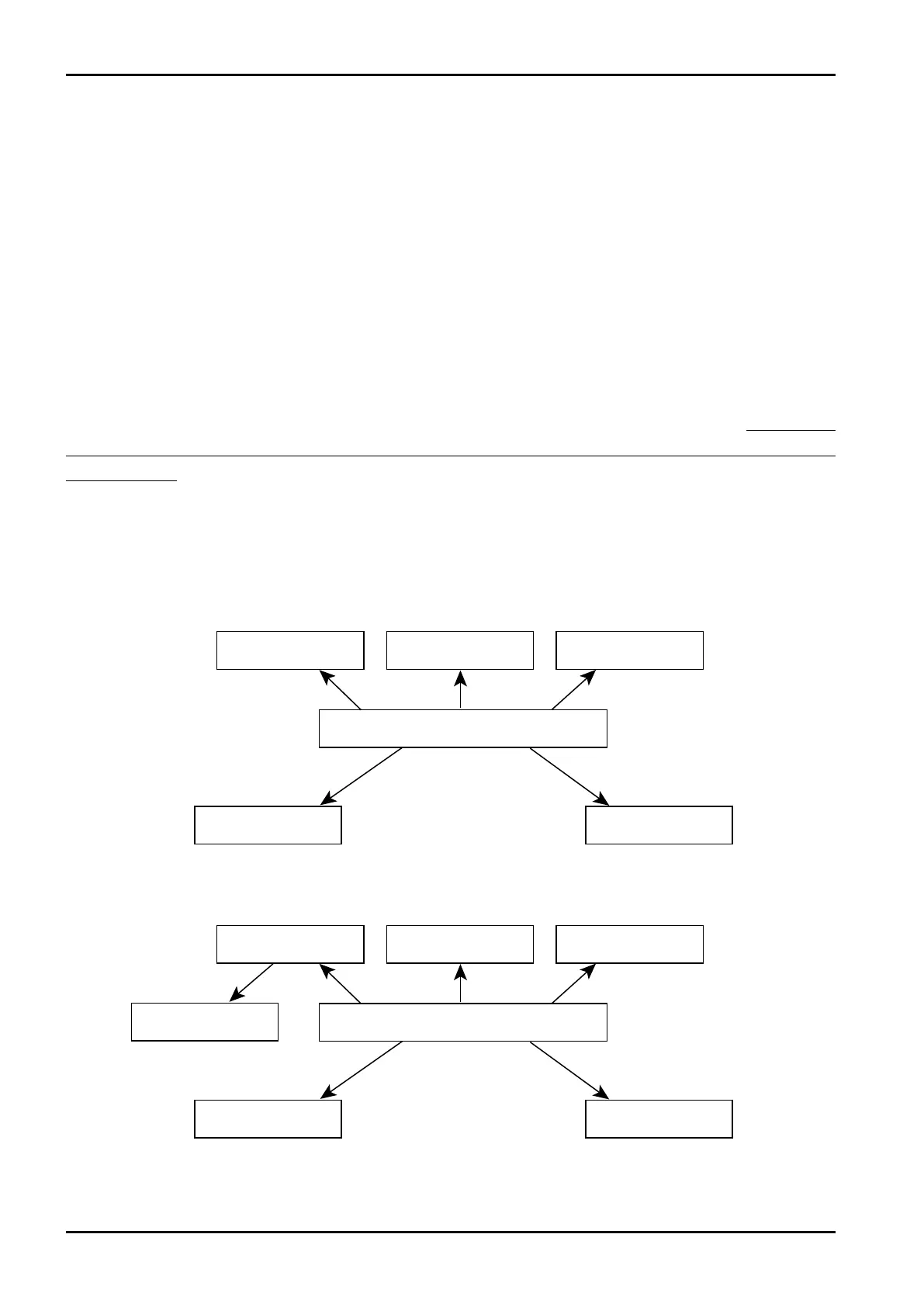
4.2 Mode Tree
Shown below is a mode select menu relative to individual modes.
On Models EL4101, EL4111, EL4121, EL4131, EL4201, EL4211, EL4301, EL4311, and EL4321
On Model EL4401








 To Next Page