/
−−−−−<SET MODE>−−−−−−
TEMP. INPUT
・UNIT
゜C
・BASE SCALE
−5.00000 E+1
・FULL SCALE
+3.50000 E+2
・UNDER ALARM POINT
−5.00000 E+1
↓−−−−<SUB MENU>−−−−−
MAIN| | |
MENU| | |ENTR
/
↑−−−−<SET MODE>−−−−−−
TEMP. INPUT
・OVER ALARM POINT
+3.50000 E+2
・UNDER FALLBACK
−5.50000 E+1
・OVER FALLBACK
+3.55000 E+2
・SMOOTHING COEF.
+5.00000 E−1
−−−−−<SUB MENU>−−−−−
MAIN| | |
MENU| | |ENTR
/
−−−−−<SET MODE>−−−−−−
TEMP. INPUT
・UNIT
゜C
・CONSTANT
+1.50000 E+1
−−−−−<SUB MENU>−−−−−
MAIN| | |
MENU| | |ENTR
E-880TM-3-E
0
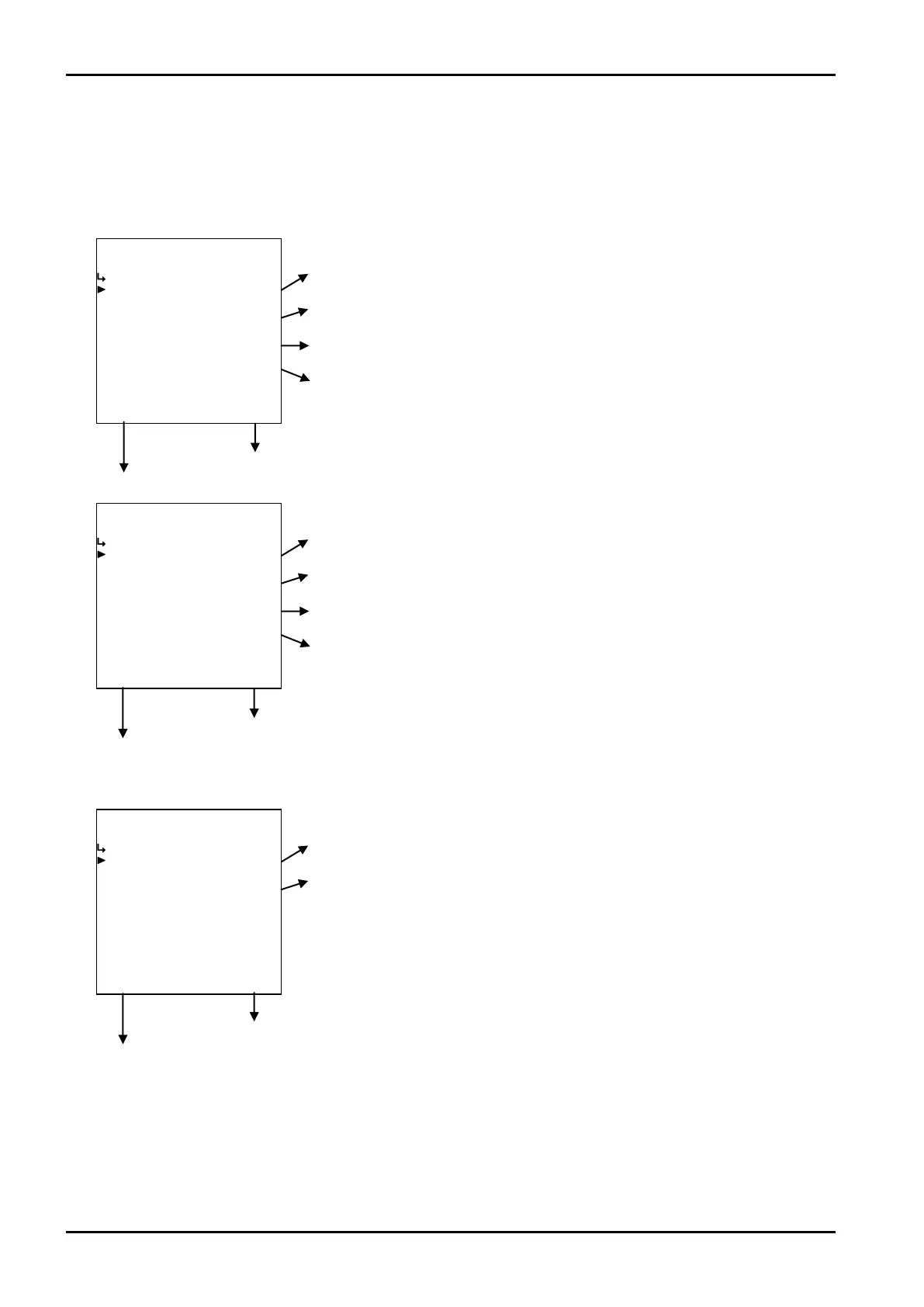
(4)Temperature input submenu screen
At the submenu, move the cursor to the desired item (your option) with the up and down arrow keys.
At the touch of function key “ENTR”, the screen switches to the desired setup screen.
① Pt100Ω, 4 to 20mA, 1 to 5V, or 5mV/ ℃ and 10mV/ ℃
① Temperature input unit setup (UNIT) p. 51
③ Temperature input baseline setup (BASE SCALE) p. 52
④ Temperature input full scale setup (FULL SCALE) p. 52
⑤ Temp. input under alarm point setup (UNEDER ALARM POINT) p. 52
To the setup screen pointed by the cursor
SET mode main menu screen ⇒ 6.2 SET mode main menu screen p. 36
⑥ Temp. input over alarm point setup (OVER ALARM POINT) p. 53
⑦ Temp. input under fallback point setup (UNDER FALLBACK) p. 53
⑧ Temperature input over fallback (over fallback) p. 53
⑨ Temp. input smoothing factor setup (SMOOTHING COEF.) p. 54
② Fixed value input.
① Temperature input unit setup (UNIT) p. 51
② Temperature input constant setup (CONSTANT) p. 51
To the setup screen pointed by the cursor
SET mode main menu screen ⇒ 6.2 SET mode main menu screen p. 36
To the setup screen pointed by the cursor
SET mode main menu screen ⇒ 6.2 SET mode main menu screen p. 36








 To Next Page