−−−−−<SYS MODE>−−−−−−
ANALOG OUTPUT
TYPE
FLOW RATE
1:FLOW RATE
2:FLOW RATE(C)
−−−−−−<SELECT>−−−−−−−
|CAN−| |
EXIT| CEL| |ENTR
−−−−−<SYS MODE>−−−−−−
ANALOG OUTPUT
・TYPE
FLOW RATE
−−−−−<SUB MENU>−−−−−
MAIN| | |
MENU| | |ENTR
E-880TM-3-E
1
7.4.8 Analog Output Setup (ANALOG OUTPUT)
The type of output for the analog output is set up here.
Example: On the RUN mode screen, if “FLOW RATE” represents the uncorrected instant flowrate while
“FLOW RATE (C)” represents the corrected instant flowrate, then setting up “FLOW RATE
(C)” at “TYPE” of “ANALOG OUTPUT” setup menu results in providing an analog output
corresponding to the instant flowrate.
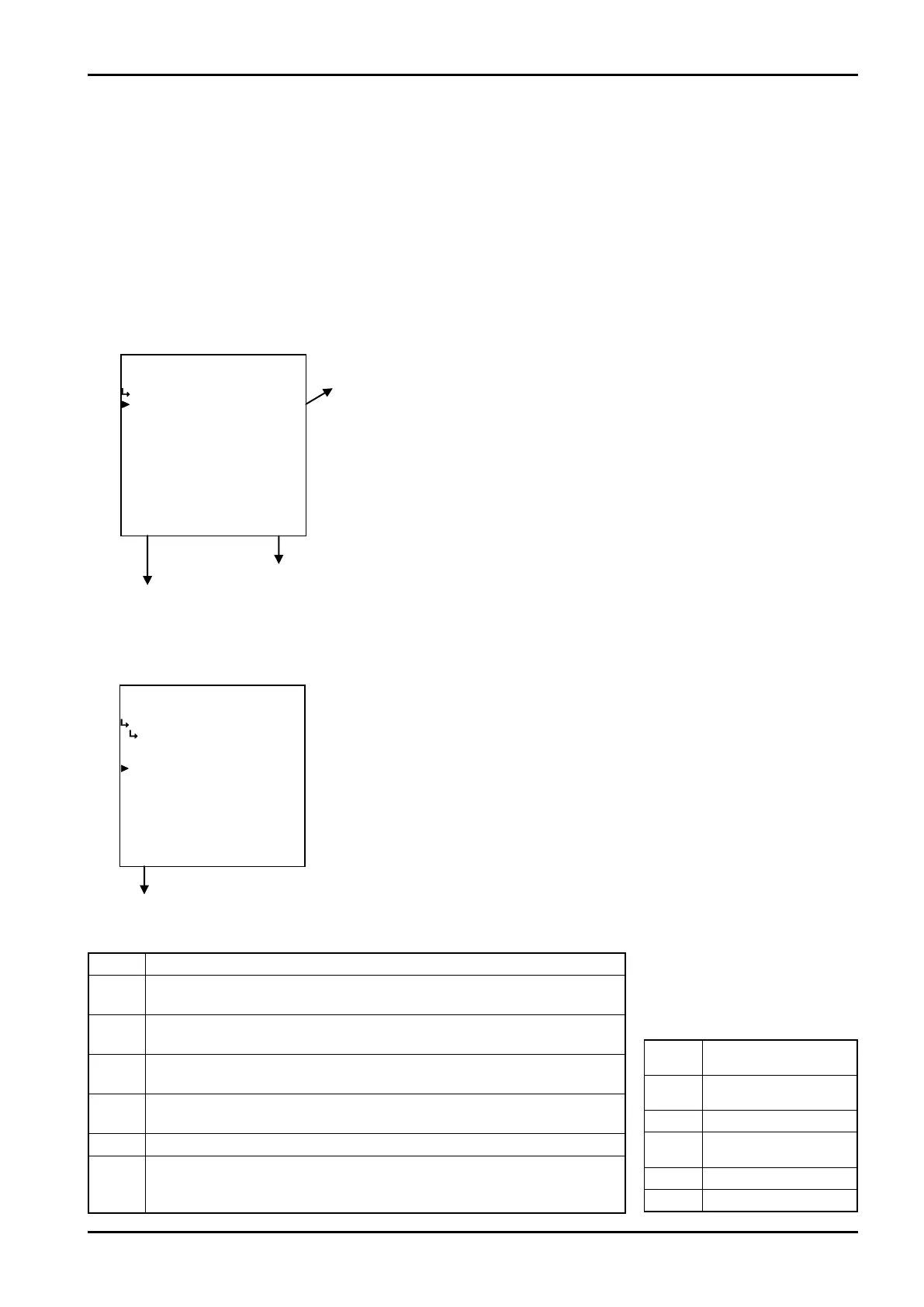
(1)Analog output submenu screen
At the submenu, move the cursor to the desired setup item with the up and down arrow keys.
At the touch of function key “ENTR”, the screen switches to the pulse output submenu screen.
① Analog output type setup (TYPE) on page 159
Analog output submenu screen p. 159
To the setup screen pointed by the cursor
7.1.1 SYS mode main menu screen p. 142
① Analog output type setup (TYPE)
The type of output for the analog output is set up here.
Model Options
EL4121
“FLOW RATE” uncorrected instant flowrate, “FLOW RATE (C)” corrected
instant flowrate
EL4131
“FLOW RATE” uncorrected instant flowrate, “FLOW RATE (C)” corrected
instant flowrate
EL4201
“FLOW RATE” uncorrected instant flowrate, “FLOW RATE (C)” corrected
instant mass flowrate
EL4211
“FLOW RATE” uncorrected instant flowrate, “FLOW RATE (C)” corrected
instant mass flowrate
EL4301
“DENSITY” corrected density, “%MASS” % solids content
EL4311
“FLOW RATE” instant mass flowrate, “FLOW RATE (SOLID)” instant
solids content flowrate,
“SOLID RATIO” solids content (%mass), “DENSITY” corrected density
・Available optional items
←Output type option select
For details of option setup, see “(2) Option select setup screen (SELECT)” on
page 46.
※ In case the user has changed the output type to the other type, do not fail
to set up the analog output in the SET mode (Section 6.4.8 Analog output
setup (ANALOG OUTPUT) on page 76), and set up the pulse output
scaling (Section 6.4.27 Pulse output scaling setup (PULSE OUT DIVIDE)
on page 138). Unless they are so configured, the computer possibly may
not perform properly.
−−−−−<SYS MODE>−−−−−−
ANALOG OUTPUT
TYPE
FLOW RATE
1:FLOW RATE
2:FLOW RATE(C)
−−−−−−<SELECT>−−−−−−−
|CAN−| |
EXIT| CEL| |ENTR
−−−−−<SYS MODE>−−−−−−
ANALOG OUTPUT
・TYPE
FLOW RATE
−−−−−<SUB MENU>−−−−−
MAIN| | |
MENU| | |ENTR
EL4101
Corrected instant
mass flowrate
EL4111
Corrected instant
mass flowrate
EL4321 Corrected density
EL4401
Corrected instant
flowrate
EL4501 Temperature
EL4511 Temperature
※
These optional items are
not shown in the following
models due to fixed analog
output parameters.








 To Next Page