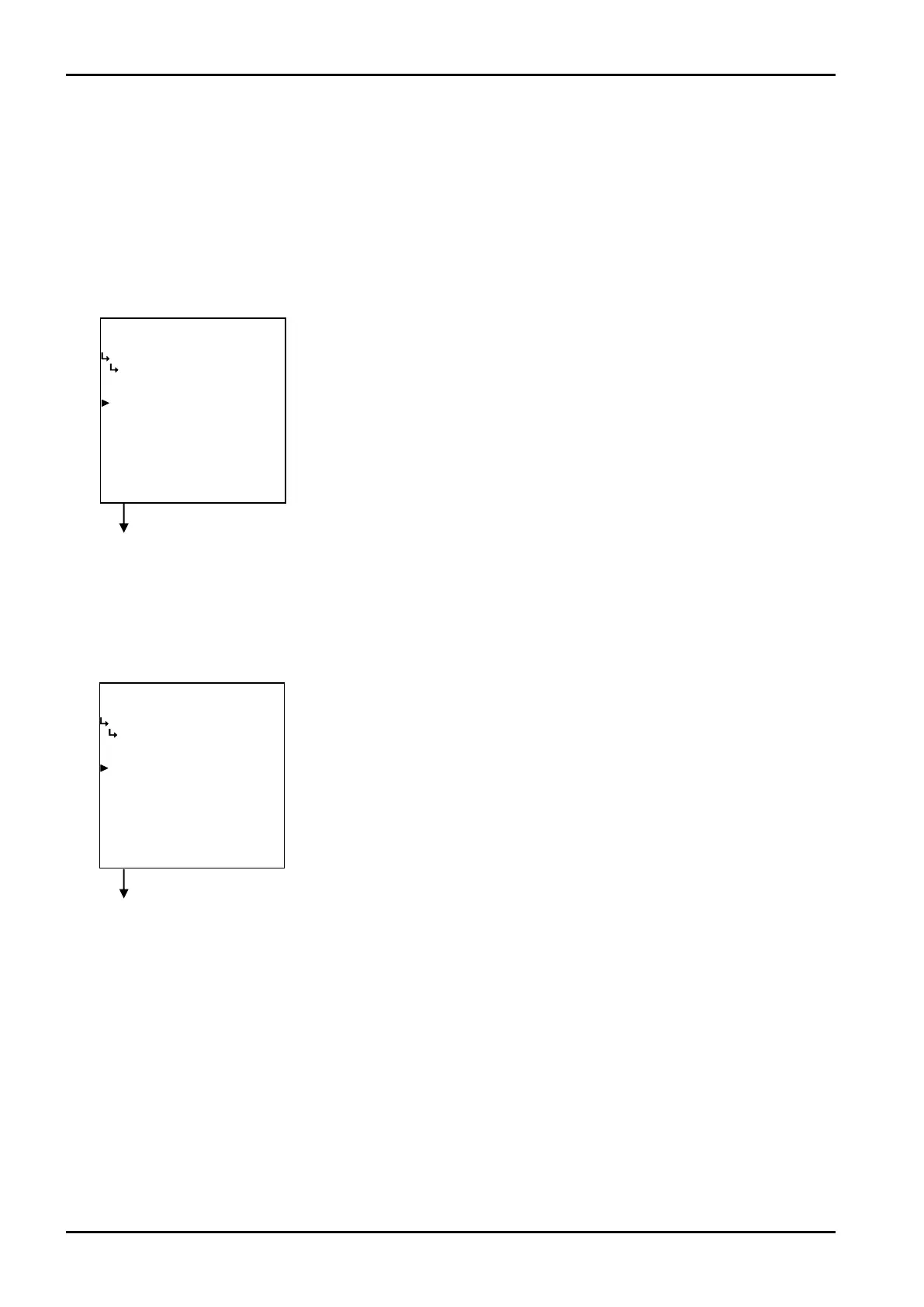
−−−−−<SYS MODE>−−−−−−
BACKLIGHT
BACKLIGHT
ON
1:ON
2:OFF
−−−−−−<SELECT>−−−−−−−
|CAN−| |
EXIT| CEL| |ENTR
−−−−−<SYS MODE>−−−−−−
BACKLIGHT
CONTROL
AUTO
1:AUTO
2:MANUAL
−−−−−−<SELECT>−−−−−−−
|CAN−| |
EXIT| CEL| |ENTR ¥
E-880TM-3-E
1
Backlight setup submenu screen p. 161
① Backlight control type (CONTROL)
The type of control is set up here. Select either “AUTO” or “MANUAL”. If your selection is AUTO,
the backlight will automatically go out about five minutes after the last keystroke. It will come on
again with any subsequent keystroke.
With “MANUAL”, select either illumination steady on or steady off.
※ Reminder - ”MANUAL” combined with steady illumination will result in considerably reduced
backlight life expectancy. Select “AUTO” mode in normal use.
Backlight setup submenu screen p. 161
② Backlight illumination (BACKLIGHT)
With “MANUAL” set in the control type, select either illumination steady on or steady off.
←Control type option select
For details of option setup, see “(2) Option select setup screen (SELECT)” on
page 46.
At the submenu, move the cursor to the desired setup item with the up and down
arrow keys.
At the touch of function key “ENTR”, the screen switches to the desired setup
screen.
←Backlight illumination setup
For details of option setup, see “(2) Option select setup screen (SELECT)” on
page 46.








 To Next Page