/
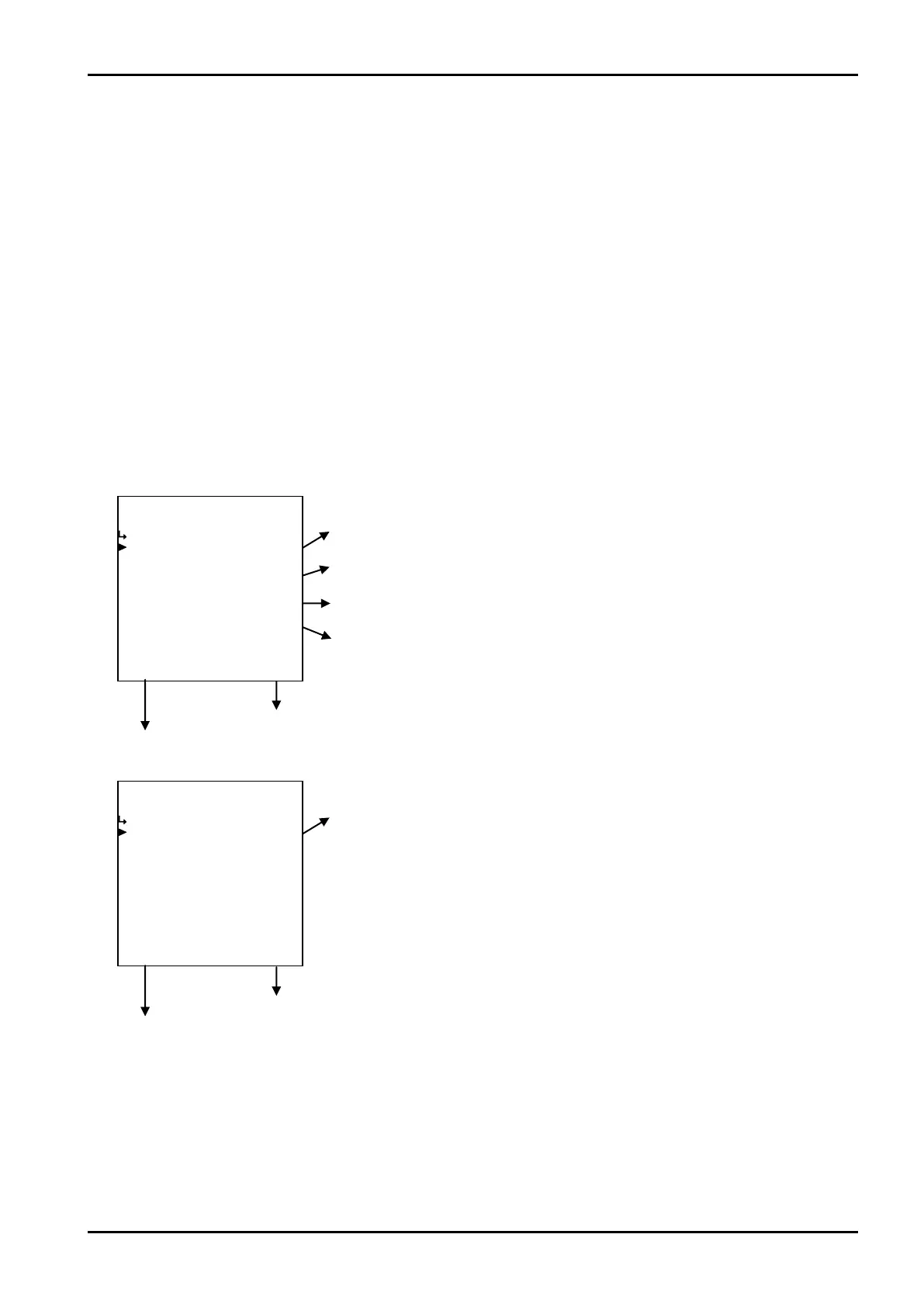
↑−−−−<SET MODE>−−−−−−
・MAX
+1.00000 E+0
−−−−−<SUB MENU>−−−−−
MAIN| | |
MENU| | |ENTR
/
−−−−−<SET MODE>−−−−−−
・REF. TEMP.
+1.50000 E+1
・COEFFICIENT(a)
+1.00000 E+0
・COEFFICIENT(b)
+0.00000 E+0
・COEFFICIENT(c)
+0.00000 E+0
↓−−−−<SUB MENU>−−−−−
MAIN| | |
MENU| | |ENTR
E-880TM-3-E
6.4.18 Temperature Compensation Setup (TEMP. COMPEN.)
As the parameters associated with coefficients of temperature compensation, coefficients a, b, and c are
set up here.
※ These settings are used only in Models EL4131 and EL4211. The settings are not shown in
other models.
<Calculation Formula>
K=
{
a+b・(to-t)+c・(to-t)
2
}
to : Reference temperature(℃)
t : Line temperature(℃)
a, c : Correction factors
(1)Temperature compensation submenu screen
At the submenu, move the cursor to the desired setup item with the up and down arrow keys.
At the touch of function key “ENTR”, the screen switches to the desired setup item screen.
① Temperature compensation - reference temp. setup (REF. TEMP.) p. 98
② Temperature compensation -coeff. a setup (COEFFICIENT (a)) p. 98
③ Temperature compensation -coeff. b setup (COEFFICIENT (b)) p. 98
④ Temperature compensation -coeff. c setup (COEFFICIENT (c)) p. 99
To the setup screen pointed by the cursor
SET mode main menu screen ⇒ 6.2 SET mode main menu screen p. 36
⑤ Temperature compensation - maximum value setup (MAX) p. 99
To the setup screen pointed by the cursor
SET mode main menu screen ⇒ 6.2 SET mode main menu screen p. 36








 To Next Page