−−−−−<SYS MODE>−−−−−−
BACKLIGHT
・CONTROL
AUTO
−−−−−<SUB MENU>−−−−−
MAIN| | |
MENU| | |ENTR
−−−−−<SYS MODE>−−−−−−
BACKLIGHT
・CONTROL
MANUAL
・BACKLIGHT
ON
−−−−−<SUB MENU>−−−−−
MAIN| | |
MENU| | |ENTR
E-880TM-3-E
11
7.4.10 Backlight Setup (BACK LIGHT)
This section describes the procedures to control the display backlight and set up the backlight ON/OFF
options. If the control type (CONTROL) is set to AUTO, the backlight will automatically go out about five
minutes after the last keystroke. It will come on again with any subsequent keystroke.
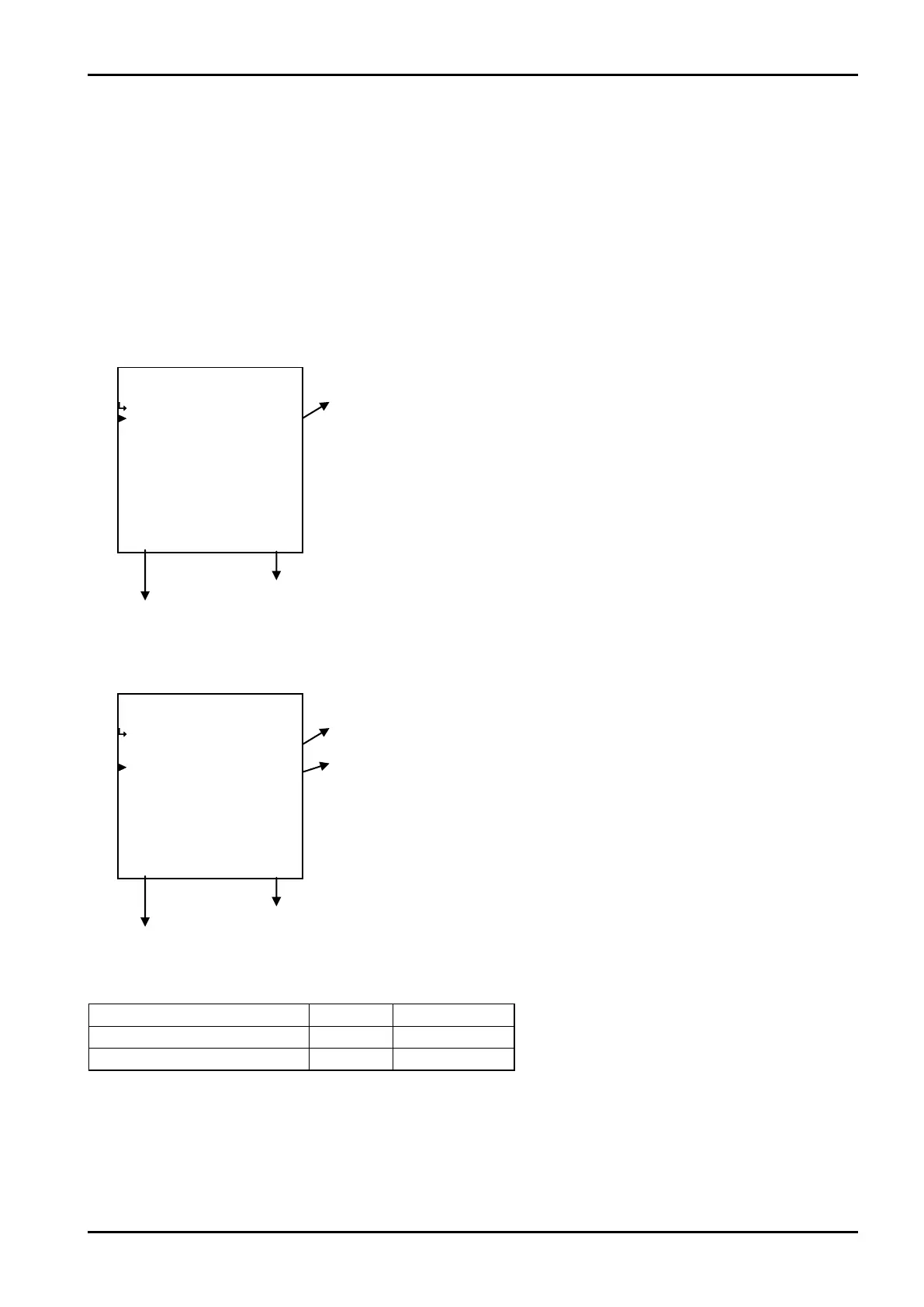
(1)Backlight setup submenu screen
At the submenu, move the cursor to the desire setup item with the up and down arrow keys.
At the touch of function key “ENTR”, the screen switches to the desired setup screen.
① Backlight control type (CONTROL) p. 162
To the setup screen pointed by the cursor
7.1.1 SYS mode main menu screen p. 142
① When control type (CONTROL) is set to AUTO
② When control type (CONTROL) is set to MANUAL
① Backlight control type (CONTROL) p. 162
② Backlight illuminated (BACKLIGHT) p. 162
To the setup screen pointed by the cursor
7.1.1 SYS mode main menu screen p. 142
Submenu item
Backlight control type ※
AUTO MANUAL
Backligh illumination Hidden Displayed
Conditions to show submenu items
※:Conditions for selecting on-screen information








 To Next Page