/
−−−−−<SET MODE>−−−−−−
TEMP. INPUT1
UNIT
C
1:C
2:F
3:K
−−−−−−<SELECT>−−−−−−
|CAN−| |
EXIT| CEL| |ENTR
/
−−−−−<SET MODE>−−−−−−
TEMP. INPUT1
UNIT
K
1:C
2:F
3:K
−−−−−−<SELECT>−−−−−−
|CAN−| |
EXIT| CEL| |ENTR
/
−−−−−<SET MODE>−−−−−−
TEMP. INPUT1
UNIT
C
1:C
2:F
3:K
−−−−−−<SELECT>−−−−−−
|CAN−| |
EXIT| CEL| |ENTR
E-880TM-3-E
(2)Option select screen (SELECT)
When option item select is selected at the submenu screen, this window appears. Your selection from
among the options available is set up at this screen.
First, the current setting appears below the title of the menu screen. In the following lines at left, options
are shown in the option select field. Move the cursor with the up and down arrow keys to the option
desired. Pressing function key “ENTR” replaces the current setting with the new option indicated by the
cursor. Upon confirmation of the new setting, press function key “EXIT” to complete the setup of this
option. Pressing function key “CANCEL”instead of function key “EXIT” causes the previous setting to
be retained and complete the setup even if the current setting has once been changed by pressing
function key “ENTR”.
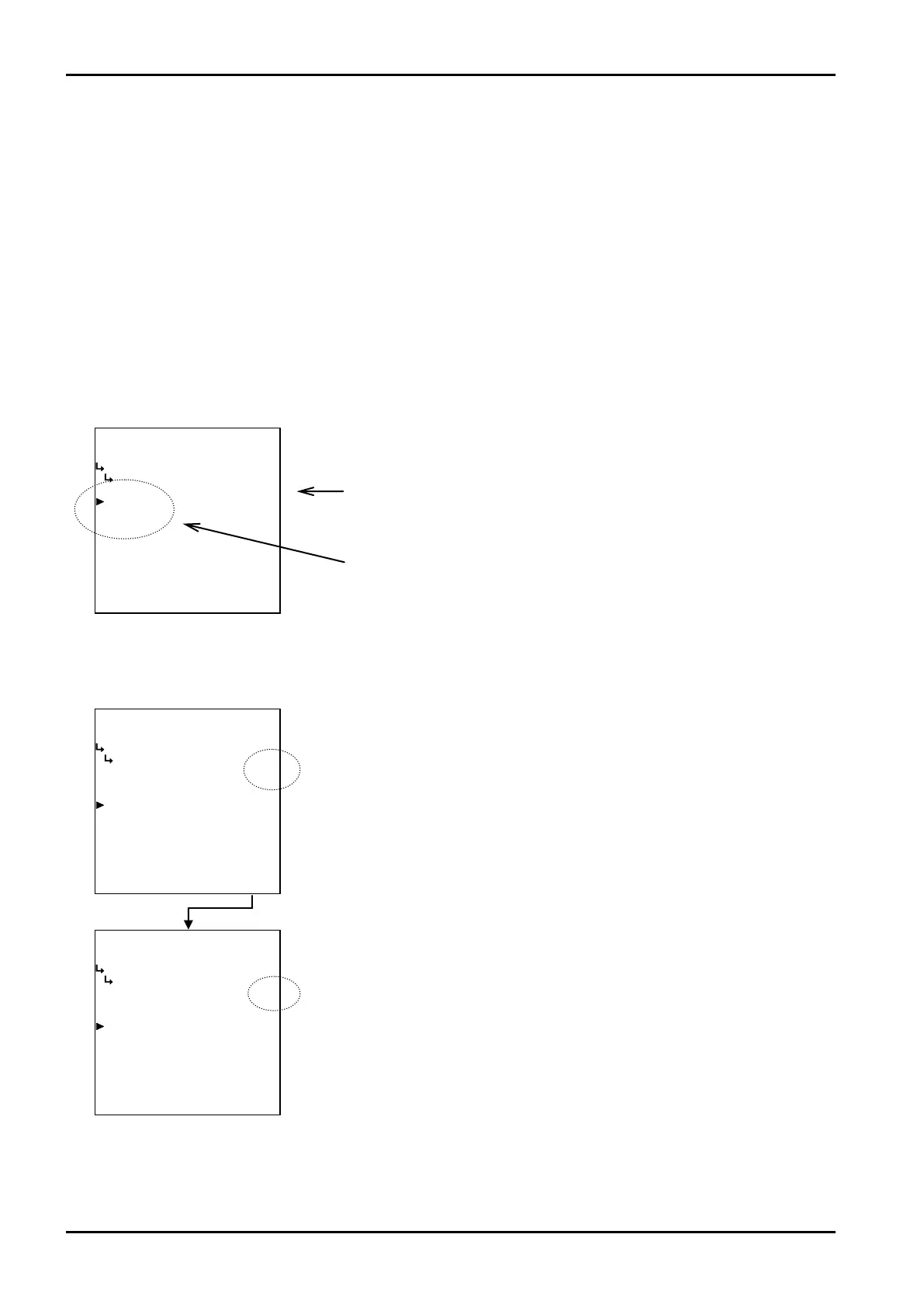
Example: The unit setup screen of temperature input 1
Currently set unit
Options select field
① When “ENTR” is pressed
←Option setup screen
Move the cursor to the desired item (unit of measure) for setup and press function
key “ENTR”.
Pressing function key “ENTR” establishes the unit chosen.








 To Next Page