/
−−−−−<SET MODE>−−−−−−
*TEMP. INPUT
*PRESS. INPUT
*PULSE INPUT
*FLOW RATE SETTING
*TOTAL COUNT1
*TOTAL COUNT2
*ANALOG OUTPUT
*3α COMPEN.
*T/P COMPEN.
*METER ERROR
↓−−−−<MAIN MENU>−−−−−
PLSE| | |
SET| | |ENTR
/
−−−−−<SET MODE>−−−−−−
TEMP. INPUT1
・UNIT
゜C
・BASE SCALE
−5.00000E+1
・FULL SCALE
+3.50000E+2
・UNDER ALARM POINT
−5.00000E+1
↓−−−−<SUB MENU>−−−−−
MAIN| | |
MENU| | |ENTR
E-880TM-3-E
←Main menu item select
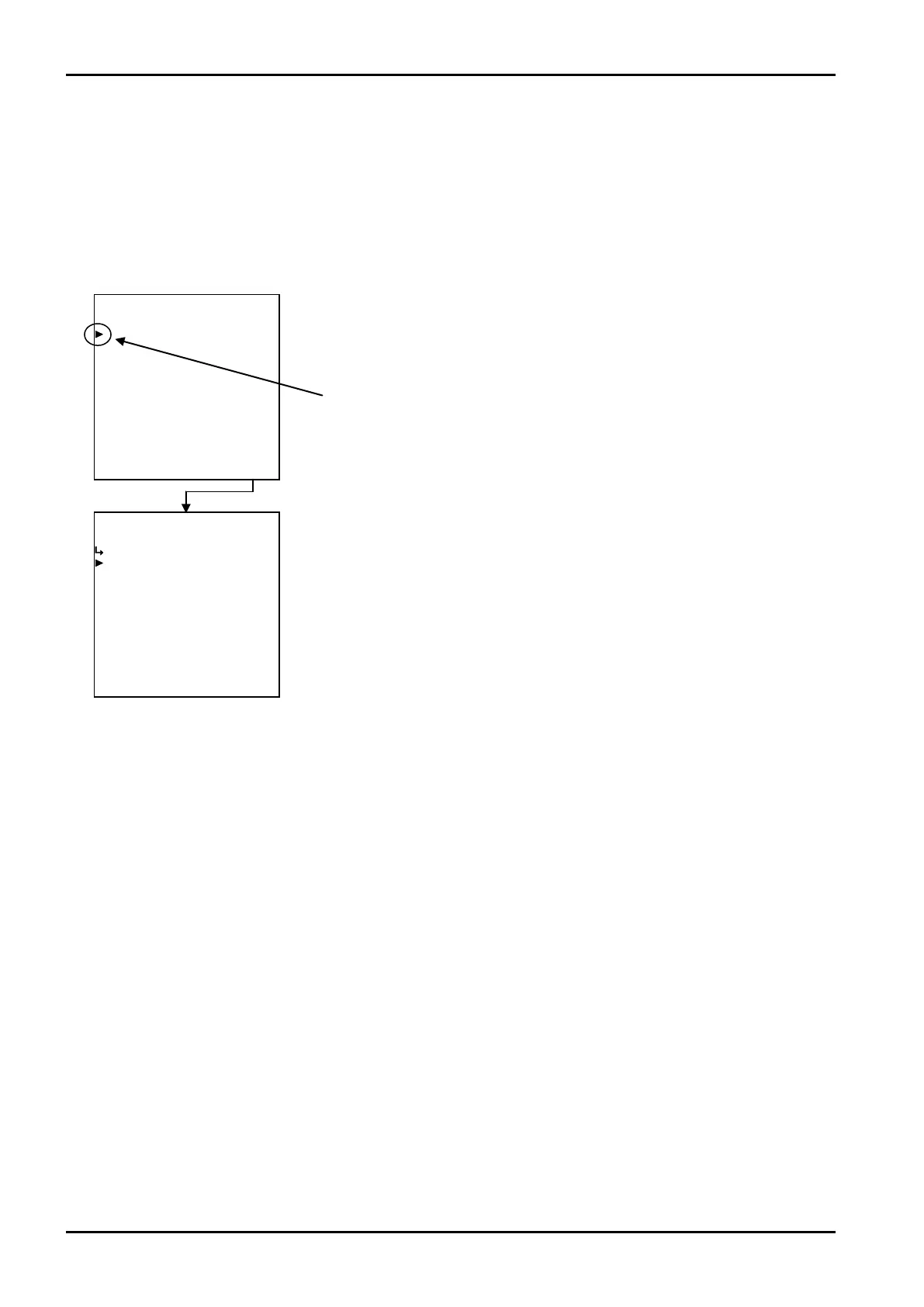
6.3 SET Submenu Screen
Pressing the function key “ENTR” at the main menu changes the current screen to a submenu screen of
the menu item pointed by the cursor. Detailed submenu items in the option and their settings appear. The
user can review current settings on this screen.
Cursor
Example: Temperature input 1
←Temperature input submenu item select








 To Next Page