MAN
−−−−−<SYS MODE>−−−−−−
COMMUNICATION
・MODE
MANUAL
−−−−−<SUB MENU>−−−−−
MAIN| | |
MENU| | |ENTR
A−L
−−−−−<SYS MODE>−−−−−−
COMMUNICATION
・MODE
AUTO
・bps RATE
9600 bps
・DATA BIT
8 bit
・STOP BIT
1 bit
↓−−−−<SUB MENU>−−−−−
MAIN| | |
MENU| | |ENTR
A−L
↑−−−−<SYS MODE>−−−−−−
COMMUNICATION
・ADDRESS
01
・TERMINATE
CR+LF
・BCC
BCC
・PARITY
EVEN
−−−−−<SUB MENU>−−−−−
MAIN| | |
MENU| | |ENTR
E-880TM-3-E
1
7.4.13 Communication Setup (COMMUNICATION)
Communication functions are set up here.
※ This item is not shown in models not provided with communication capabilities.
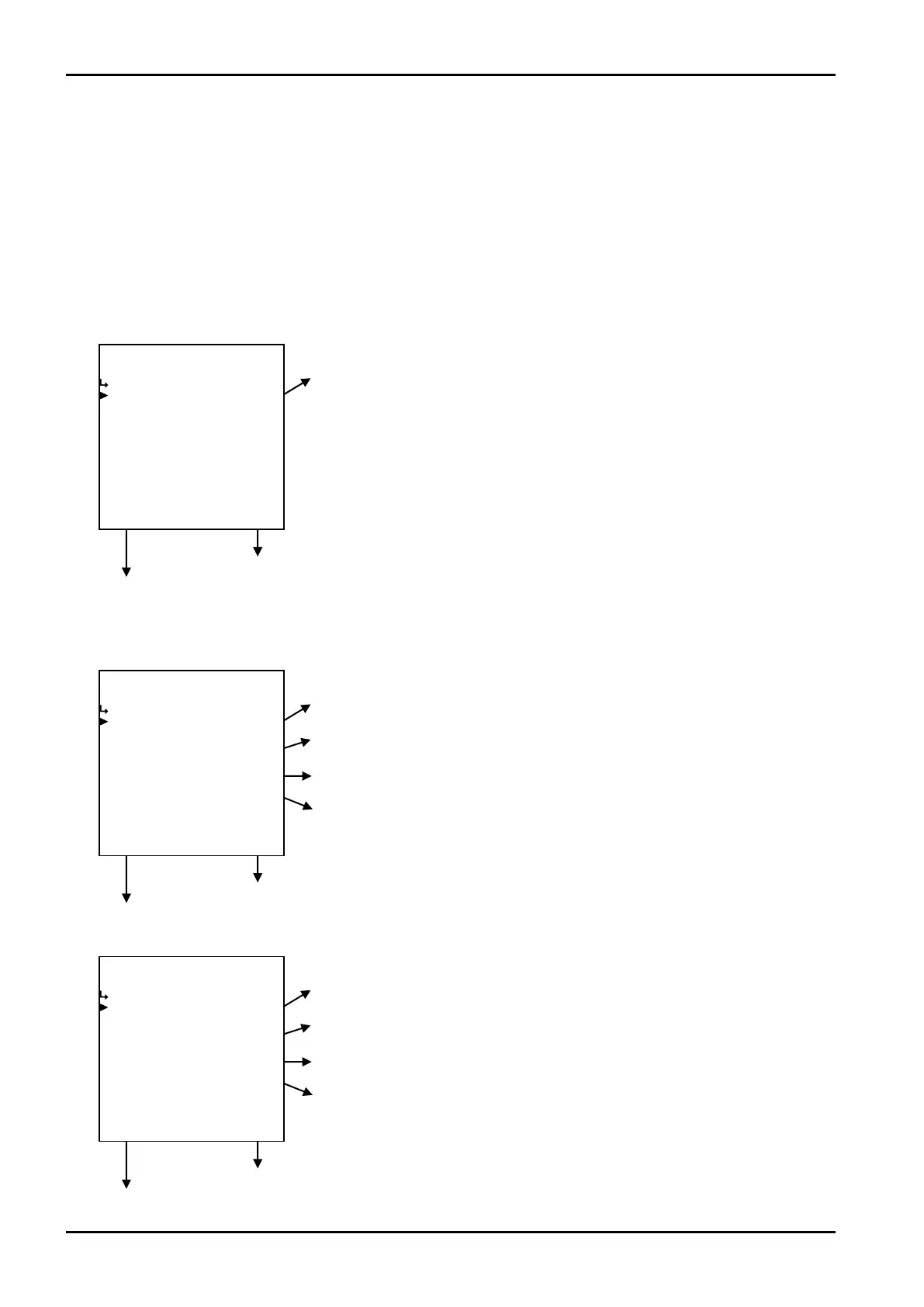
(1)Communication setup submenu screen
At the submenu, move the cursor to the desired setup item with the up arrow and down arrow keys.
At the touch of function key “ENTR”, the screen switches to the desired setup screen.
① Communication mode setup (MODE) on page 167
To the setup screen pointed by the cursor
7.1.1 SYS mode main menu screen p. 142
① Communication mode setup (MODE) p. 167
② Communication baud rate setup (bps RATE) p. 167
③ Communication data bit length setup (DATA BIT) p. 168
④ Communication stop bit length setup (STOP BIT) p. 168
To the setup screen pointed by the cursor
7.1.1 SYS mode main menu screen p. 142
⑤ Communication home address setup (ADDRESS) p. 168
⑥ Communication terminator setup (TERMINATE) p. 168
⑦ Communication BCC setup (BCC) p. 169
⑧ Communication parity bit setup (PARITY) p. 169
To the setup screen pointed by the cursor
7.1.1 SYS mode main menu screen p. 142
② When communication mode is in “AUTO”
① When communication mode is in “MANUAL”








 To Next Page