/
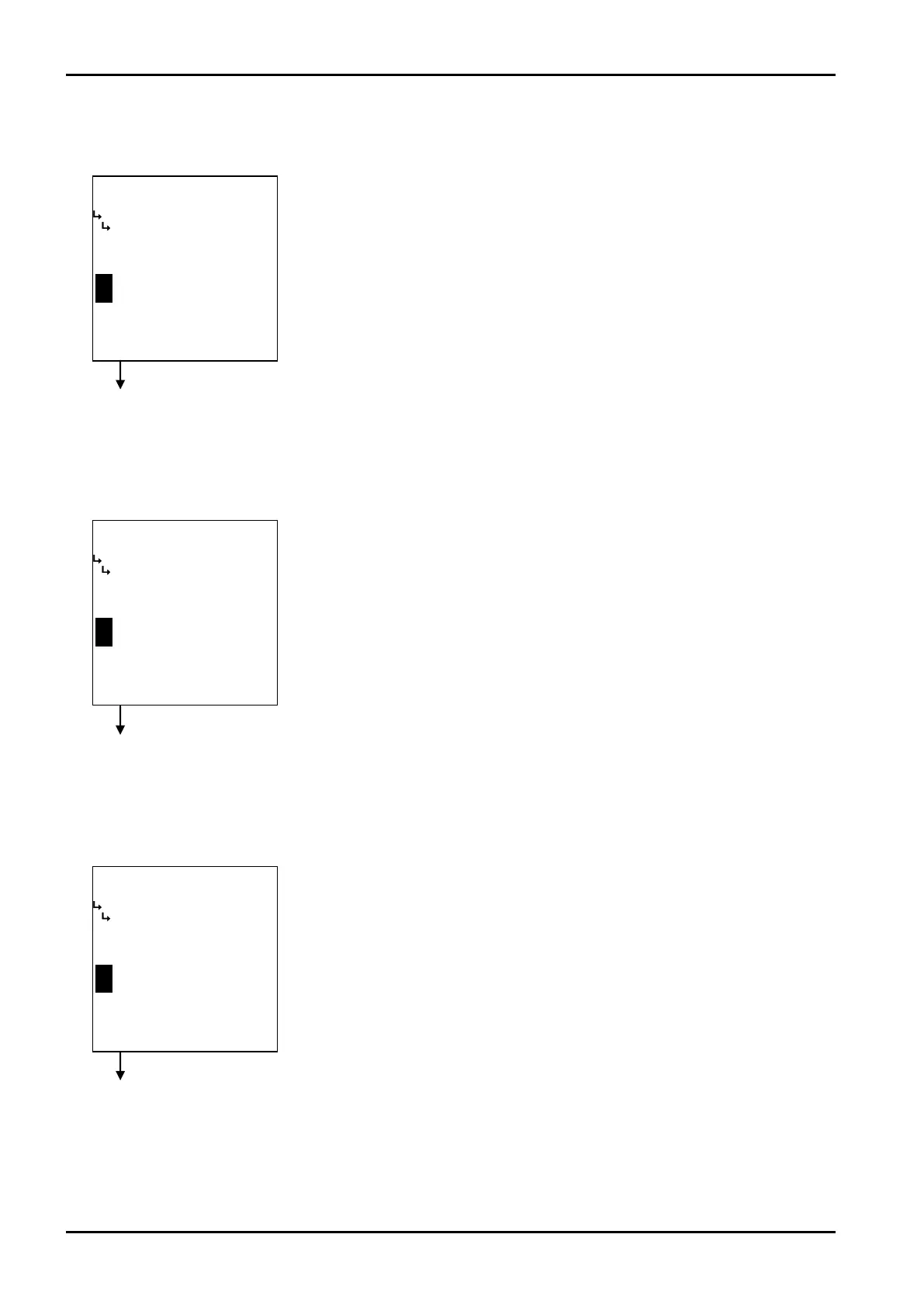
−−−−−<SET MODE>−−−−−−
ANALOG OUTPUT
HIGH LIMIT(mA)
+2.00000 E+1
+2.00000
E+1
−−−−−−−<INPUT>−−−−−−−
|CAN−| |
EXIT| CEL|CLER|ENTR
/
−−−−−<SET MODE>−−−−−−
ANALOG OUTPUT
BASE SCALE
+0.00000 E+0
+0.00000
E+0
−−−−−−−<INPUT>−−−−−−−
|CAN−| |
EXIT| CEL|CLER|ENTR
/
−−−−−<SET MODE>−−−−−−
ANALOG OUTPUT
FULL SCALE
+9.99992 E+4
+9.99992
E+4
−−−−−−−<INPUT>−−−−−−−
|CAN−| |
EXIT| CEL|CLER|ENTR
E-880TM-3-E
8
② Analog output baseline setup (BASE SCALE)
The baseline of analog output is set up here.
Analog output submenu screen p. 76
③ Analog output full scale setup (FULL SCALE)
The full scale of analog output is set up here.
④ Analog output high limit setup (HIGH LIMIT (mA))
The high limit of analog output is set up here.
←Numerical value input setup
For details of numerical value input setup, see “(1) Numerical value setup screen
(INPUT)” on page 43.
※ For the unit to be set here, the unit set at the analog output unit setup
(① Analog output unit setup (UNIT) on page 77) is used. Make sure of the
unit before you set up.
←Numerical value input setup
For details of numerical value input setup, see “(1) Numerical value setup screen
(INPUT)” on page 43.
※ For the unit to be set here, the unit set at the analog output unit setup
(① Analog output unit setup (UNIT) on page 77) is used. Make sure of the
unit before you set up.
Analog output submenu screen p. 76
Analog output submenu screen p. 76
←Numerical value input setup
For details of numerical value input setup, see “(1) Numerical value setup screen
(INPUT)” on page 43.
※ The unit to be set up here is mA. Make sure of the unit before you set up.








 To Next Page