−−−−−<SYS MODE>−−−−−−
PULSE OUTPUT1
TYPE
TOTAL COUNT1
1:NONE
2:TOTAL COUNT1
3:TOTAL COUNT2
4:ALARM
−−−−−−<SELECT>−−−−−−−
|CAN−| |
EXIT| CEL| |ENTR
−−−−−<SYS MODE>−−−−−−
PULSE OUTPUT1
・TYPE
TOTAL COUNT
・PULSE WIDTH
1mS
−−−−−<SUB MENU>−−−−−
MAIN| | |
MENU| | |ENTR
/
TOTAL COUNT 1/5
123
0.01 m3
TOTAL COUNT(C)
1234
0.1 Nm3
MODE|ERR.|PAGE|
MENU|LOG.| UP|
−−−−−<SYS MODE>−−−−−−
PULSE OUTPUT1
TYPE
TOTAL COUNT(C)
1:NONE
2:TOTAL COUNT
3:TOTAL COUNT(C)
4:ALARM
−−−−−−<SELECT>−−−−−−−
|CAN−| |
EXIT| CEL| |ENTR
E-880TM-3-E
1
7.4.7 Pulse Output Setup (PULSE OUTPUT)
The type of output for the pulse output is set up here.
Example: On the RUN mode screen, if the “TOTAL COUNT” represents the uncorrected count while
the “TOTAL COUNT (C)” represents the corrected count, then setting up the “TOTAL
COUNT (C)” at “TYPE” of the “PULSE OUTPUT 1” config menu results in providing the
corrected total pulse output.
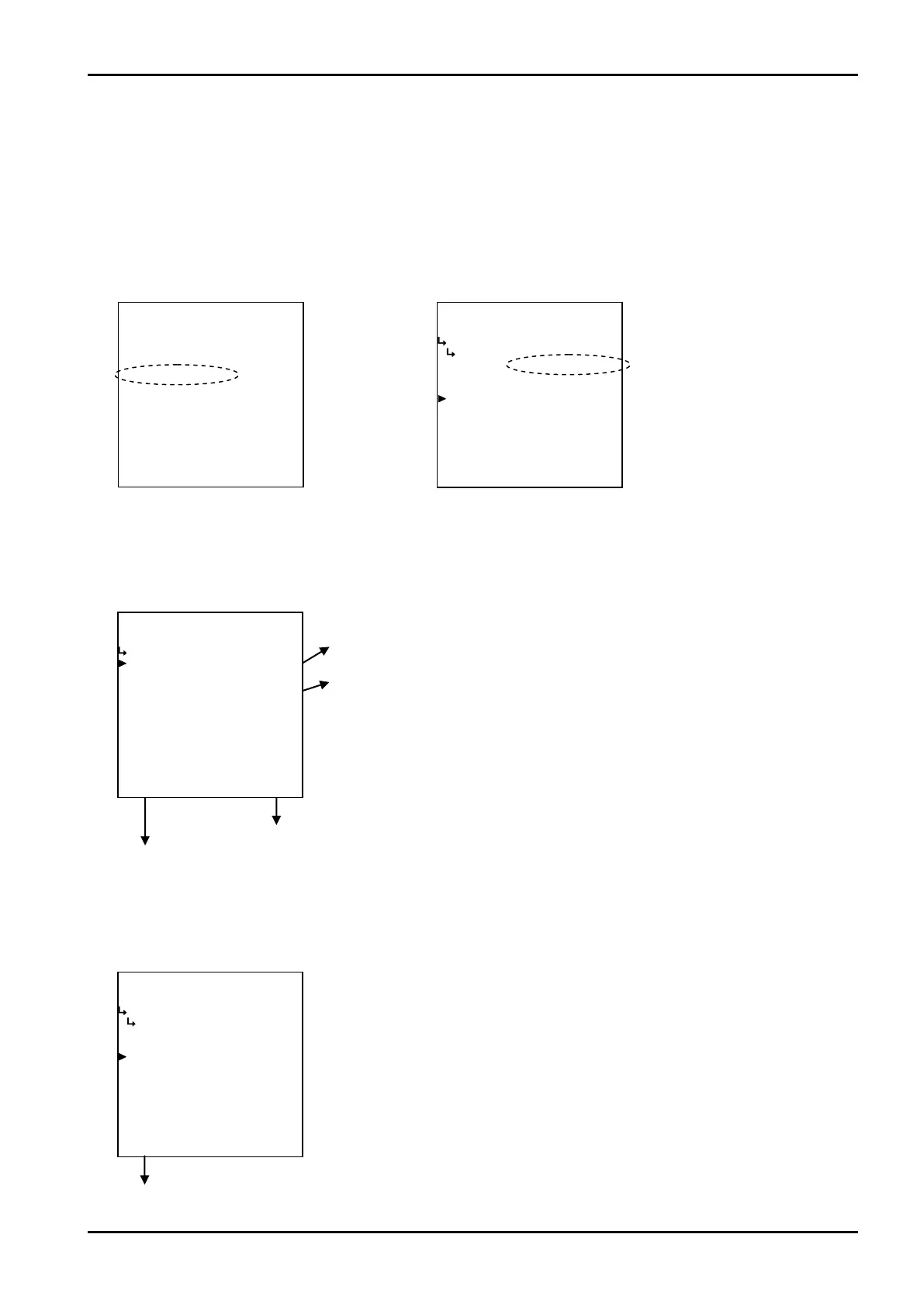
(1)Pulse output submenu screen
At the submenu, move the cursor to the desired setup item with the up and down arrow keys.
At the touch of function key “ENTR”, the screen switches to the pulse output submenu screen.
① Pulse output type setup (TYPE) on page 157
② Pulse output width setup (PULSE WIDTH) on page 158
Pulse output submenu screen p. 157
To the setup screen pointed by the cursor
7.1.1 SYS mode main menu screen p. 142
① Pulse output type setup (TYPE)
The type of output for the pulse output is set up here.
RUN mode screen SYS mode pulse output setup
←Input type option setup
For details of option setup, see “(2) Option select setup screen (SELECT)” on
page 46.








 To Next Page