/
−−−−−<SET MODE>−−−−−−
PULSE OUT DIVIDE
P.OUT1 10^(−2)
(−2)
10
−2=<n=<+4
−−−−−<PULSE SET>−−−−−
|CAN−| |
EXIT| CEL|CLER|ENTR
/
−−−−−<SET MODE>−−−−−−
PULSE OUT DIVIDE
・P.OUT1 10^(−2)
・P.OUT2 10^(−1)
・P.OUT3 10^(−1)
−−−−−<SUB MENU>−−−−−
DATA|CAN−|MAIN|
WRTE| CEL|MENU|ENTR
/
−−−−−<SET MODE>−−−−−−
PULSE OUT DIVIDE
P.OUT1 10^(−2)
(−2)
10
−2=<n=<+4
−−−−−<PULSE SET>−−−−−
|CAN−| |
EXIT| CEL|CLER|ENTR
/
−−−−−<SET MODE>−−−−−−
PULSE OUT DIVIDE
P.OUT1 10^(−2)
(−2)
10
−2=<n=<+4
−−−−−<PULSE SET>−−−−−
|CAN−| |
EXIT| CEL|CLER|ENTR
/
−−−−−<SET MODE>−−−−−−
PULSE OUT DIVIDE
・P.OUT1 10^(−2)
・P.OUT2 10^(−1)
・P.OUT3 10^(−1)
−−−−−<SUB MENU>−−−−−
DATA|CAN−|MAIN|
WRTE| CEL|MENU|ENTR
/
−−−−−<SET MODE>−−−−−−
PULSE OUT DIVIDE
P.OUT1 10^(−2)
(−2)
10
−2=<n=<+4
−−−−−<PULSE SET>−−−−−
|CAN−| |
EXIT| CEL|CLER|ENTR
E-880TM-3-E
13
・About the automatic calculation of the minimum pulse output scale factor (weight)
The minimum pulse output scaling (weight) implies the min. value that allows to provide an output pulse,
based on such factors as meter factor, correction factors, and unit conversion factor for input pulse. By
applying to the pulse output a frequency reduction with a factor larger than this min. value, you can set up
the weight (unit) for pulse output.
With a minimum scale factor of (-2), you can set a scale factor ranging from -2 to +4.
※ Acceptable scale factors cover a range from min. value to min. value + 6. You cannot
complete the setup with any other value.
With on-screen scale factor set to (-2), the total counter and pulse output reads in the unit 10
-2
= 0.01.
By setting this value to (+3), the total counter and pulse output reads in the unit ×10
3
= 1000.
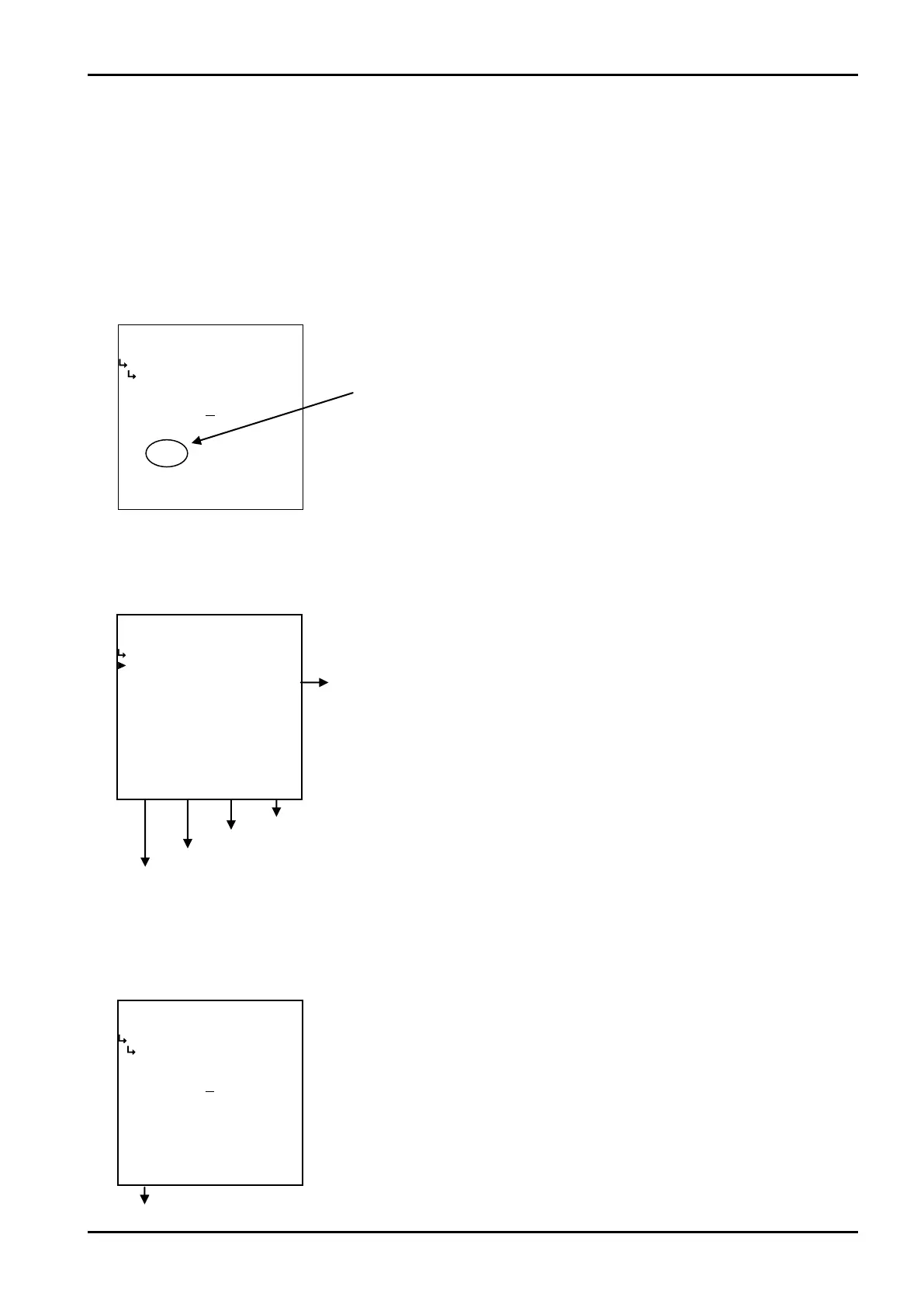
(1)Pulse output scale factor submenu screen
At the submenu, move the cursor to the desired setup item with the up and down arrow keys.
At the touch of function key“ENTR”, the screen switches to the desired item setup screen.
① Pulse output scale factor (P. OUT)
The scaling of pulse output scale factor is set up here.
※ Any scale factor within the range shown is acceptable. You cannot complete the setting
procedure with any value outside this range.
Minimum scale factor
① Pulse output scale factor setup (P. OUT) p. 139
To cursor location setup screen
Save modifications and go to mode select menu screen
Quadratic correction submenu screen p. 88
To SET mode main menu
Abort settings and go to mode selet menu screen
←Numerical value input setup
For details of numerical value input setup, see “(1) Numerical value setup screen
(INPUT)” on page 43.








 To Next Page