−−−−−<SYS MODE>−−−−−−
TEMP. INPUT
TYPE
1−5V
1:NONE
2:Pt100
3:4−20mA
4:1−5V
−−−−−−<SELECT>−−−−−−−
|CAN−| |
EXIT| CEL| |ENTR
−−−−−<SYS MODE>−−−−−−
TEMP. INPUT
・TYPE
1−5V
−−−−−<SUB MENU>−−−−−
MAIN| | |
MENU| | |ENTR
E-880TM-3-E
1
7.4.4 Temperature Input Setup (TEMP. INPUT)
The type of input for the temperature input is set up here.
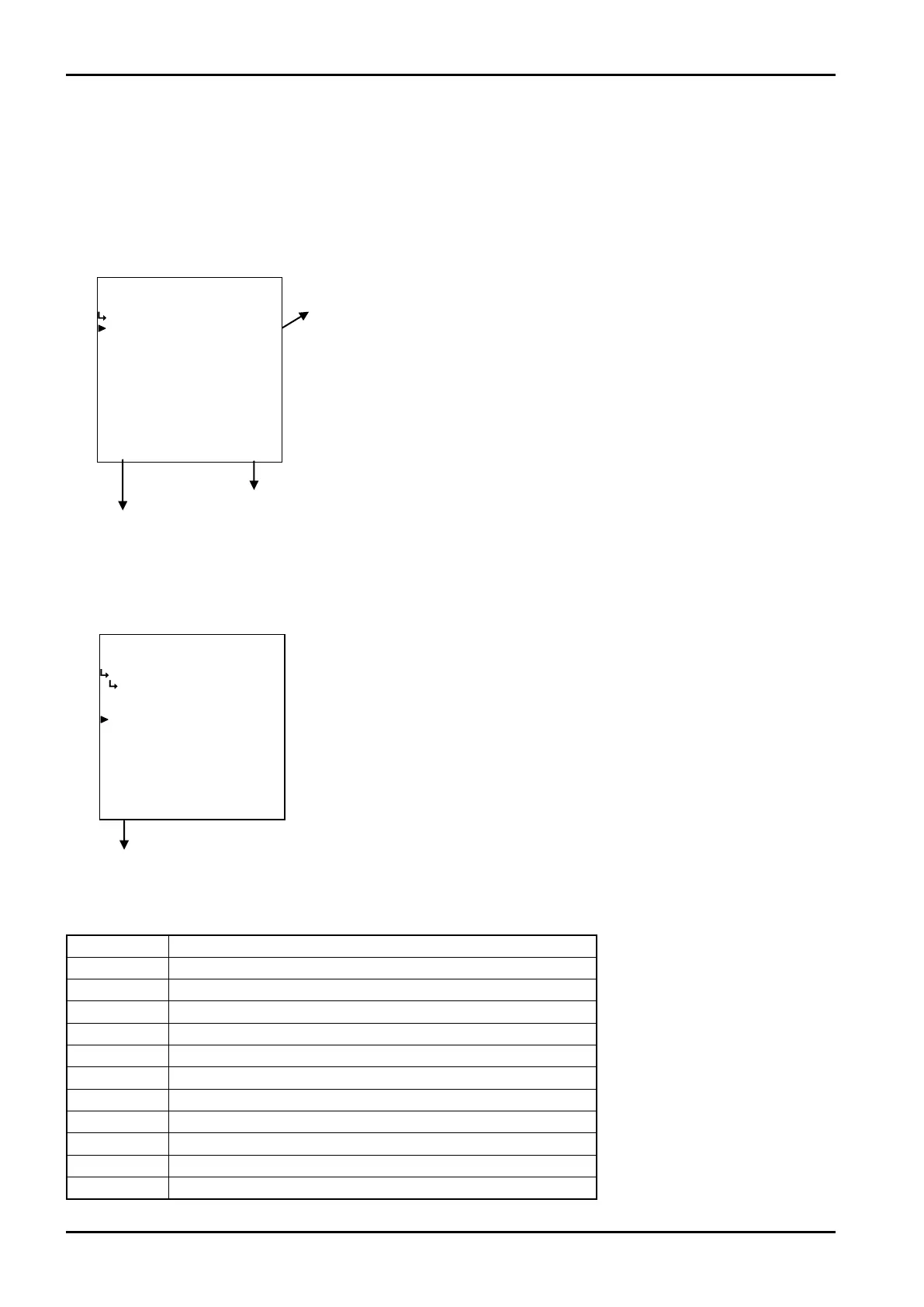
(1)Temperature input submenu screen
At the submenu, move the cursor to the desire setup item with the up and down arrow keys.
At the touch of function key “ENTR”, the screen switches to the desired setup screen.
① Temperature input type setup (TYPE) on page 154
Temperature input
submenu screen p. 155
To the setup screen pointed by the cursor
7.1.1 SYS mode main menu screen p. 142
① Temperature input type setup (TYPE)
The type of input for the temperature input is set up here.
Model Options
EL4111
“NONE”,“Pt100 Ω”,“4-20mA”,“1-5V”
EL4121
“NONE”,“Pt100 Ω”,“4-20mA”,“1-5V”
EL4131
“NONE”,“Pt100 Ω”,“4-20mA”,“1-5V”
EL4201
“NONE”,“Pt100 Ω”,“4-20mA”,“1-5V”
EL4211
“NONE”,“Pt100 Ω”,“4-20mA”,“1-5V”
EL4301
“NONE”,“Pt100 Ω”,“4-20mA”,“1-5V”,“5mV/℃”,“10mV/℃”
EL4311
“NONE”,“Pt100 Ω”,“4-20mA”,“1-5V”,“5mV/℃”,“10mV/℃”
EL4321
“NONE”,“Pt100 Ω”,“4-20mA”,“1-5V”
EL4401
“NONE”,“Pt100 Ω”,“4-20mA”,“1-5V”
EL4501
“NONE”,“Pt100 Ω”,“4-20mA”,“1-5V”
EL4511
“NONE”,“Pt100 Ω”,“4-20mA”,“1-5V”
・Available items for setup
←Input type option
For details of option setup, see “(2) Option select setup screen (SELECT)” on
page 46.
※ In cases where the user has changed the input type to NONE (constant) or
to other type, do not fail to set up the constant at the temperatuare input
setup in the SET mode (② Tem perat aure i nput constant setup
(CONSTANT) on page 51), and set up the pulse output scaling (Section
6.4.27 Pulse output scaling setup (PULSE OUT DIVIDE) on page 138).
Unless they are so configured, the computer possibly may not perform
properly.
※ On Models EL4301 and EL4311, switching among options - 4 to 20mA,
1 to 5mA, 5mV/°C, and 10mV/°C - is done by hardware. You cannot alter
setting at this menu.








 To Next Page