/
−−−−−<SET MODE>−−−−−−
METER ERROR
TYPE
POINT TO POINT
1:CONSTANT
2:POINT TO POINT
−−−−−−<SELECT>−−−−−−−
|CAN−| |
EXIT| CEL| |ENTR
/
−−−−−<SET MODE>−−−−−−
METER ERROR
CONSTANT
+0.00000 E+0
+0.00000
E+0
−−−−−−−<INPUT>−−−−−−−
|CAN−| |
EXIT| CEL|CLER|ENTR
/
−−−−−<SET MODE>−−−−−−
METER ERROR
・TYPE
CONSTANT
・CONSTANT
+0.00000 E+0
−−−−−<SUB MENU>−−−−−
MAIN| | |
MENU| | |ENTR
E-880TM-3-E
8
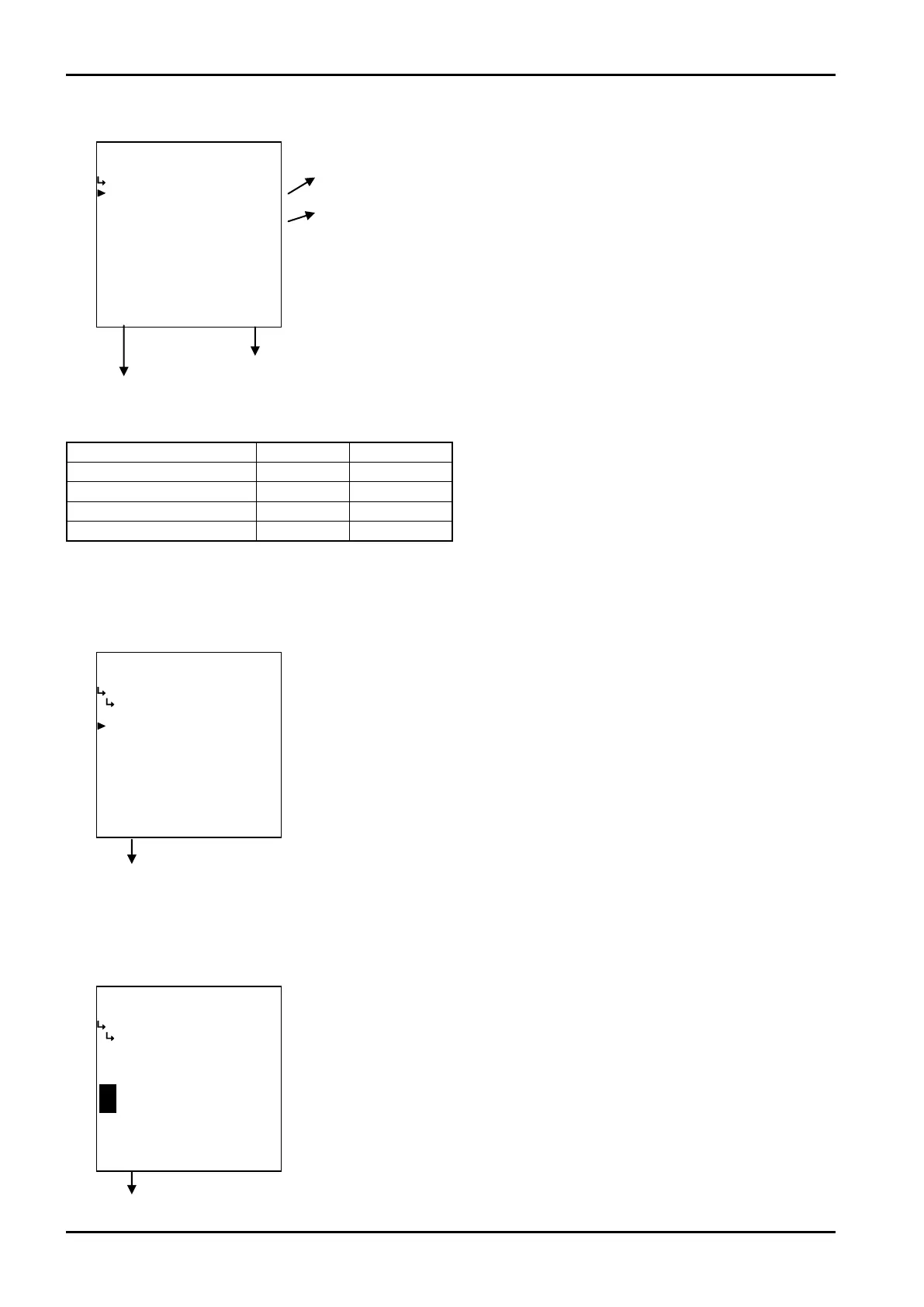
② Correction type set to a constant (CONSTANT)
① Meter error correction - type setup (TYPE) p. 86
② Meter error correction - constants (CONSTANT) p. 86
To the setup screen pointed by the cursor
SET mode main menu screen ⇒ 6.2 SET mode main menu screen p. 36
Submenu item
Correction type ※ Constant Broken line
Constant (s) Displayed Hidden
Frequencies 1 to 9 Hidden Displayed
Meter error 1 to 9 Hidden Displayed
Conditions to show submenu items
※:Conditions for selecting on-screen information
① Meter error correction - type setup (TYPE)
The correction type of meter error correction factors is set up here.
Meter error correction submenu screen p. 85
② Meter error correction -constant (CONSTANT)
With “CONSTANT” chosen for the correction type, constants are set up.
※ The unit of values to be set up here (at this menu) is “%”. Make sure of the unit before you set up.
Meter error correction submenu screen p. 85
←Correction type select
For details of option setup, see “(2) Option select setup screen (SELECT)” on
page 46.
Select either POINT TO POINT or CONSTANT..
※ Reminder: Depending on the menu selected, the items at the submenu
vary.
←Numerical value input setup
For details of numerical value input setup, see “(1) Numerical value setup screen
(INPUT)” on page 43.
※ In the SET mode, this item is not shown if the meter error correction -
type setup (① Meter error type setup (TYPE) on page 86) is set to“POINT
TO POINT”.








 To Next Page