/ CD
−−−−−<MODE MENU>−−−−−
07−06−13
13:47
MODEL:EL4501
MULTI TEMP.COMP
RUN |SET |SYS |PARA
MODE|MODE|MODE|SET
/ CD
−<IC CARD SUPPORT 2>−
MODEL:EL4501
VERSION:4.00
PARAMETER:SET
CALIBRATION:OK
CARD(KEY)
VERSION:4.00
KEY No.:0000000
CALCURATION END ?
CAN−| | |
CEL| | |YES
E-880TM-3-E
1
9.2.1 PARA SET Mode Main Menu Screen
In response to KEY card insertion into the reader, a label “PARA SET” appears in the function key field.
At the touch of this function key “PARA SET”, the screen changes to the IC card support 2 screen.
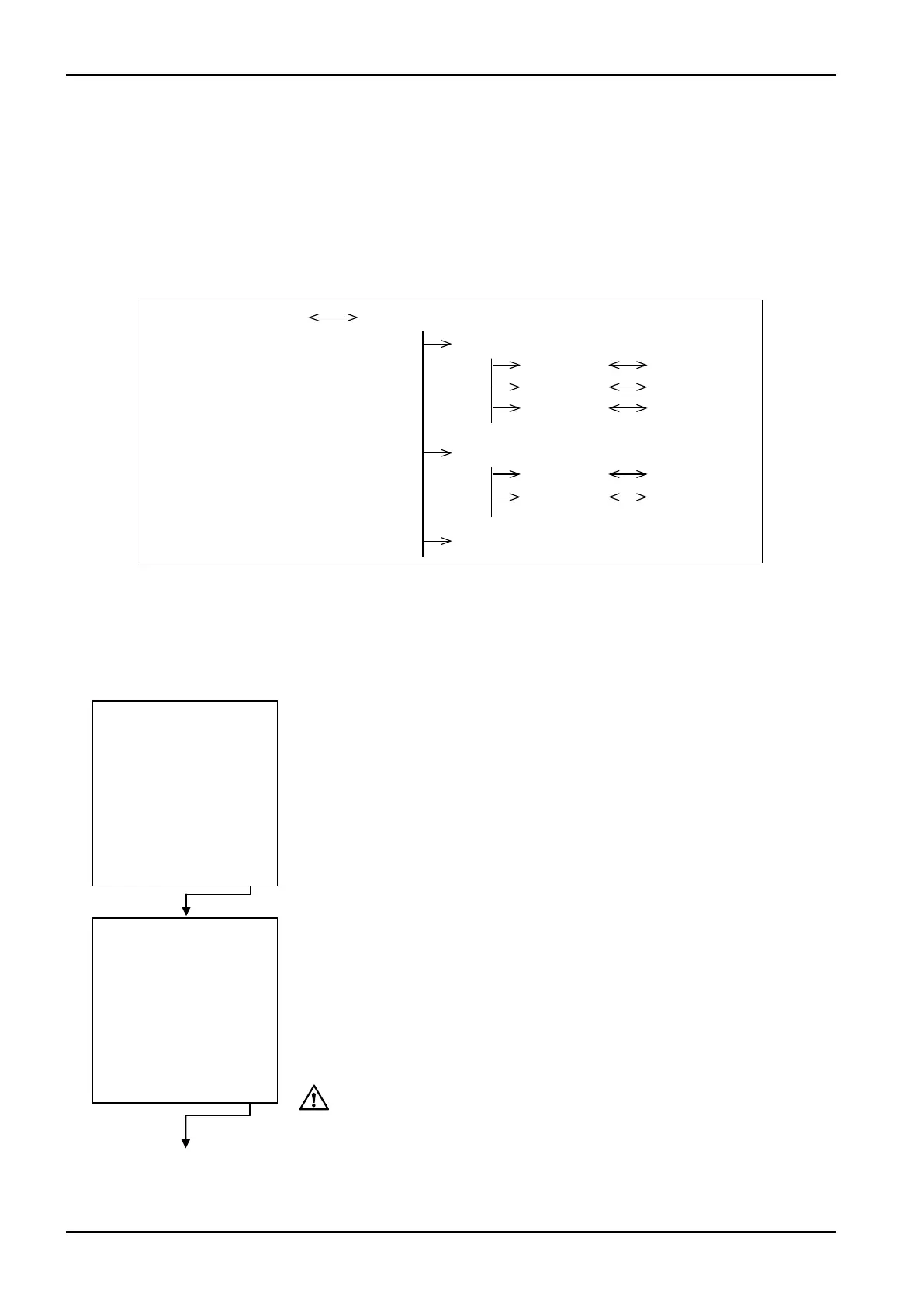
Page 1 in RUN mode PARA mode main menu
Main menu item 1
Submenu 1
Submenu 2
Submenu 3
Main manu item 2
Submenu 1
Submenu 2
Main menu item 3
Setup screen 1
Setup screen 2
Setup screen 3
Setup screen 1
Setup screen 2
9.2 PARA SET Mode Menu Tree
Inserting the KEY card in place (into the reader) and loading the card information brings up the PARA
SET mode main menu screen.
The SYS mode consists of the following three levels:
1. Main menu
2. Submenu
3. Setup screen (numerical data setup or option select screen)
←Mode select menu screen.
In response to KEY card insertion, label “PARA SET” appears in the function key
field as shown.
At the touch of function key “PARA SET”, the screen changes to the IC card
support 2 screen.
←IC card support 2 screen
With the KEY card, implementation remains impossible unless calculation is
suspended, a prompter message reminds you whether or not to suspend
calculation.
Pressing function key “YES” suspends calculation and switches the screen to the
IC card support 1 screen.
Pressing function key “CANCEL” causes the screen to return to the mode select
menu screen.
CAUTION: A switch to the IC card support screen 1 suspends
update calculation.








 To Next Page