/
−−−−−<SET MODE>−−−−−−
TEMP. INPUT
BASE SCALE
−5.00000E+1
−1.23456
E+1
−−−−−−−<INPUT>−−−−−−−
|CAN−| |
EXIT| CEL|CLER|ENTR
/
−−−−−<SET MODE>−−−−−−
TEMP. INPUT
BASE SCALE
−5.00000E+1
−0.00000
E+0
−−−−−−−<INPUT>−−−−−−−
|CAN−| |
EXIT| CEL|CLER|ENTR
/
−−−−−<SET MODE>−−−−−−
TEMP. INPUT
BASE SCALE
−5.00000E+1
−3.00000
E+1
−−−−−−−<INPUT>−−−−−−−
|CAN−| |
EXIT| CEL|CLER|ENTR
/
−−−−−<SET MODE>−−−−−−
TEMP. INPUT
BASE SCALE
−3.00000E+1
−3.00000
E+1
−−−−−−−<INPUT>−−−−−−−
|CAN−| |
EXIT| CEL|CLER|ENTR
E-880TM-3-E
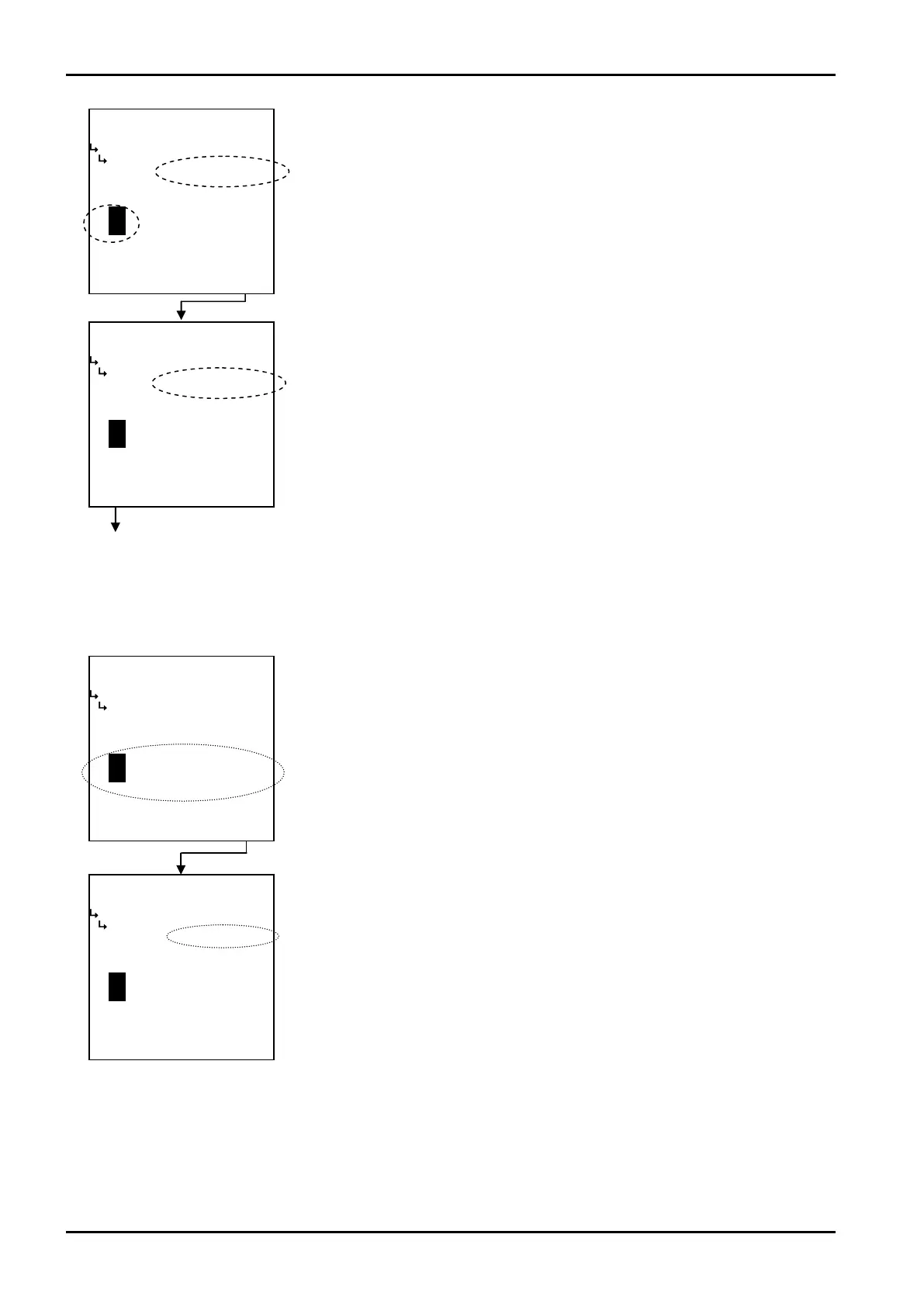
① When “CLER” is depressed
Pressing the function key “CLER” resets the numerical value in the numerical value edit area to zero.
End of setup
←Numerical value edit
Increase or decrease the numerical value with the up and down arrow keys.
Press the function key “ENTR” to activate the setting.
←Numerical value edit
Press the function key “EXIT” to complete the setup.
The user may abort the setup by pressing the function key “CANCEL”, ending the
setup with the previous setting unchanged (-50℃ in the example here).
←Numerical value setup screen
By pressing function key “CLER”, you can reset the numerical value in the
numerical value edit area to zero.








 To Next Page