/
−−−−−<SET MODE>−−−−−−
ANALOG OUTPUT
・UNIT
m3/h
・BASE SCALE
+0.00000 E+0
・FULL SCALE
+9.99992 E+4
・HIGH LIMIT(mA)
+2.00000 E+1
↓−−−−<SUB MENU>−−−−−
MAIN| | |
MENU| | |ENTR
ExampleMeasurementunits(UNIT):m
3
/h
Baseline(BASESCALE):0m
3
/h
Fullscale(FULLSCALE):2000m
3
/h
Highlimit(HIGHLIMIT(mA)):20mA
Lowlimit(LOWLIMIT(mA)):4mA
2000m
3
/h0 m
3
/h
22mA
20mA
20mA4mA
4mA
3.5mA
Lowlimit Highlimit
Outputrange
Lowlimit‒highlimit
settingrange
Fullscale
Base
E-880TM-3-E
6.4.8 Analog Output Setup (ANALOG OUTPUT)
As the parameters associated with analog output, the measuring units, baseline, full scale value, upper
high limit of the output, lower low limit of the output, and low cutoff level are set here,
The lower low and upper high level limits determine the current magnitude with respect to the instant
flowrate value. These values are set in a range between 3.5mA and 22mA; In most cases, 4mA and
20mA are established.
The baseline and full scale setting ranges depend on the settings for the given model (calculation).
Determine them upon consideration of the settings given to the model of the intereset. (Excessively large
or small settings will result in failure to perform proper operation.)
The low cutoff level establishes the minimum flowrate of the meter. If the instant flowrate measured falls
short of this level, the analog output will automatically be clamped at the low limit level (typically 4mA).
If the operator does not use this feature, set it at the same level as the baseline (0 m
3
/h in the example
below).
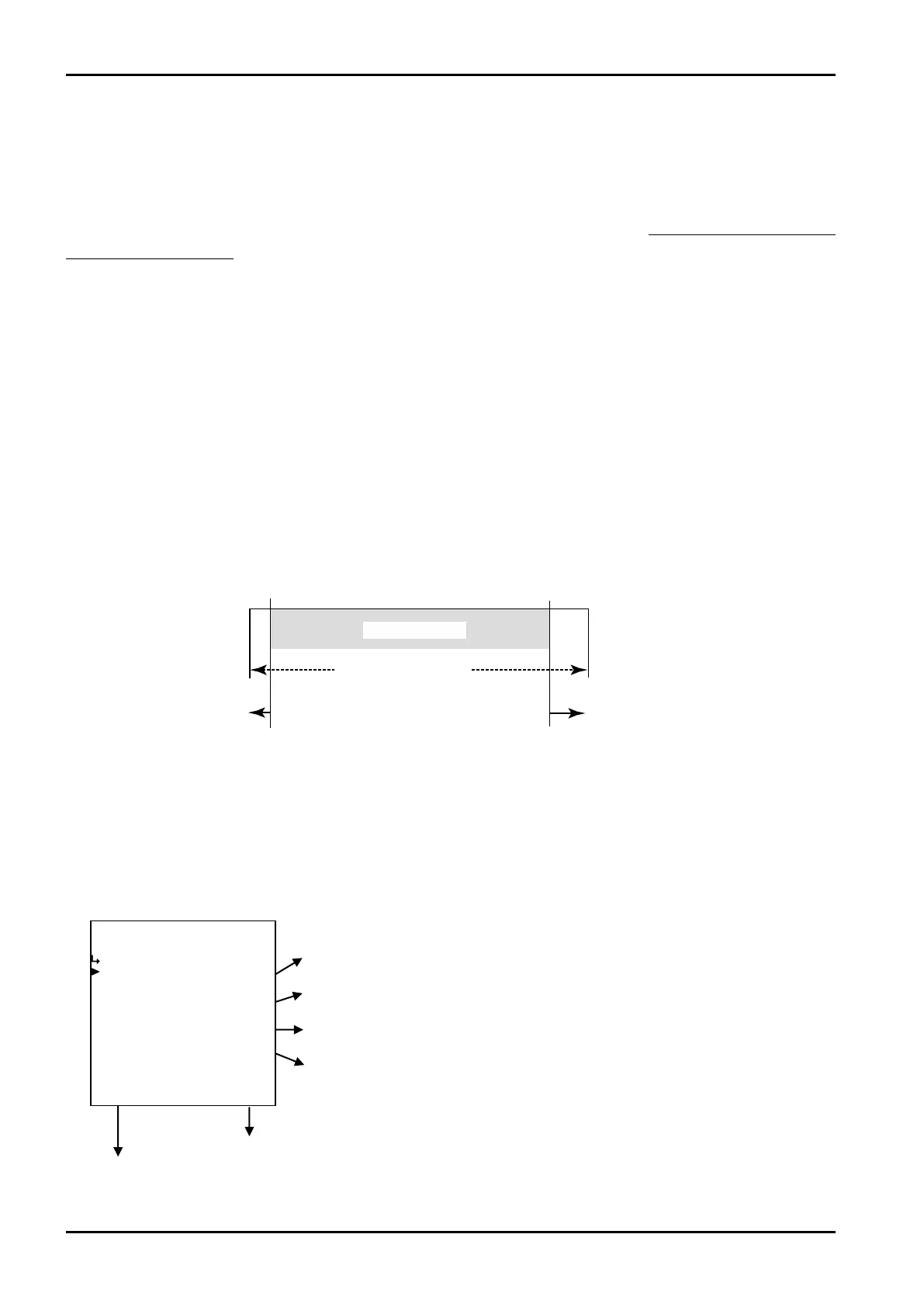
(1)Analog output submenu screen
At the submenu, move the cursor to the desired setup item with the up and downarrow keys.
At the touch of function key “ENTR”, the screen switches to the desired setup screen.
① Analog output unit setup (UNIT) p. 77
② Analog output baseline setup (BASELINE) p. 78
③ Analog output full scale setup (FULL SCALE) p. 78
④ Analog output high limit setup (HIGH LIMIT (mA)) p. 78
To the setup screen pointed by the cursor
SET mode main menu screen ⇒ 6.2 SET mode main menu screen p. 36








 To Next Page