−−−−−<SYS MODE>−−−−−−
CALENDAR
DATE
06−02−09
06−02−09
−−−−−−−<INPUT>−−−−−−−
|CAN−| |
EXIT| CEL|CLER|ENTR
−−−−−<SYS MODE>−−−−−−
CALENDAR
・DATE
06−02−09
・TIME
17:40
−−−−−<SUB MENU>−−−−−
MAIN| | |
MENU| | |ENTR
−−−−−<SYS MODE>−−−−−−
CALENDAR
TIME
17:51
17:51
−−−−−−−<INPUT>−−−−−−−
|CAN−| |
EXIT| CEL|CLER|ENTR
E-880TM-3-E
1
7.4.2 Calendar Setup (CALENDAR)
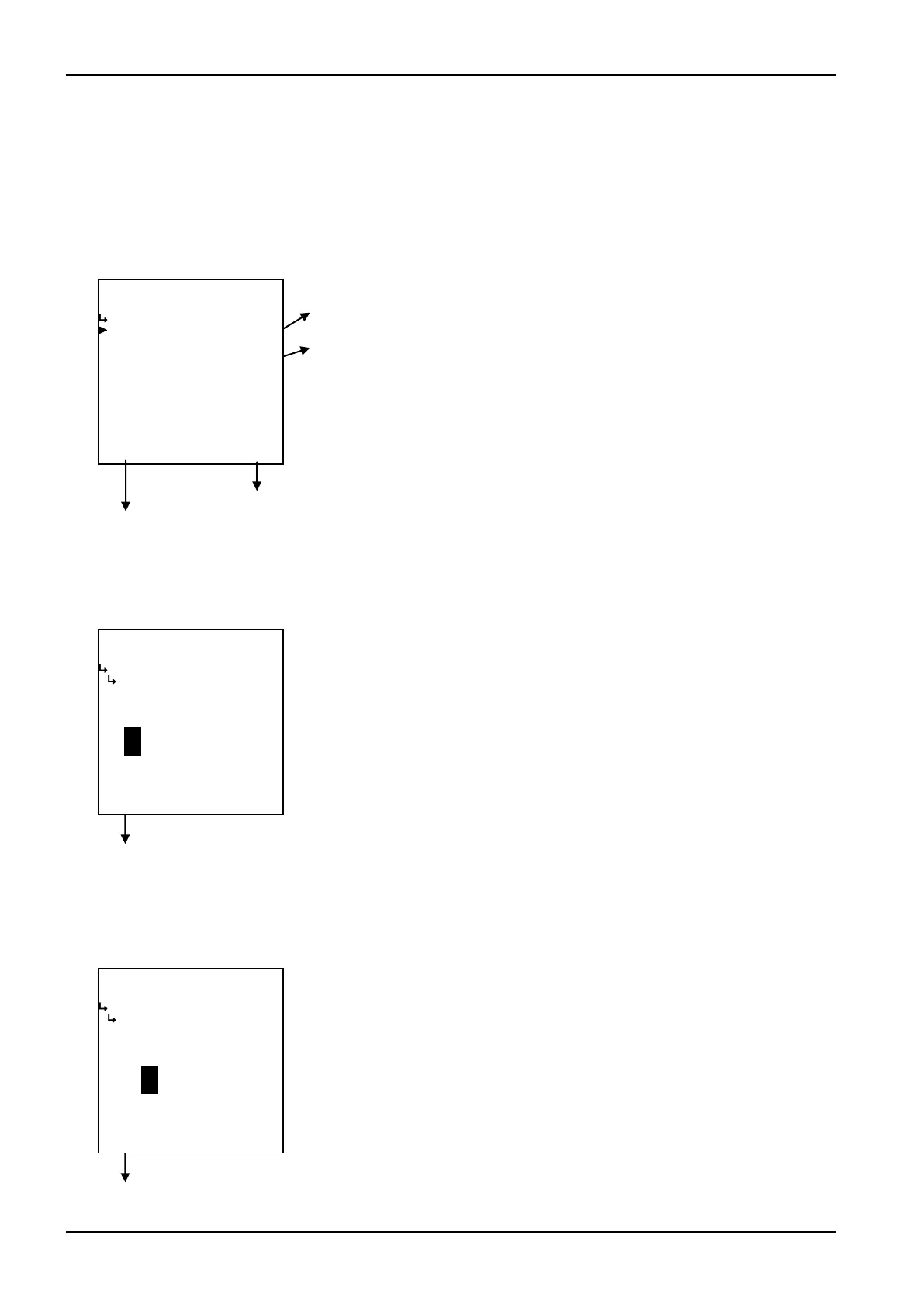
Date and time of the clock IC are set up here.
(1)Calendar setup submenu screen
At the submenu, move the cursor to the desired item with the up and down arrow keys.
At the touch of (the) function key “ENTR”, the screen switches to the desired setup screen.
① Date setup (DATE) on page 152
② Time setup (TIME) on page 15
To the setup screen pointed by the cursor
7.1.1 SYS mode main menu screen p. 142
① Date setup (DATE) Date of the clock 1C is set here.
Date of the clock IC is set up here.
Calendar setup submenu screen p. 152
② Time setup (TIME)
Time of the clock IC is set up here.
←Numerical entry of password
For details of numerical value input setup, see “(1) Numerical value setup screen
(INPUT)” on page 43.
←Numerical entry of password
For details of numerical value input setup, see “(1) Numerical value setup screen
(INPUT)” on page 43.
Calendar setup submenu screen p. 152








 To Next Page