−−−−−<SYS MODE>−−−−−−
*PASSWORD
*CALENDAR
*SIMULATE
*PRESS. INPUT
*PULSE OUTPUT1
*PULSE OUTPUT2
*TOTAL COUNT RESET
*BACKLIGHT
*RUN PAGE
−−−−−<MAIN MENU>−−−−−
| | |
EXIT| | |ENTR
−−−−−<SYS MODE>−−−−−−
*PASSWORD
*CALENDAR
*SIMULATE
*PRESS. INPUT
*PULSE OUTPUT1
*PULSE OUTPUT2
*TOTAL COUNT RESET
*BACKLIGHT
*RUN PAGE
−−−−−<MAIN MENU>−−−−−
| | |
EXIT| | |ENTR
−−−−−<SYS MODE>−−−−−−
PASSWORD
・LOCK
OFF
−−−−−<SUB MENU>−−−−−
MAIN| | |
MENU| | |ENTR
E-880TM-3-E
13
7.2 SYS mode submenu screen
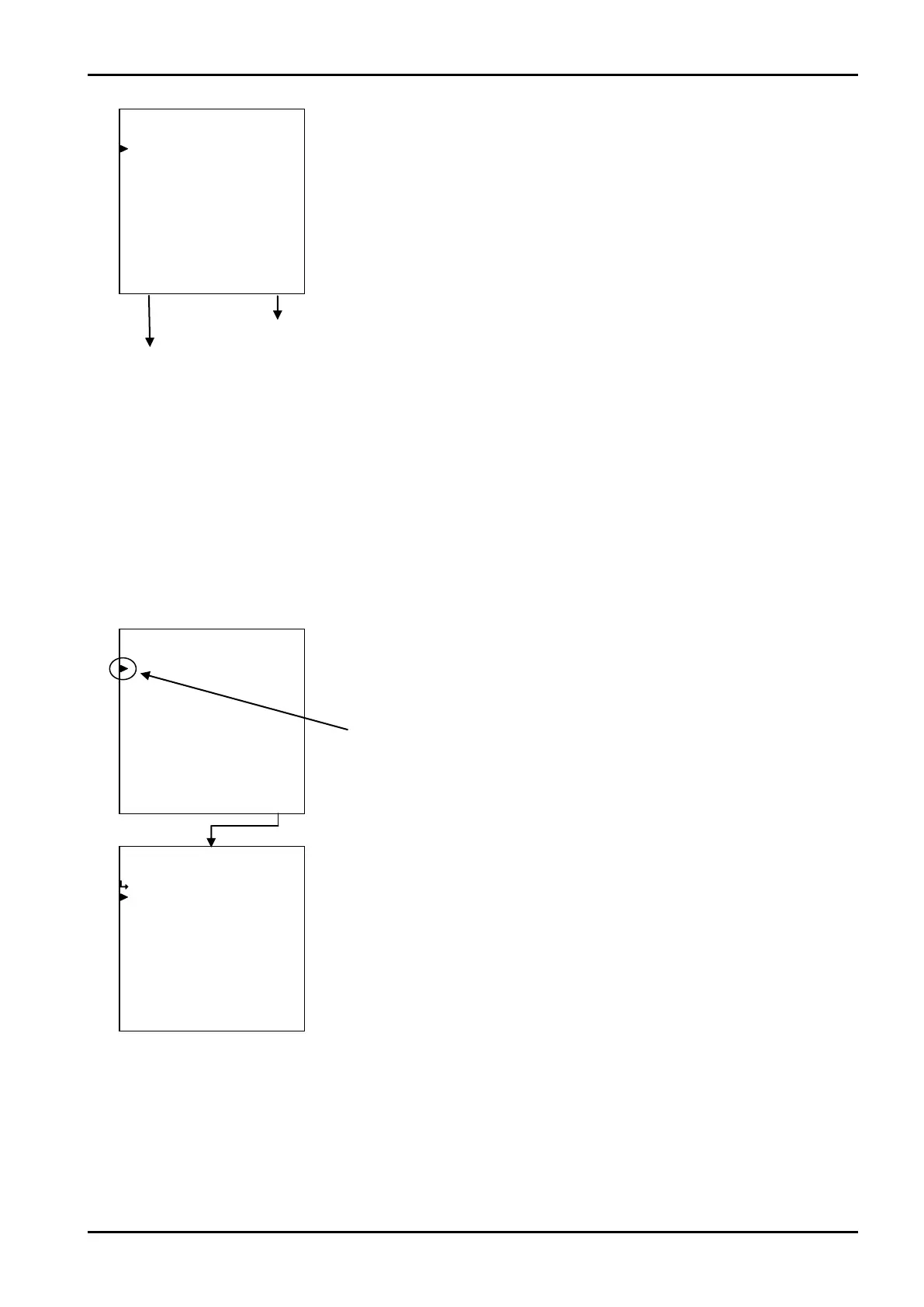
At the submenu screen, pressing function key “ENTR” brings up a submenu screen of the item
over which the cursor is placed. At the submenu screen, a more detailed list of menu items and their
corresponding settings are shown. You can review details of the current settings or other information on
this screen.
To choose an option for modification, move the cursor to the menu item desired with the up and down
arrow keys and press function key “ENTR”. A configuration then appears corresponding to the item you
selected.
←SYS mode main menu screen
Mode select menu screen
Password setup submenu screen
Example: Password setup
←Main menu item select
←Password setup submenu item select
Cursor








 To Next Page