−−−−−<SYS MODE>−−−−−−
RUN PAGE
SAVE
OFF
1:ON
2:OFF
−−−−−−<SELECT>−−−−−−−
|CAN−| |
EXIT| CEL| |ENTR ¥
−−−−−<SYS MODE>−−−−−−
RUN PAGE
・SAVE
OFF
−−−−−<SUB MENU>−−−−−
MAIN| | |
MENU| | |ENTR
E-880TM-3-E
1
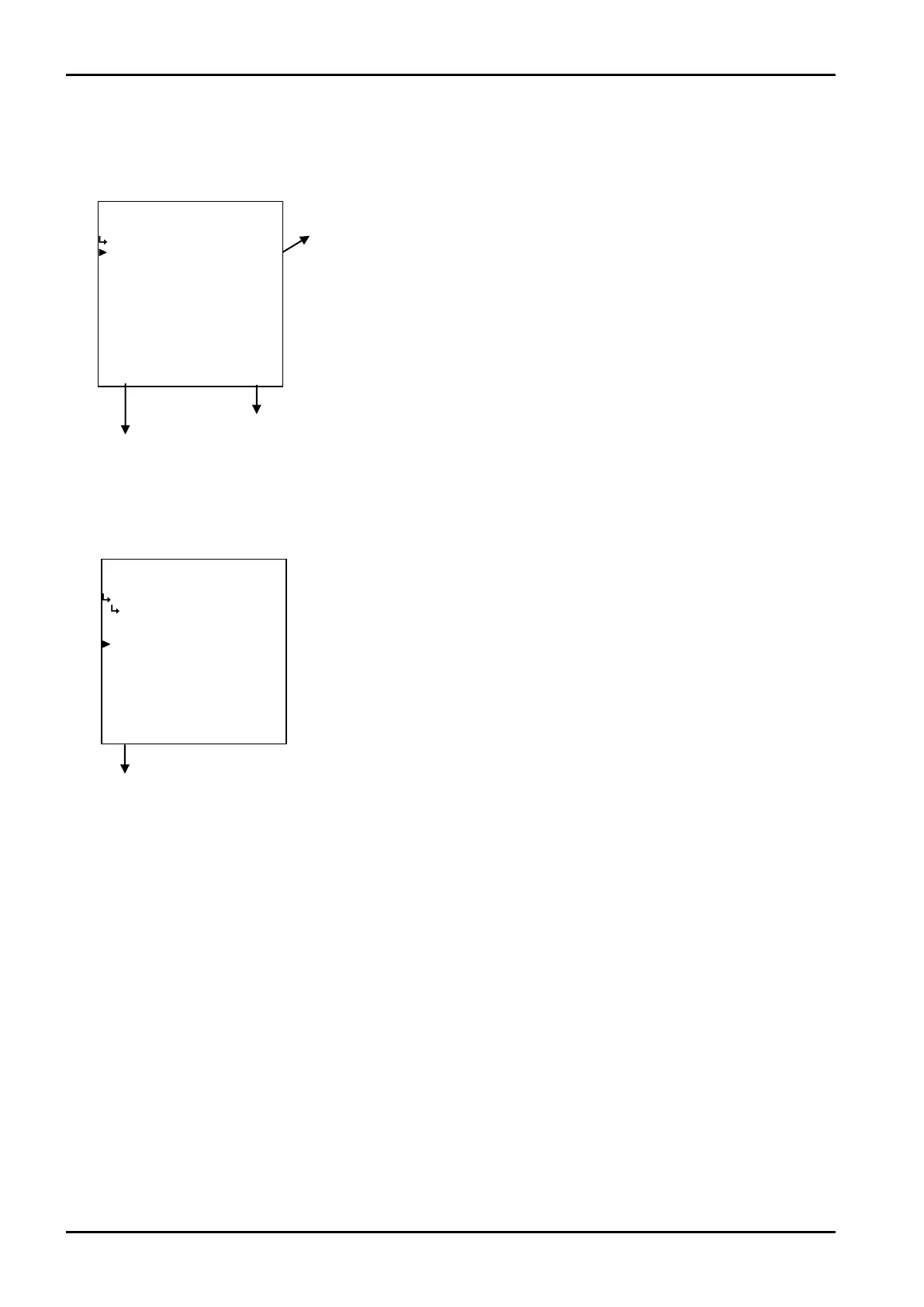
(1)RUN mode page save submenu screen
At the submenu, move the cursor to the desired setup item with the up arrow and down arrow keys.
At the touch of function key “ENTR”, the screen switches to the desired setup screen.
① Backlight control type (CONTROL) p. 162
Backlight setup submenu screen p. 161
To the setup screen pointed by the cursor
7.1.1 SYS mode main menu screen p. 142
① RUN mode page save setup (SAVE)
←Save option select setup
For details of option setup, see “(2) Option select setup screen (SELECT)” on
page 46.








 To Next Page