RUNmode SETmode SYSmode
Modeselectmenuscreen
PRMcardPARASETmode
EXTDmode
Calculationrun Calculationsuspend
SelectionwithDIPswitch
unacceptable
Calib.cardinserted
Param.cardinsertedKeycard
inserted
/ CD
−−−−−<MODE MENU>−−−−−
06−10−28
13:14
MODEL:EL4501
MULTI TEMP.COMP
RUN |SET |SYS |PARA
MODE|MODE|MODE| SET
/
−−−−−<MODE MENU>−−−−−
06−10−28
13:14
MODEL:EL4501
MULTI TEMP.COMP
RUN |SET |SYS |
MODE|MODE|MODE|
E-880TM-3-E
1
9. About EL4501
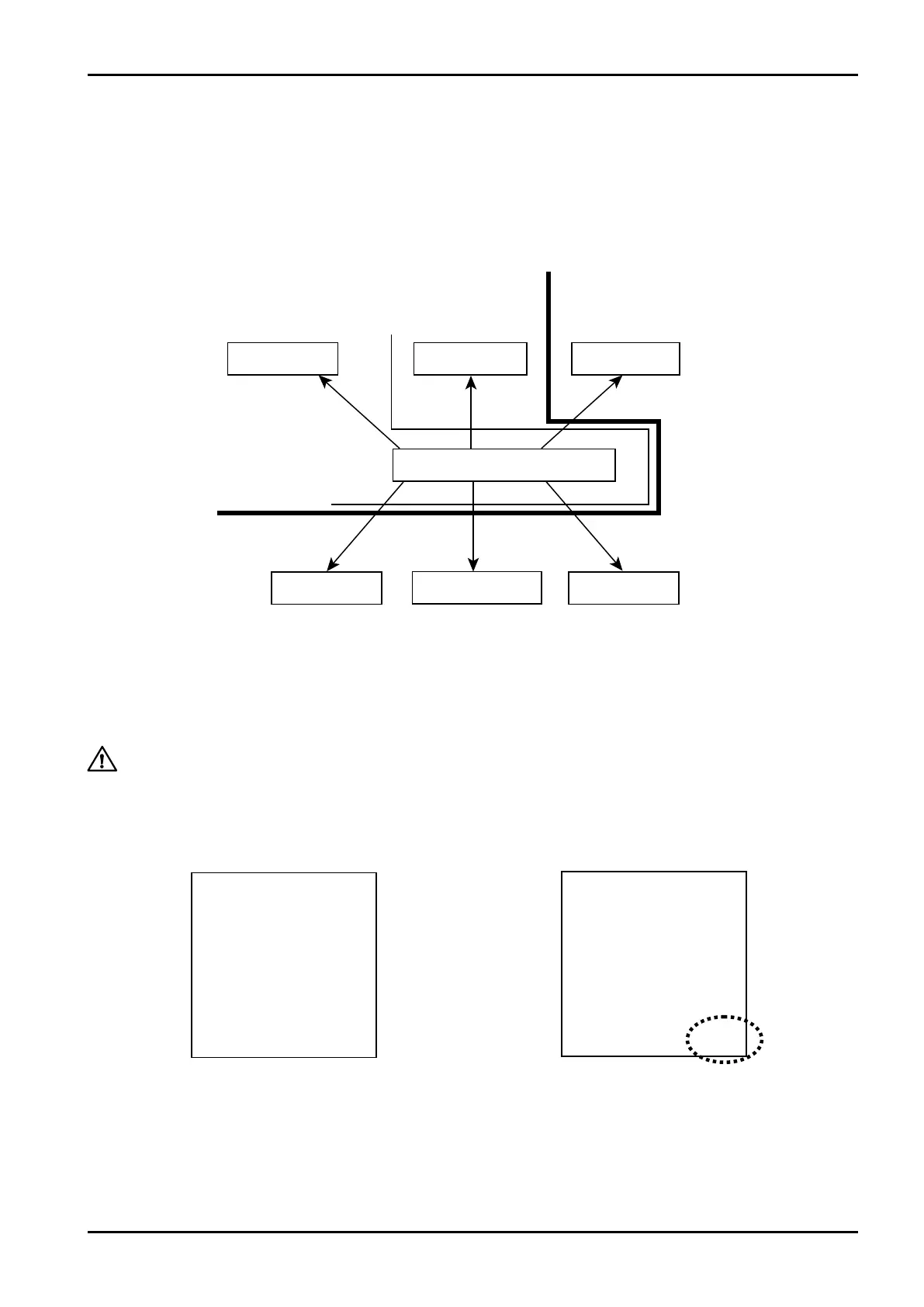
9.1 Mode Select Menu Tree
Shown below is the menu tree for individual modes and mode select menu screen.
※ This setting is used only in Models EL4501 and EL4511. This item is not shown in other
models.
9.1.1 PARA SET Mode (KEY Card)
Only when the “KEY card” for Model EL4501/EL4511 is inserted in place, a message “PARA SET”
(parameter setup mode) appears at the right end of mode select menu function keys.
In this mode, you can set up density, viscosity, and liquid kind.
(1)About key verification
In Models EL4501/EL4511, a 7-digit lock number is registered in the computer and in the key card. For
the respective computer, only the card which agrees with its registered lock number can be used.
※ Unless otherwise specified, a factory-set default number “0000000” is set in all key number
entry fields.
CAUTION: This mode is implemented while the calculation process is suspended. Make sure
if suspension of calculation will not present any problem before you proceed to
work on the setup procedure.
Key card not in place Key card in place








 To Next Page