A−L
−−−−−<SYS MODE>−−−−−−
COMMUNICATION
MODE
AUTO
1:MANUAL
2:AUTO
−−−−−−<SELECT>−−−−−−−
|CAN−| |
EXIT| CEL| |ENTR
A−L
−−−−−<SYS MODE>−−−−−−
COMMUNICATION
bps RATE
9600 bps
1:1200 bps
2:2400 bps
3:4800 bps
4:9600 bps
−−−−−−<SELECT>−−−−−−−
|CAN−| |
EXIT| CEL| |ENTR
E-880TM-3-E
1
Submenu item
Communication mode ※
MANUAL AUTO
Communication baud rate
Hidden Displayed
Communication data bit length
Hidden Displayed
Communication stop bit length
Hidden Displayed
Communication home address
Hidden Displayed
Communication terminator
Hidden Displayed
Communication BBC
Hidden Displayed
Communication parity bit Hidden Displayed
Conditions to show submenu items
※:Conditions for selecting displayed information
Communication setup submenu screen p. 166
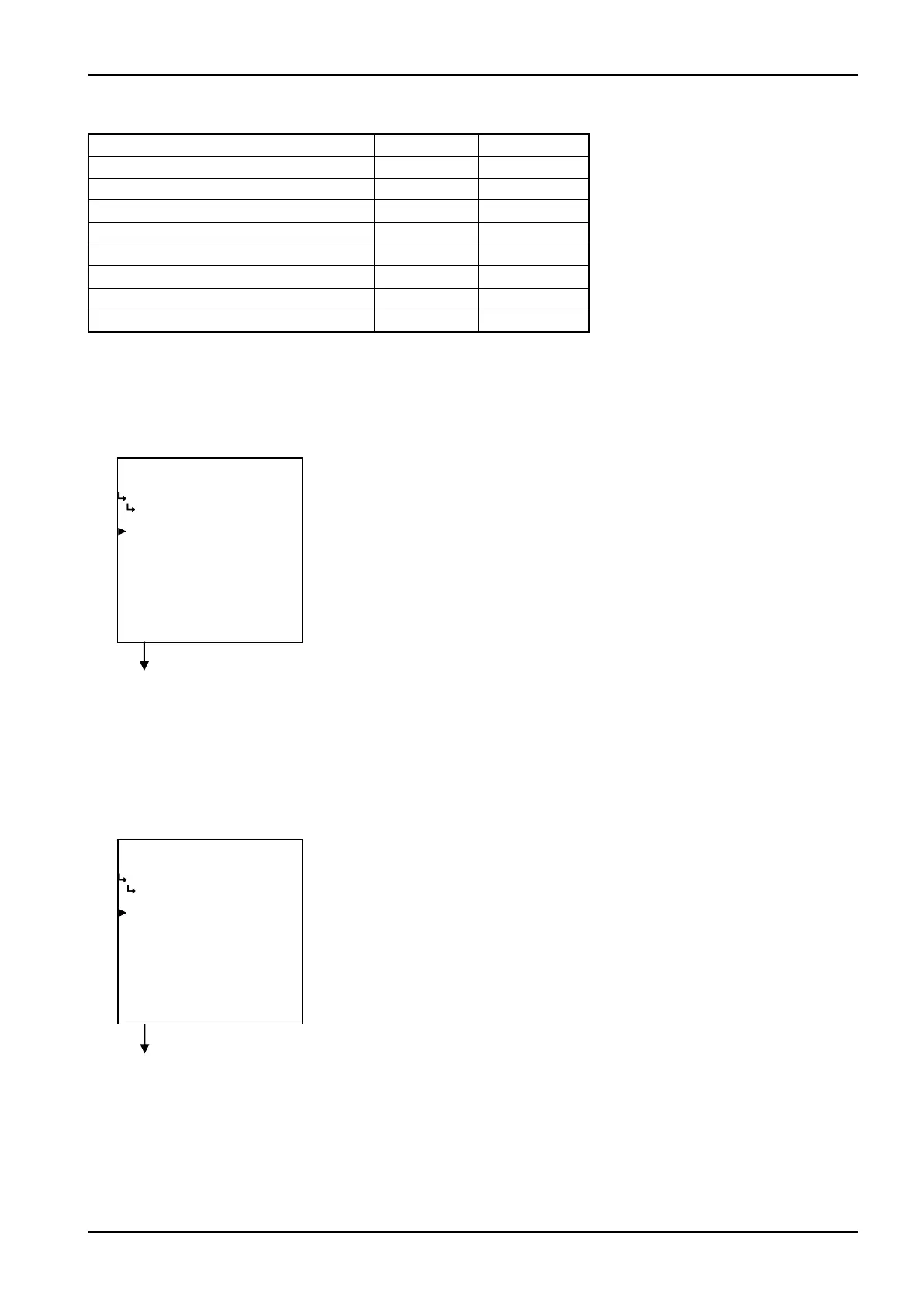
① Communication mode setup (MODE)
Communication mode is set up here.
Communication setup submenu screen p. 166
② Communication baud rate setup (bps RATE)
Communication baud rate is set up here.
※ If communication difficulties occur because of communication-lines related problems, lower the
baud rate.
←Mode option select setup
For details of option setup, see “(2) Option select setup screen (SELECT)” on
page 46.
A−L
−−−−−<SYS MODE>−−−−−−
COMMUNICATION
MODE
AUTO
1:MANUAL
2:AUTO
−−−−−−<SELECT>−−−−−−−
|CAN−| |
EXIT| CEL| |ENTR
A−L
−−−−−<SYS MODE>−−−−−−
COMMUNICATION
bps RATE
9600 bps
1:1200 bps
2:2400 bps
3:4800 bps
4:9600 bps
−−−−−−<SELECT>−−−−−−−
|CAN−| |
EXIT| CEL| |ENTR
←Communication baud rate option select
For details of option setup, see “(2) Option select setup screen (SELECT)” on
page 46.








 To Next Page