/
FLOW RATE 2/5
0
m3/h
FLOW RATE(C)
0
Nm3/h
MODE|ERR.|PAGE|PAGE
MENU|LOG.| UP|DOWN
/ CD
−−−−−<MODE MENU>−−−−−
07−06−13
13:47
MODEL:EL4121
T/P COMPEN
RUN |SET |SYS |
MODE|MODE|MODE|
/
FLOW RATE 2/5
0
m3/h
FLOW RATE(C)
0
Nm3/h
MODE|ERR.|PAGE|PAGE
MENU|LOG.| UP|DOWN
E-880TM-3-E
13
7.4.11 RUN Mode Page Save Setup (RUN PAGE)
This section describes the procedure whether how to save the number of page when the RUN mode is
shown.
With the page save setup “ON” (save) selected, the last viewed page appears at first whenever you
switch to view the RUN mode from other mode, e.g., the mode select menu screen. With OFF (don't
save) selected, the first page appears when you switch to view the RUN mode from other mode, e.g., the
mode select menu screen.
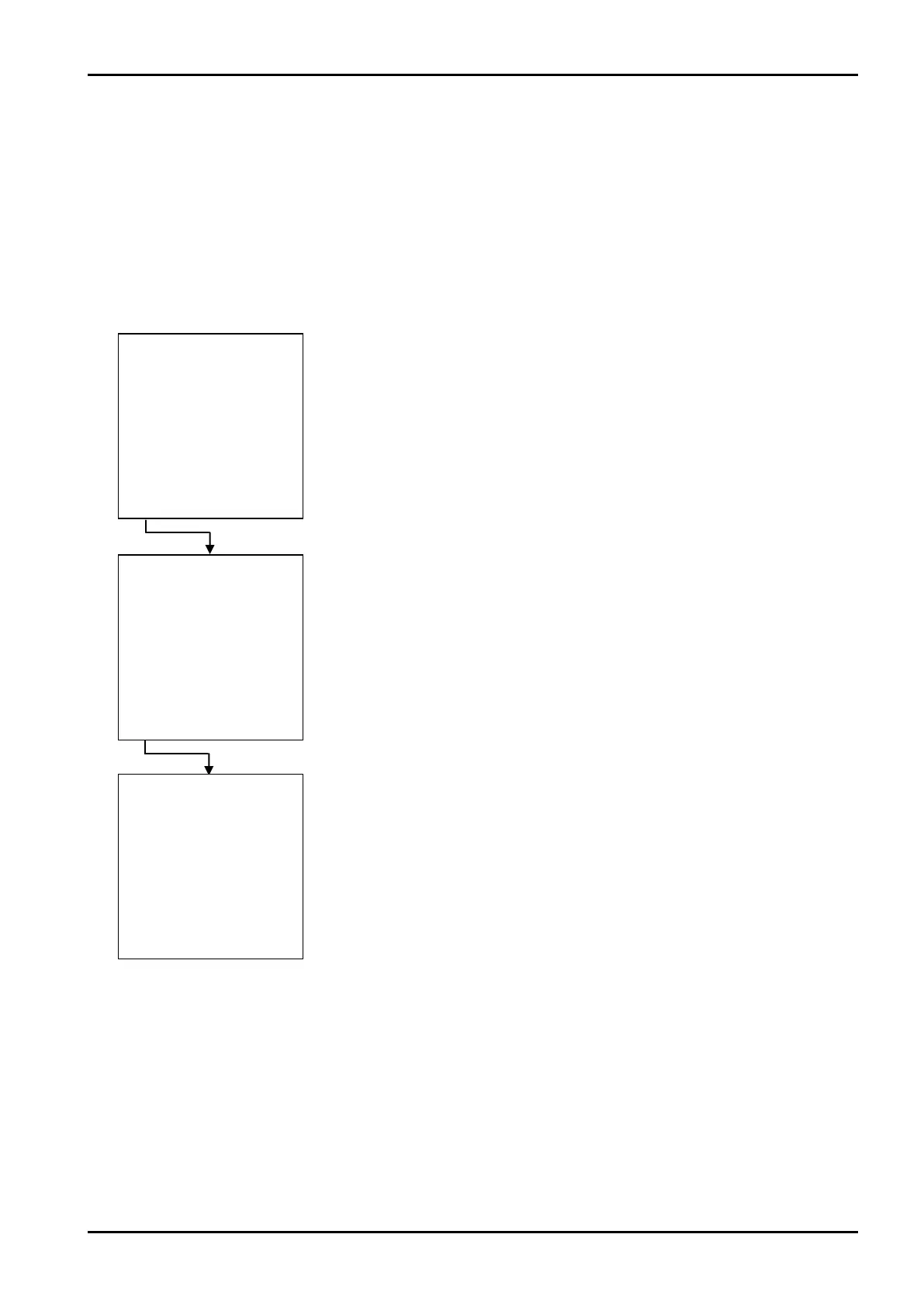
←RUN mode screen 2
←Mode select menu screen
←RUN mode screen 2
When “ON” (save) is selected








 To Next Page