/
−−−−−<SET MODE>−−−−−−
FLOW RATE
UNIT
m3/h
1:kl/h
2:kl/min
3:l/h
4:l/min
5:ml/h
6:ml/min
7:m3/h
↓−−−−−<SELECT>−−−−−−−
|CAN−| |
EXIT| CEL| |ENTR
/
−−−−−<SET MODE>−−−−−−
FLOW RATE
・UNIT
m3/h
−−−−−<SUB MENU>−−−−−
MAIN| | |
MENU| | |ENTR
E-880TM-3-E
6.4.17 Instant Flowrate Calculation Setup (FLOW RATE)
Parameters associated with instant flowrate computation are set up here.
※ The item to be set at this window applies to the instant flowrate indicated, not to the instant
flowrate calculation of analog output. The analog output is configured in the “ANALOG
OUTPUT” of the RUN mode.
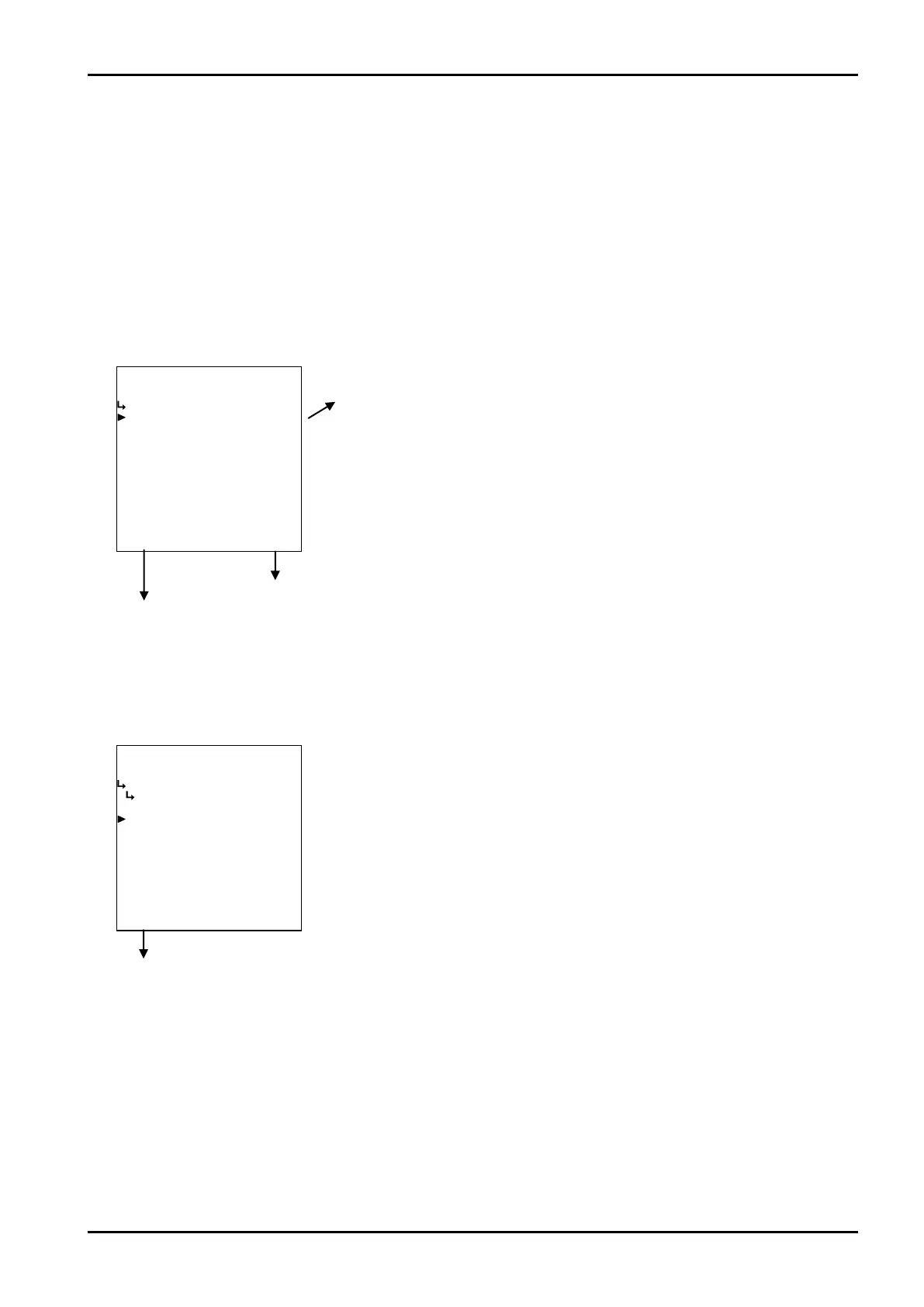
(1)Instant flowrate submenu screen
At the submenu, move the cursor to the desired setup item with the up and down arrow keys.
At the touch of function key “ENTR”, the screen switches to the desired item setup screen.
① Instant flowrate unit setup (UNIT) p. 95
To the setup screen pointed by the cursor
SET mode main menu screen ⇒ 6.2 SET mode main menu screen p. 36
① Instant flowrate unit setup (UNIT)
The unit for Instant flowrate calculation is set up here.
Instant flowrate submenu screen p. 95
←Unit option select setup
For details of option setup, see “(2) Option select setup screen (SELECT)” on
page 46.
The unit you can choose from are “kJ/kg”, “J/g”, “kcal/kg”, and or “cal/g”.
※ The unit to be set is that of the Instant flowrate displayed in the RUN
mode.
※ Options shown on the screen differ from model to model.








 To Next Page