/
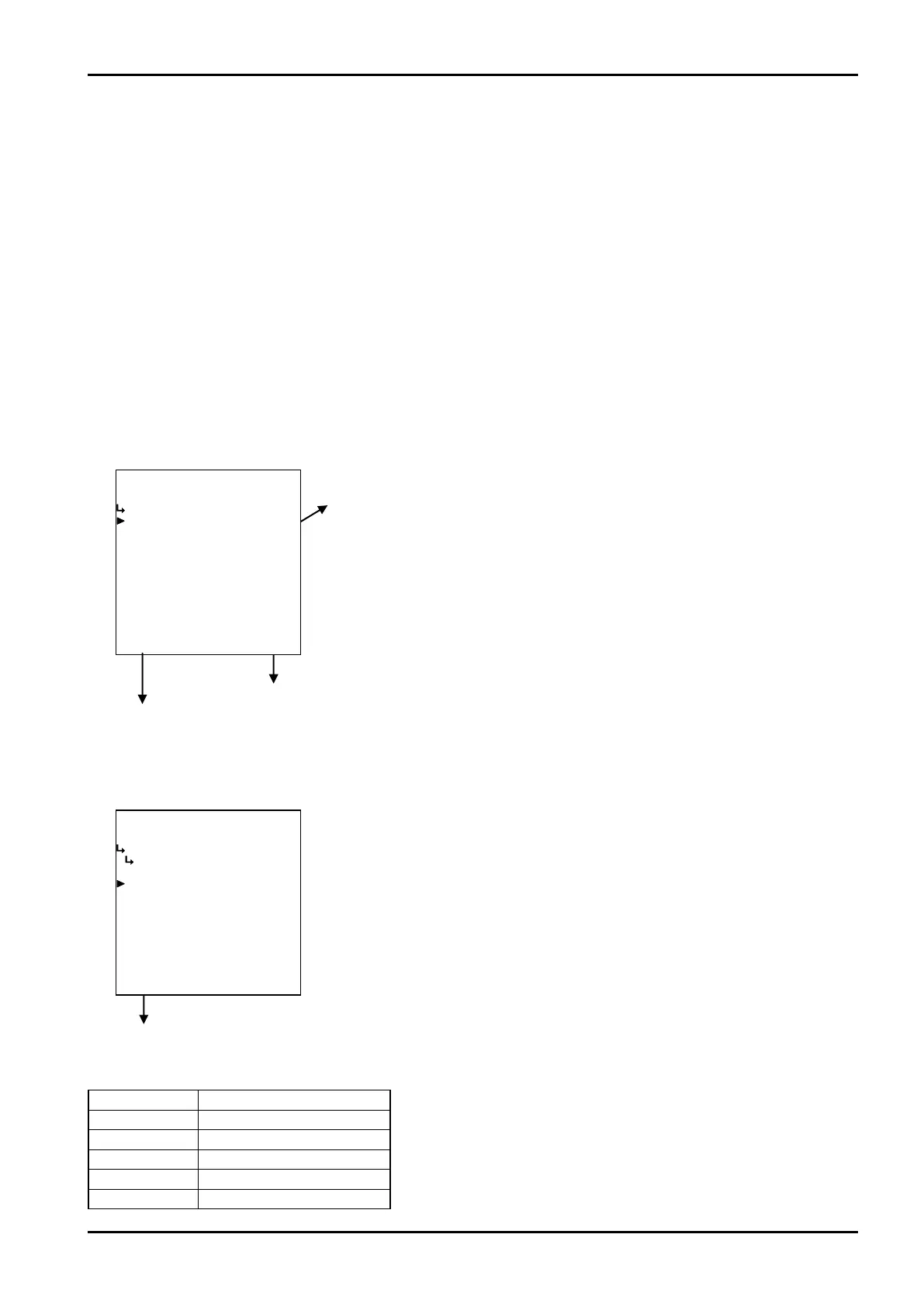
−−−−−<SET MODE>−−−−−−
SPEC. WEIGHT(SAT)
UNIT
kg/m3
1:kg/m3
2:g/l
3:g/cm3
4:kg/l
5:g/ml
−−−−−−<SELECT>−−−−−−−
|CAN−| |
EXIT| CEL| |ENTR
/
−−−−−<SET MODE>−−−−−−
SPEC. WEIGHT(SAT)
・UNIT
kg/m3
−−−−−<SUB MENU>−−−−−
MAIN| | |
MENU| | |ENTR
E-880TM-3-E
1
6.4.13 Saturated Steam Density Setup (SPEC. WEIGHT (SAT))
As the parameters associated with the density of saturated steam, their measurement units are set up
here.
※ The units to be set here are on-screen units in the RUN mode, and they by no means affect
calculation and other settngs.
<Calculation Formula>
K= a+bP+cP
2
where P:Abs. Press.(P=P’+0.101325)
P’: Line pressure(MPa)
a to c:Coefficients for pressure (constants)
(1)
Saturated steam density submenu screen
At the submenu, move the cursor to the desired setup item with the up and down arrow keys.
At the touch of function key “ENTR”, the screen switches to the desired item setup screen.
① Saturated steam density unit setup (UNIT) p. 91
To the setup screen pointed by the cursor
SET mode main menu screen ⇒ 6.2 SET mode main menu screen p. 36
① Saturated steam density unit setup (UNIT)
Saturated steam density unit is set up here.
Quadratic correction submenu screen p. 88
Unit Number of decimal places
kg/m
3
4
g/l 6
g/cm
3
4
kg/l 6
g/ml
6
Number of decimal places for each unit
←Unit option select setup
For details of selecting options setup, see “(2) Option select setup screen
(SELECT)” on page 46.
The unit you can choose from are “kg/m
3
”, “g/l”, “g/cm
3
”, “kg/l”, and or “g/ml”.
※ The unit to be set is that of the density displayed in the RUN mode.
※ Depending on the unit chosen here, the numerical format (number of
decimal places) of relative density (specific weight) shown in the RUN
mode varies. When you modify it, carefully take into account the count
capacity and the number of decimal places to be shown.








 To Next Page