/
−−−−−<SET MODE>−−−−−−
PRESS. INPUT
OVER FALLBACK
+1.00000 E+1
+1.00000
E+1
−−−−−−−<INPUT>−−−−−−−
|CAN−| |
EXIT| CEL|CLER|ENTR
/
−−−−−<SET MODE>−−−−−−
PRESS. INPUT
SMOOTHING COEF.
+5.00000 E−1
+1.00000
E+1
−−−−−−−<INPUT>−−−−−−−
|CAN−| |
EXIT| CEL|CLER|ENTR
/
−−−−−<SET MODE>−−−−−−
PRESS. INPUT
OVER FALLBACK
+1.00000 E+1
+1.00000
E+1
−−−−−−−<INPUT>−−−−−−−
|CAN−| |
EXIT| CEL|CLER|ENTR
/
−−−−−<SET MODE>−−−−−−
PRESS. INPUT
SMOOTHING COEF.
+5.00000 E−1
+1.00000
E+1
−−−−−−−<INPUT>−−−−−−−
|CAN−| |
EXIT| CEL|CLER|ENTR
E-880TM-3-E
0
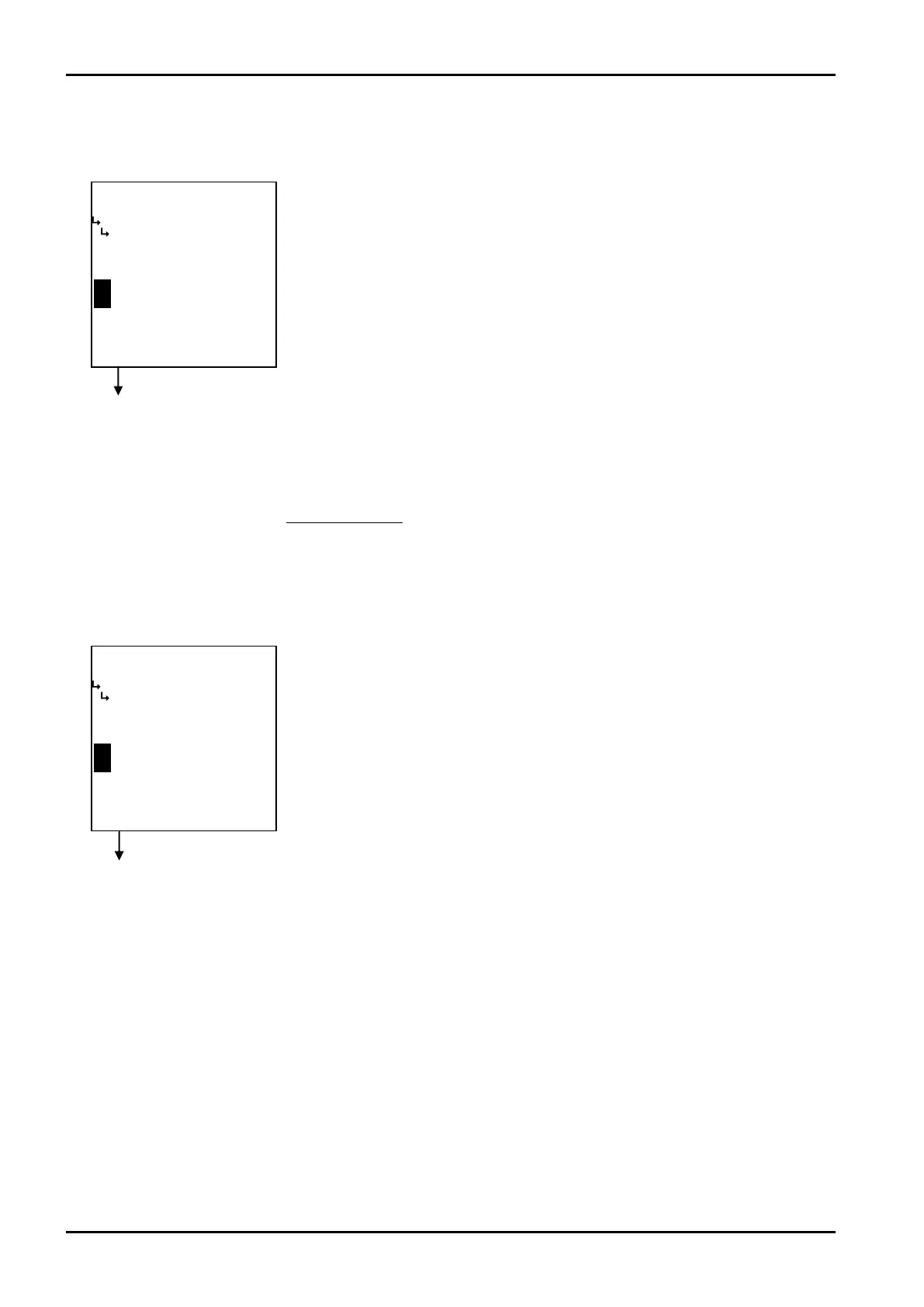
⑨ Pressure input smoothing factor setup (SMOOTHING COEF.)
The smoothing factor with respect to the pressure input is set up here.
Smoothing factor K=1-
⑧ Pressure input over fallback level setup (OVER FALLBACK)
The over fallback level with respect to the pressure input is set up here.
1
Time constant(s)
※ Time constant is the time required for the indicated reading to reach 63% of the final level; it
reaches 86% after in twice the time duration of time constant and 95% in three times the time
duration of time constant.
←Numerical value input setup
For details of numerical value input setup, see “(1) Numerical value setup screen
(INPUT)” on page 43.
※ In the SYS mode, this item is not shown unless the pressure input type
(① Pressure input type setup (TYPE) on page 155) is set to “NONE”.
※ For the unit to be set here, the unit set at the pressure input unit setup
(① Pressure input unit setup (UNIT) on page 57) is used. Make sure of the
unit before you set up.
←Numerical value input setup
For details of numerical value input setup, see “(1) Numerical value setup screen
(INPUT)” on page 43.
※ In the SYS mode, this item is not shown unless the pressure input type
(① Pressure input type setup (TYPE) on page 155) is set to “NONE”.
※ Do not enter a negative value in the integer part of setting, or it will cause
erratic operation.
To press. input submenu screen p. 56
To press. input submenu screen p. 56








 To Next Page