/
−−−−−<SET MODE>−−−−−−
QUADRATIC COMPEN.
COEFFICIENT(Pc)
+0.00000 E+0
+0.00000
E+0
−−−−−−−<INPUT>−−−−−−−
|CAN−| |
EXIT| CEL|CLER|ENTR
/
−−−−−<SET MODE>−−−−−−
QUADRATIC COMPEN.
COEFFICIENT(Pa)
+1.00000 E+0
+1.00000
E+0
−−−−−−−<INPUT>−−−−−−−
|CAN−| |
EXIT| CEL|CLER|ENTR
/
−−−−−<SET MODE>−−−−−−
QUADRATIC COMPEN.
COEFFICIENT(Pb)
+0.00000 E+0
+0.00000
E+0
−−−−−−−<INPUT>−−−−−−−
|CAN−| |
EXIT| CEL|CLER|ENTR
E-880TM-3-E
8
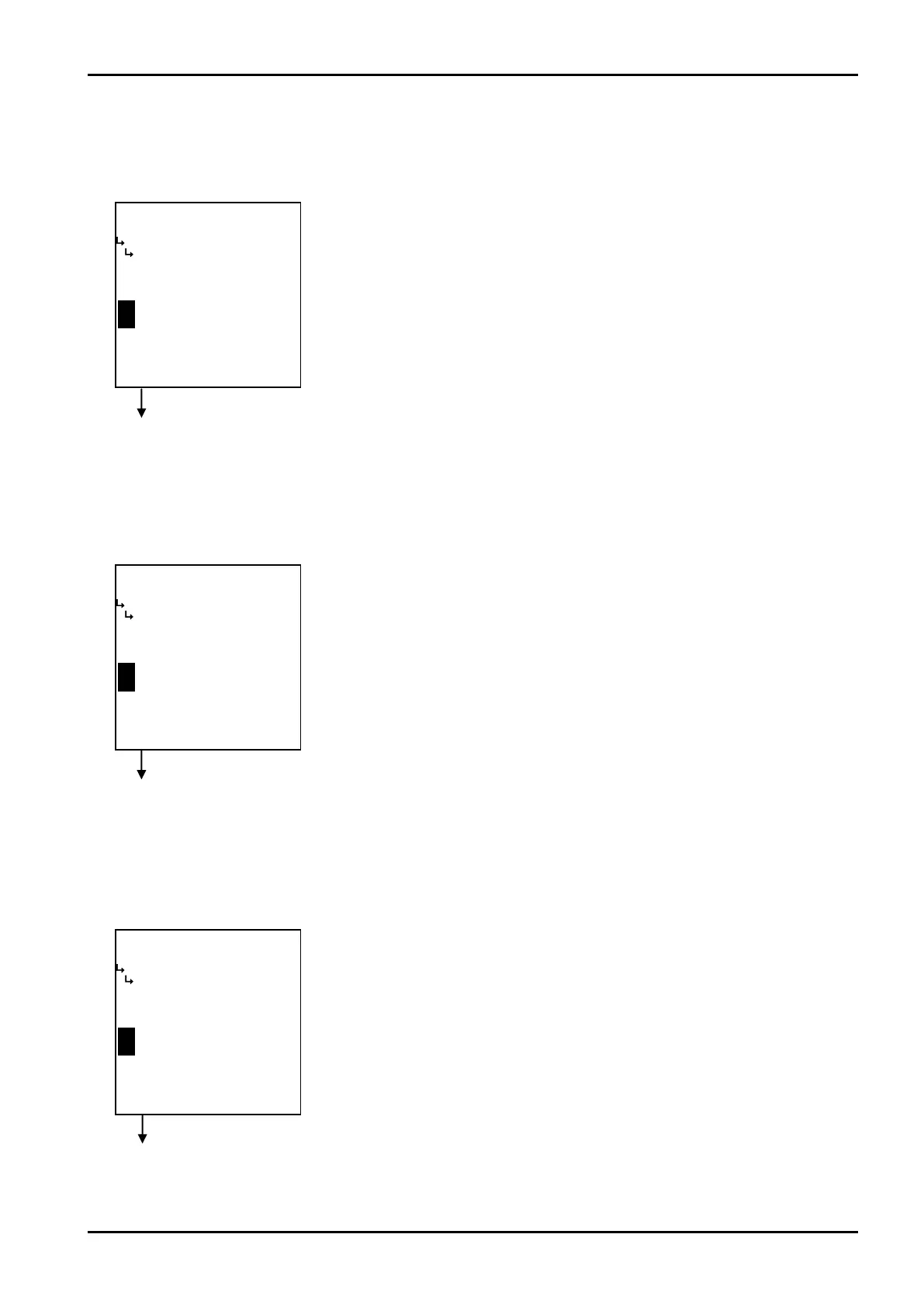
① Quadratic correction - coefficient Pa setup (COEFFICIENT (Pa))
Quadratic correction coefficient Pa is set up here.
※ The pressure unit for this coefficient is “MPa”.
Quadratic correction submenu screen p. 88
② Quadratic correction - coefficient Pb setup (COEFFICIENT (Pb))
Quadratic correction coefficient Pb is set up here.
※ The pressure unit for this coefficient is “MPa”.
③ Quadratic correction - coefficient Pc setup (COEFFICIENT (Pc))
Quadratic correction coefficient Pc is set up here.
※ The pressure unit for this coefficient is “MPa”.
←Numerical value input setup
For details of numerical value input setup, see “(1) Numerical value setup screen
(INPUT)” on page 43.
←Numerical value input setup
For details of numerical value input setup, see “(1) Numerical value setup screen
(INPUT)” on page 43.
←Numerical value input setup
For details of numerical value input setup, see “(1) Numerical value setup screen
(INPUT)” on page 43.
Quadratic correction submenu screen p. 88
Quadratic correction submenu screen p. 88








 To Next Page