/
−−−−−<SET MODE>−−−−−−
DENSITY PARAMETER
UNDER ALARM POINT
+1.0000 E−1
+1.00000
E−1
−−−−−−−<INPUT>−−−−−−−
|CAN−| |
EXIT| CEL|CLER|ENTR
/
−−−−−<SET MODE>−−−−−−
DENSITY PARAMETER
UNIT
g/l
1:Kg/m3
2:g/ml
3:g/l
4:Kg/ml
5:Kg/l
6:g/cm3
−−−−−−<SELECT>−−−−−−−
|CAN−| |
EXIT| CEL| |ENTR
/
−−−−−<SET MODE>−−−−−−
DENSITY PARAMETER
・UNIT
g/l
・UNDER ALARM POINT
+0.00000 E+0
・OVER ALARM POINT
+1.00000 E+0
−−−−−<SUB MENU>−−−−−
MAIN| | |
MENU| | |ENTR
E-880TM-3-E
130
6.4.24 Density Parameter Setup (DENSITY PARAMETER), EL4401
High and low limits of the density to be set in the parameter setup mode (high limit at the over alarm point
while low limit at the under alarm point) are set up here. With these parameters, you can limit density
settings in the parameter setup mode.
※ These settings are used only in Model EL4401.
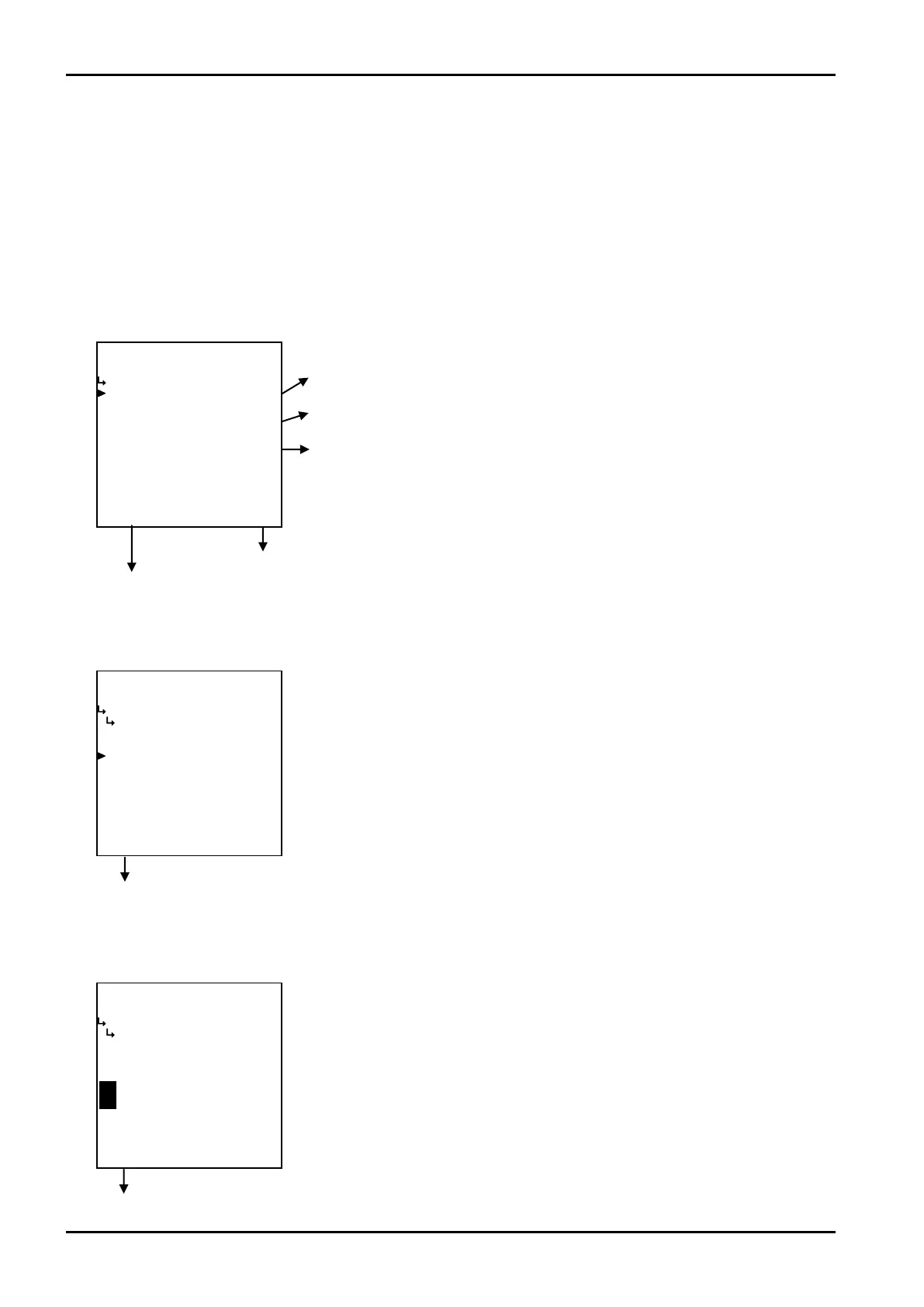
(1)Density parameter submenu screen
At the submenu, move the cursor to the desired setup item with the up arrow and down arrow keys.
At the touch of (the) function key “ENTR”, the screen switches to the desired item setup screen.
① Density parameter - unit setup (UNIT) p. 130
② Density parameter - under alarm point (UNDER ALARM POINT) p. 130
③ Density parameter - over alarm point (OVER ALARM POINT) p. 131
To the setup screen pointed by the cursor
SET mode main menu screen ⇒ 6.2 SET mode main menu screen p. 36
① Density parameter unit setup (UNIT)
Density unit is set established here.
Density parameter submenu screen p. 130
② Density parameter - under alarm point setup (UNDER ALARM POINT)
The under alarm point of density to be set in the parameter setup mode is set up here.
Density parameter submenu screen p. 130
←Unit option select
For details of selecting options setup, see “(2) Option select setup screen
(SELECT)” on page 46.
The unit you can choose from are “kg/m
3
”, “g/ml”, “g/l”, “kg/ml”, “kg/l”, and or
“g/cm
3
”.
※ The unit to be set here is the unit to be set at ithe density parameter setup
in the SET mode and the density unit to be set in the PARA SET mode.
Modifying this unit will change the density unit to be set in the PARA SET
mode (① Liquid A (B) density unit setup (UNIT) on page 174) also into the
same unit.
←Numerical value input setup
For details of numerical value input setup, see “(1) Numerical value setup screen
(INPUT)” on page 43.
※ For the unit to be set here, the unit set at the density parameter unit setup
(① Density parameter unit setup (UNIT) on page 130) is used. Make sure
of the unit before you set up.








 To Next Page