/
−−−−−<SET MODE>−−−−−−
PULSE OUT DIVIDE
・P.OUT1 10^(+1)
・P.OUT2 10^(−1)
−−−−−<SUB MENU>−−−−−
DATA|CAN−|MAIN|
WRTE| CEL|MENU|ENTR
/
−−−−−<SET MODE>−−−−−−
PULSE OUT DIVIDE
P.OUT1 10^(+1)
10
−2=<n=<+4
−−−−−<PULSE SET>−−−−−
|CAN−| |
EXIT| CEL|CLER|ENTR
/
−−−−−<SET MODE>−−−−−−
SET PARAMETER
WRITE
−−−−−<SUB MENU>−−−−−
DATA|CAN−|MAIN|
WRTE| CEL|MENU|ENTR
E-880TM-3-E
10
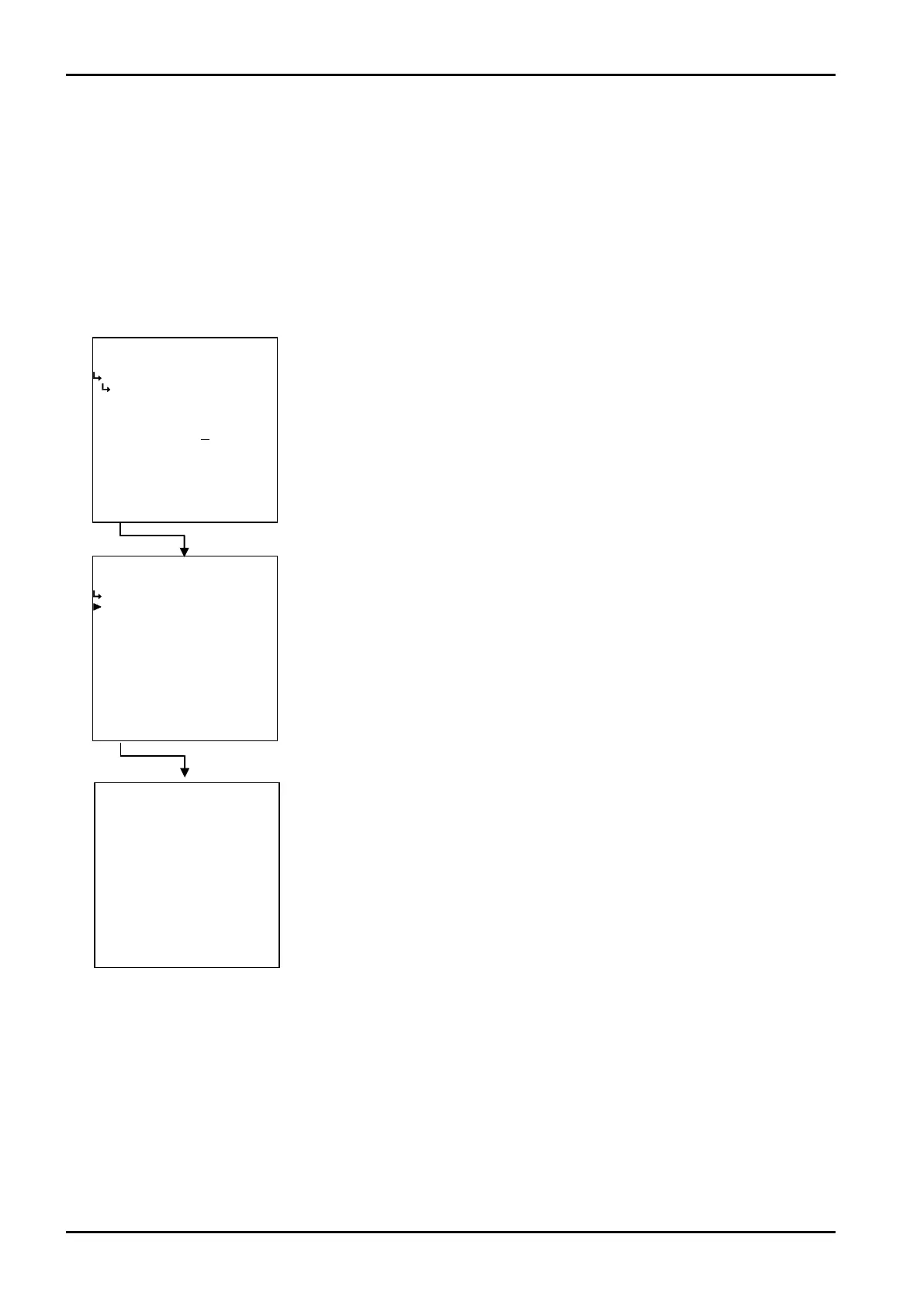
(2)Rescaling the scale factor
Using the up and down arrow keys, you can increase or decrease the factor. If the on-screen reading is
+0, pressing the up arrow key increases the figure by 1; pressing the down arrow key decreases it by 1,
adjustable from -9 to +9.
(3)When the scale factor set is within the range
When the scale factor set is within the acceptable range, a “SET PARAMETER WRITE” message
appears and the mode select menu screen appears.
←Numerical data entry
←Submenu screen
←Submenu item select








 To Next Page