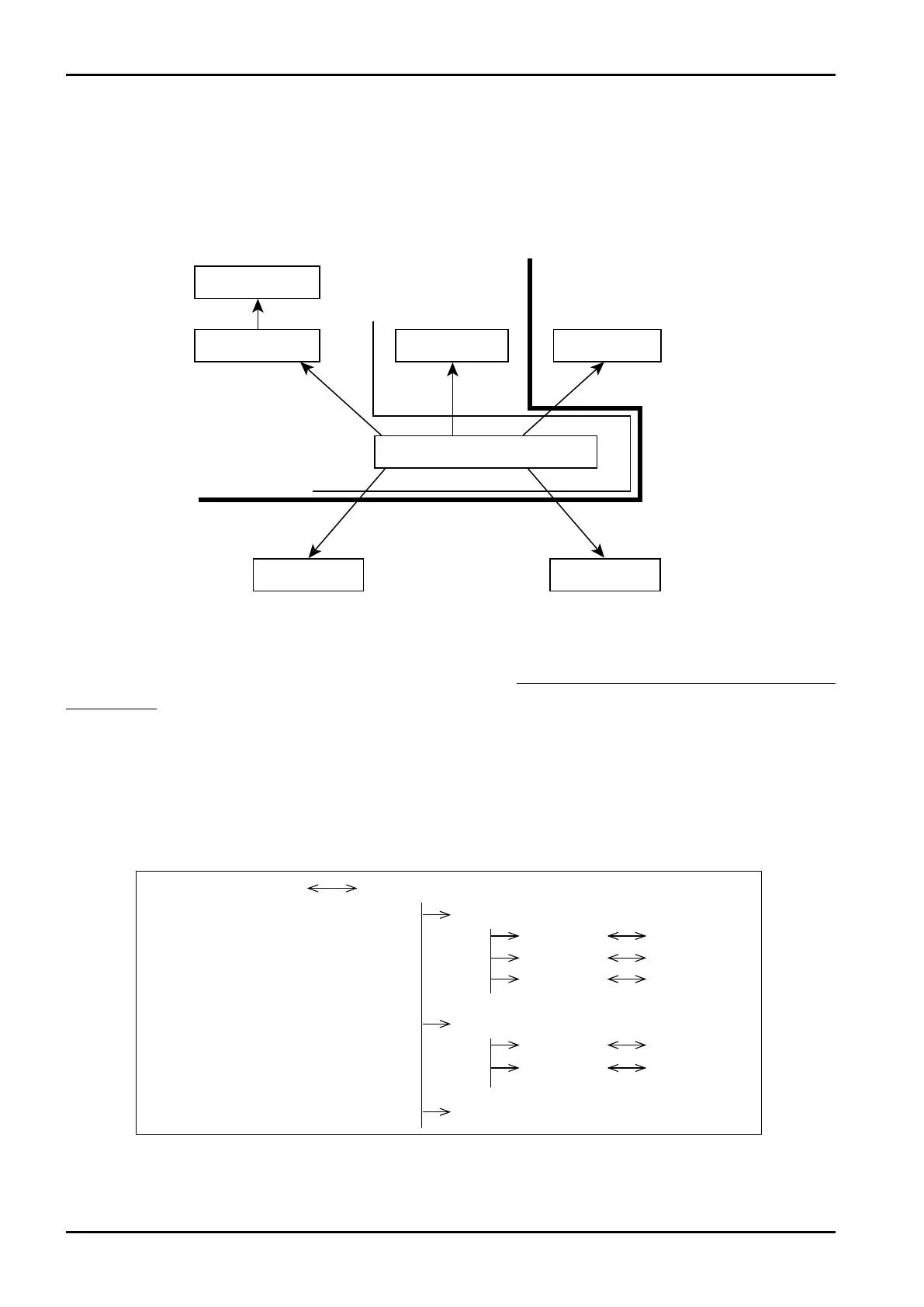
RUNmode
PARASETmode
SETmode SYSmode
Modeselectmenuscreen
PRMcard
EXTDmode
Calculationrun Calculationsuspend
SelectionwithDIPswitch
unacceptable
Calib.cardinserted
Param.cardinserted
E-880TM-3-E
10
8. About EL4401
8.1 Mode Select Menu Tree
Shown below is the menu tree for individual modes and mode select menu screen.
※ This setting is used only on EL4401. It is not shown in other models.
8.1.1 PARA SET Mode Screen
In the PARA SET mode, liquid kind and density are set up. This mode is implemented while executing
calculations.
Page 1 in RUN mode PARA SET mode main menu
Main menu item 1
Submenu 1
Submenu 2
Submenu 3
Main manu item 2
Submenu 1
Submenu 2
Main menu item 3
Setup screen 1
Setup screen 2
Setup screen 3
Setup screen 1
Setup screen 2
8.2 PARA SET Mode Menu Tree
The PARA SET mode consists of the following three levels:
1. Main menu
2. Submenu
3. Setup screen (numerical data setup or option select screen)








 To Next Page